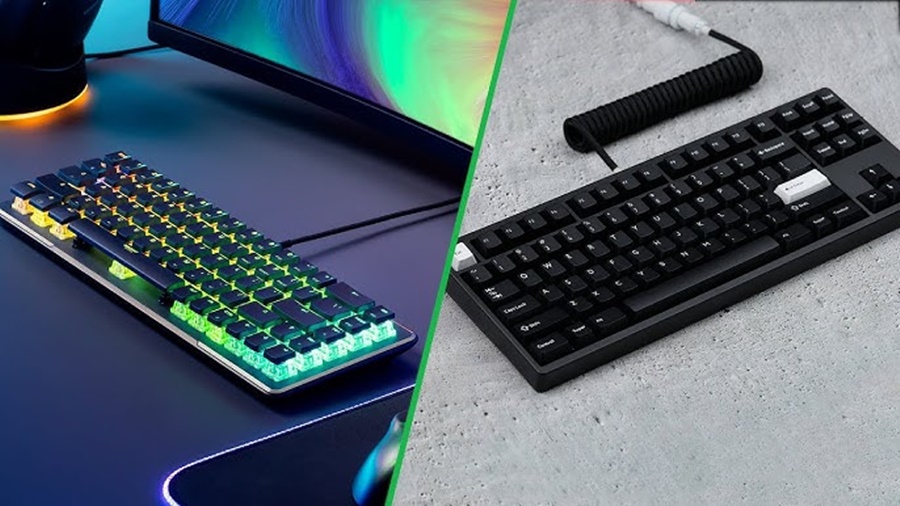
When choosing a keyboard especially for gaming, programming, or heavy typing two terms often appear in the specifications: Anti-Ghosting and N-Key Rollover (NKRO). These features may sound technical, but they play an important role in how accurately and efficiently your keyboard registers your keystrokes. This article explains what they mean, how they work, and why they matter.
1. What Is Key Ghosting?
Ghosting occurs when you press multiple keys simultaneously, but the keyboard fails to register some of them or worse, it registers keys that you didn’t actually press.
This happens because traditional keyboard circuits share connections between keys to save space and cost. When certain combinations are pressed, the shared pathways can confuse the keyboard’s controller, causing incorrect signals.
For example, if you press W + A + Shift at the same time (a common gaming combo for moving diagonally while running), a standard keyboard without proper protection might fail to recognize one of those keys or it might even show a phantom keypress like E or Q that you never touched.
2. What Is Anti-Ghosting?
Anti-Ghosting is a feature designed to prevent this problem. It ensures that when you press multiple keys at once, the keyboard accurately detects only the keys you actually pressed.
However, the term “anti-ghosting” is often used loosely by manufacturers. In some cases, it simply means that the keyboard can handle a few simultaneous key presses (like 3–6 keys) without errors not necessarily that it completely eliminates ghosting.
In short:
- Without Anti-Ghosting: Some key presses may not register, or false keys may appear.
- With Anti-Ghosting: The keyboard correctly recognizes the real keys you press, even when several are pressed together.
3. What Is N-Key Rollover (NKRO)?
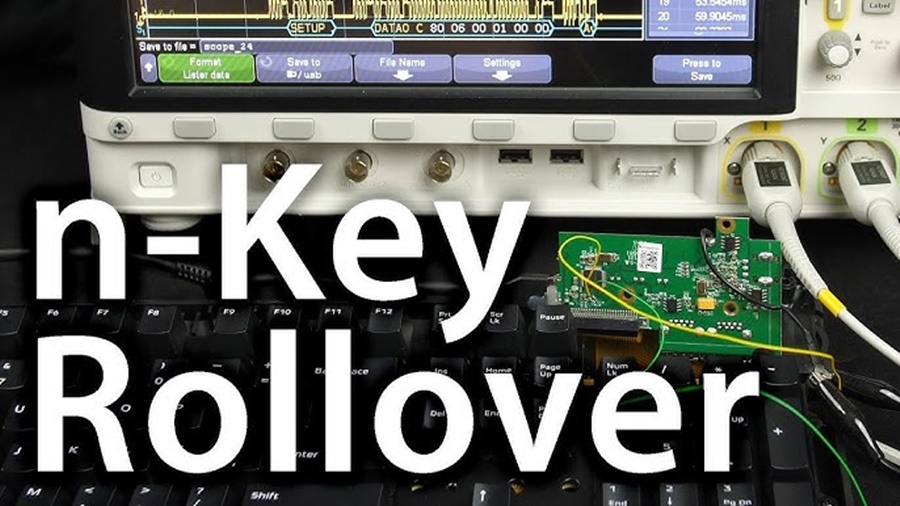
N-Key Rollover (NKRO) measures how many keys a keyboard can register at the same time. The “N” stands for the number of keys.
For example:
- 2-Key Rollover (2KRO): Only two keys can be pressed and registered simultaneously.
- 6-Key Rollover (6KRO): Up to six keys can be pressed and recognized at once.
- N-Key Rollover (NKRO): All keys can be pressed and registered simultaneously, with no limit.
With true NKRO, you can press every key on the keyboard at once, and all will register independently without interference or missed inputs. This is especially useful for gamers, musicians using MIDI keyboards, and fast typists who often hit multiple keys quickly.
4. How Do Anti-Ghosting and NKRO Work Together?
While both terms relate to key detection, they focus on different issues:
- Anti-Ghosting prevents false or phantom key presses.
- N-Key Rollover ensures that all keys you press are properly registered, no matter how many are pressed simultaneously.
A high-quality mechanical keyboard typically features both, ensuring that every press is accurate and responsive. Anti-ghosting handles the electrical interference, while NKRO defines the keyboard’s ability to process multiple inputs.
5. Why Are These Features Important?
- For Gamers: Many games require pressing several keys at once (e.g., movement, jumping, and crouching). Without proper anti-ghosting and NKRO, some actions may fail, impacting gameplay.
- For Typists: NKRO ensures that fast, overlapping keystrokes are correctly registered, improving typing accuracy and speed.
- For Programmers and Creators: Consistent, reliable key input reduces frustration and improves workflow efficiency.
6. How to Test Your Keyboard
You can easily test your keyboard’s rollover and anti-ghosting capabilities online. Search for “keyboard rollover test” or “anti-ghosting test,” and press multiple keys at once to see how many are recognized and whether any ghosting occurs.
Conclusion
Both Anti-Ghosting and N-Key Rollover are essential features that ensure your keyboard accurately reflects your inputs.
- Anti-Ghosting prevents false signals or missed keypresses.
- N-Key Rollover ensures that multiple keys can be pressed simultaneously without errors.
For gamers, typists, and professionals who demand precision and responsiveness, investing in a keyboard with both features is highly recommended.