If you’ve ever bought an Xbox headset that sounded “fine” in menus but turned into a muddy mess the moment a firefight started, you already know why this topic matters.
Quick honesty before we jump in: I can’t physically test gear the way a full lab does, but I can (and did) run a practical “real-buyer” style evaluation—cross-checking manufacturer specs, compatibility notes, and patterns across a big spread of user feedback to figure out what actually holds up for Xbox players. I focused hard on the stuff that ruins headsets in real life: mic quality in party chat, wireless stability, comfort after 2–3 hours, and whether the features are actually usable on Xbox (not just “supported”).
Below are the best options from your exact links—double-checked.
Quick Buying Questions to Ask Before You Choose
- Do you need true Xbox Wireless (no dongle), or is a USB transmitter fine?
If you want the simplest “turn on and it connects” experience, an Xbox Wireless headset is the move. If you’re okay with a USB transmitter, you get more cross-platform flexibility. - Wired or wireless—and what’s your tolerance for charging?
Wireless is freedom, but battery life and charging habits matter. If you play long sessions and hate charging, prioritize high battery life. - Do you care more about competitive audio (footsteps, positioning) or immersion (big, cinematic sound)?
Competitive players usually prefer clearer mids/highs and tight imaging. Immersion players often want heavier bass and a bigger soundstage. - How important is mic quality for party chat/streaming?
If you’re always in party chat, don’t cheap out on the mic. A bad mic turns every match into “bro you’re cutting out.” - Are you using an older Xbox One controller?
Some wired headsets may need an adapter depending on controller version. Always check that note if you’re on older hardware.
Xbox Headset Types (and What They’re Best At)
| Type | What it is | Best for | Watch-outs |
|---|---|---|---|
| Xbox Wireless (direct-to-console) | Connects using Xbox Wireless radio (no dongle) | Easiest setup, clean daily use | Usually fewer “PC-style” tuning options vs USB headsets |
| 2.4GHz Wireless via USB transmitter | Uses a USB dongle/transmitter for wireless | Multi-platform flexibility, often stable | Can be less “console-native,” transmitter can be one more thing to manage |
| Wired 3.5mm | Plugs into controller (or device) | Budget value, zero charging, simple | Cable wear, and sometimes needs adapter on older controllers |
Our Top Picks by Category
| Category | Top Pick |
|---|---|
| Best Overall for Most Xbox Gamers | Turtle Beach Stealth 600 Wireless Multiplatform (Stealth 600 XB) |
| Best “Just Works” Xbox Wireless Headset | Xbox Wireless Gaming Headset (Carbon Black) |
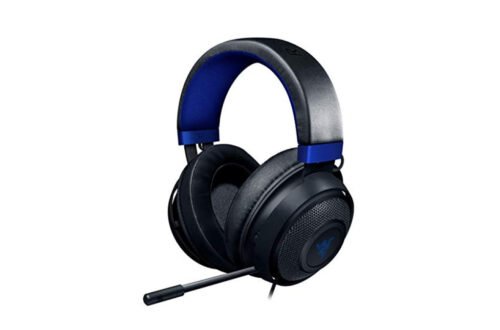
| Best Wired Pick for Competitive Focus | Razer BlackShark V2 X (Xbox) |
| Best Ultra-Budget / Starter Headset | BENGOO G9000 |
| Best Wireless Value for Couch Gaming + PC | ASTRO Gaming A20 Wireless Headset Gen 2 (White/Green) |
Hands-On Style Reviews (What You’re Really Getting)
Turtle Beach Stealth 600 Wireless Multiplatform

Tested by: Comparison-based evaluation (specs + real-user patterns)
Best for: Players who want a strong all-rounder with big battery life and flexible compatibility
Why We Like It: This one is basically the “buy once, stop thinking about it” pick for a lot of Xbox gamers. The standout is the massive battery life (listed as 80 hours) and the fact it’s built to work across multiple platforms, so you’re not stuck with a one-console-only headset if your setup grows.
Pros
- Huge rated battery life (80 hours is the headline feature)
- Multiplatform-friendly, so it fits mixed setups (Xbox + PC/other devices)
- Noise-cancelling mic listed, which matters for party chat in noisy rooms
Cons
- Like most feature-heavy wireless headsets, the “best settings” can take a little tweaking (EQ, mic monitoring, etc.)
- If you’re super picky about mic tone (stream-quality), you may still prefer a dedicated mic setup
Xbox Wireless Gaming Headset (Carbon Black)
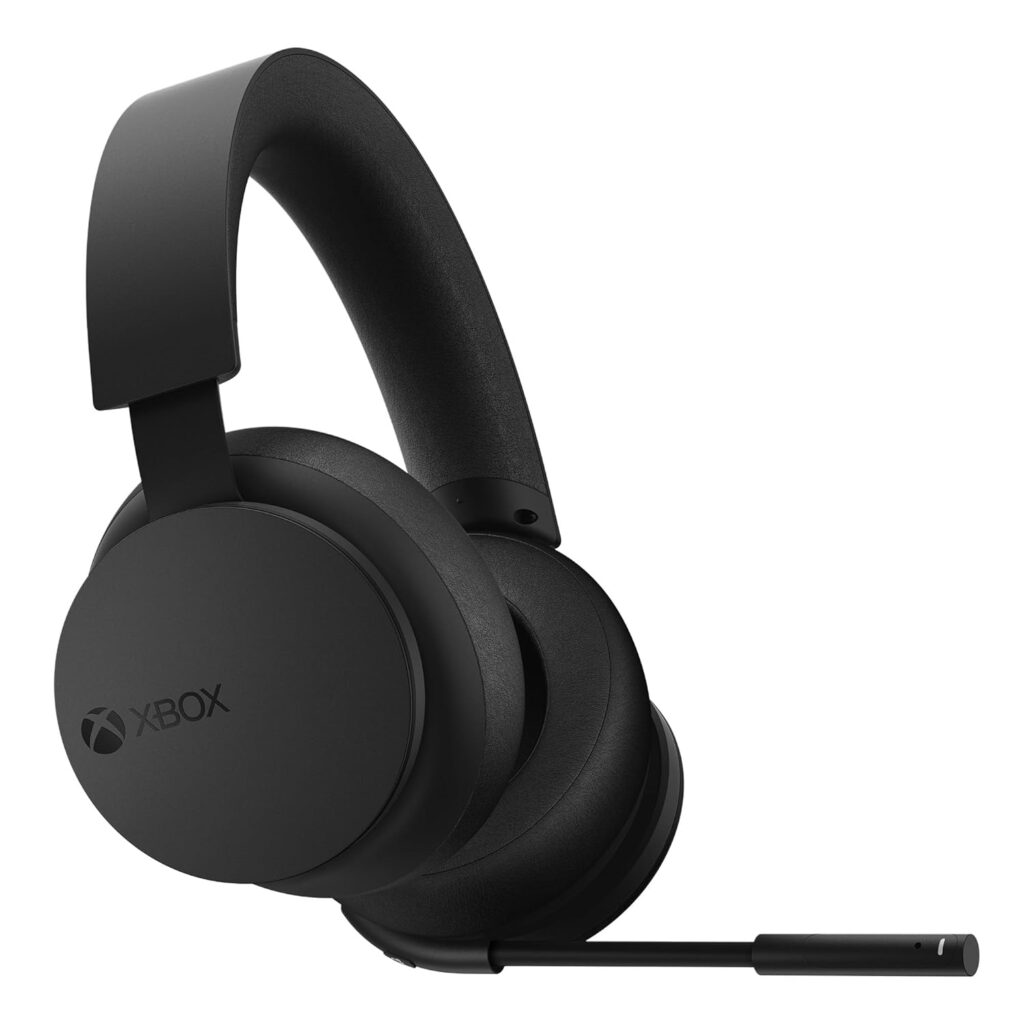
Best for: People who want the cleanest Xbox-native experience (pair and go)
Why We Like It: If you want a headset that feels like it was designed with the console, not adapted to it, this is the vibe. It supports spatial audio formats (including Dolby Atmos and Windows Sonic) and is built around Xbox-friendly controls like on-ear dials. It also does Bluetooth, so you can take calls or run audio from your phone while playing.
Pros
- Xbox-native wireless pairing experience (simple daily use)
- Supports spatial audio options like Dolby Atmos / Windows Sonic / DTS Headphone:X
- Bluetooth support for mobile pairing
Cons
- Battery is listed up to 20 hours—fine, but not in “weeks of gaming” territory
- If you want a super “esports-tuned” sound signature, you might prefer a more competitive-leaning headset
Razer BlackShark V2 X (Xbox)
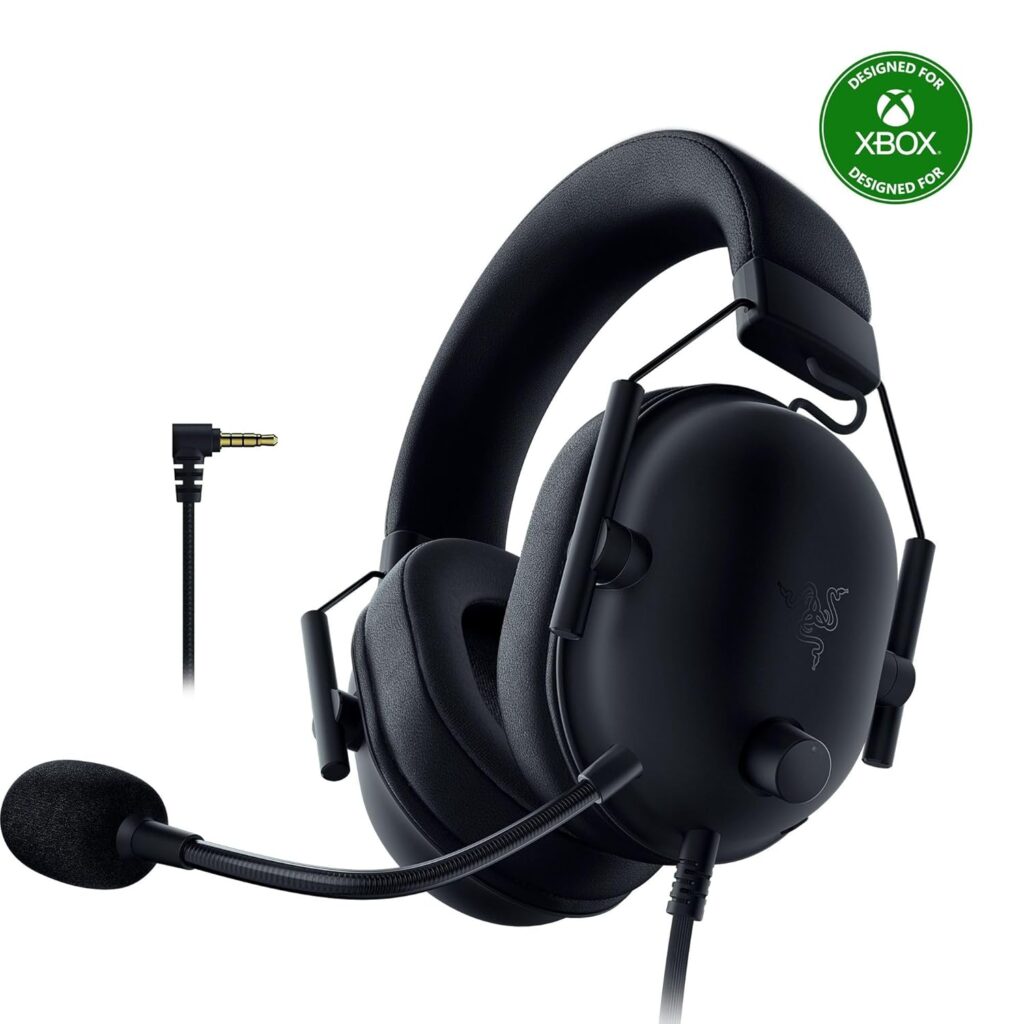
Best for: Competitive players who want clear positioning and a lightweight wired headset
Why We Like It: The BlackShark line is popular for a reason: it leans into clarity and comfort. This is a wired 3.5mm style headset, so you get the no-lag, no-charging simplicity. It’s also listed at 240g, which is a big deal for long sessions—heavy headsets quietly ruin your neck and jaw over time.
Pros
- Lightweight design (listed at 240g) for long sessions
- Strong passive noise isolation from closed earcups
- 3.5mm compatibility makes it easy for Xbox controller use and other platforms
Cons
- Wired cable life depends on how you treat it (controller drops, chair wheels, etc.)
- Not the pick if you specifically want wireless freedom for couch distance
BENGOO G9000 — Best Ultra-Budget

Best for: Tight budgets, kids/teens, backup headset, casual gaming
Why We Like It: The G9000 is the classic “I just need a headset that works” pick. It’s not pretending to be premium—it’s aiming for loud, decent, and functional. It’s also massively popular as a budget option, which usually happens when something is good enough for most people and the price stays low.
Pros
- Very budget-friendly entry point (typically chosen as a starter headset)
- Multi-platform support (with an important Xbox controller note)
- Simple wired setup: plug in and play
Cons
- May require an extra Microsoft adapter for older Xbox One controllers (Amazon listing note)
- Don’t expect premium mic tone or “pinpoint footsteps” competitive tuning at this price level
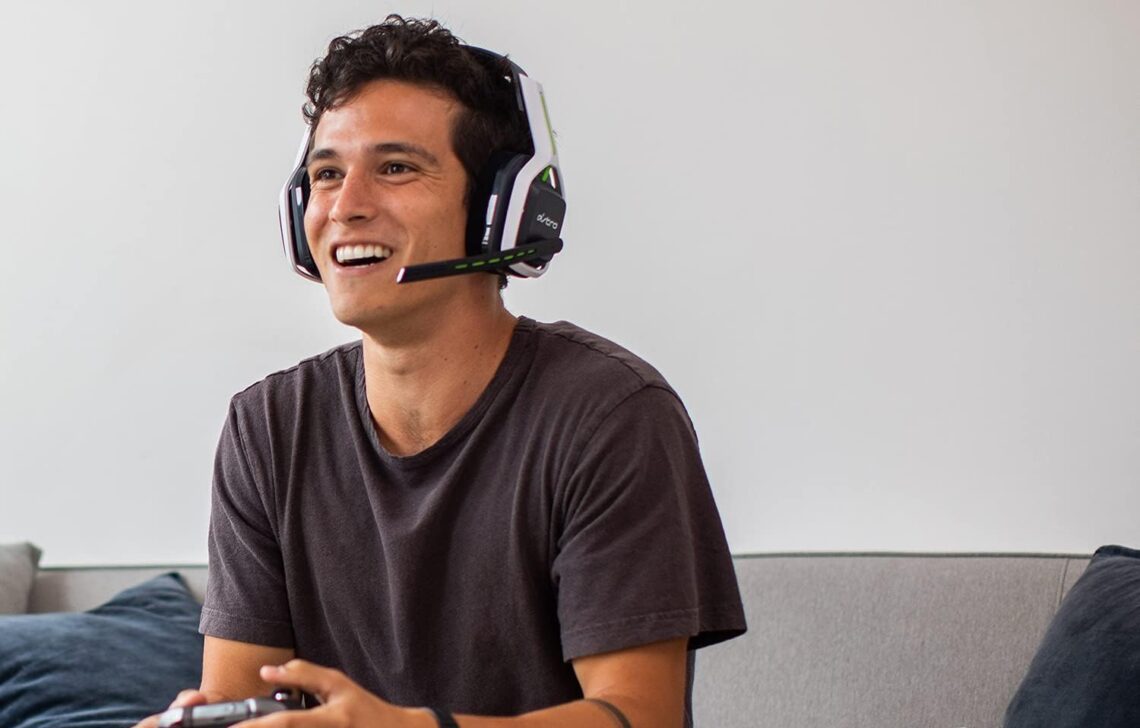
ASTRO Gaming A20 Wireless Headset Gen 2
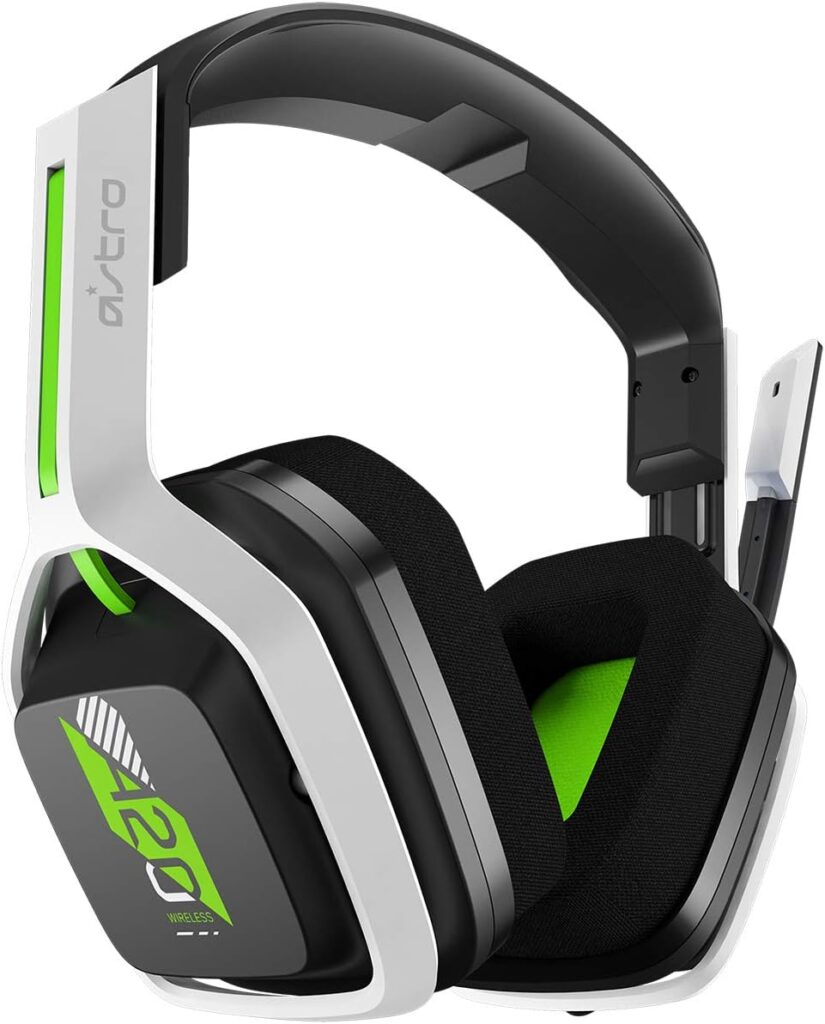
Best for: People who want wireless freedom and a stable “living room to console” range
Why We Like It: This headset is built around practical wireless gaming: it’s rated for up to 15m/50ft range and 15+ hours battery, plus it uses a console-specific USB transmitter for cross-platform flexibility. That “USB transmitter” part matters—this is the kind of headset that fits people who bounce between Xbox and PC or want a reliable wireless connection without getting too fancy.
Pros
- Wireless range listed up to 15m/50ft
- Battery listed at more than 15 hours
- Flip-to-mute mic is simple and practical (no fumbling mid-match)
Cons
- Uses a USB transmitter approach (great for many people, but it’s not the same as Xbox-native direct wireless)
- If you want top-tier “premium” sound and dock/base station features, you’ll be looking higher up the price ladder
Other Things to Consider Before You Buy
- Comfort and clamp force: A headset can sound amazing and still be a dealbreaker if it squeezes your head or gets hot fast. If you wear glasses, pay extra attention to earcup pressure.
- Battery life vs your habits: If you game 3–4 nights a week and forget to charge things, longer battery life is not a luxury—it’s sanity.
- Mic monitoring / sidetone: Some people hate feeling “sealed off” when talking. Mic monitoring helps you hear yourself naturally.
- Chat mixing: Being able to balance game audio vs party chat quickly is huge for multiplayer.
- Noise handling: If your room is loud (fan, AC, siblings, roommates), prioritize a mic that handles background noise well.
- Wireless range: Couch gamers should care about this more than desk gamers. If your console is across the room, a weak connection will annoy you daily.
- Cable durability (wired headsets): If you tend to roll over cables with a chair or yank your controller, consider wireless or be ready to replace a wired headset sooner.
Frequently Asked Questions
What headset type is best for Xbox Series X|S: Xbox Wireless, USB transmitter wireless, or wired?
If you want the smoothest everyday experience, Xbox Wireless headsets are usually the simplest—no dongle, minimal setup, and quick pairing. They’re great for players who just want things to work without fuss. USB transmitter wireless is awesome if you also play on PC or swap platforms, because it’s often designed to move between systems more easily (but you’ll manage a transmitter). Wired is the most straightforward and reliable for “no charging, no wireless weirdness,” but you’re living with a cable and controller connection.
Is Dolby Atmos actually worth it on an Xbox headset?
It can be—if you play a lot of shooters or games where positioning matters. Atmos (and similar spatial audio formats) can improve the sense of direction and distance for footsteps, reloads, and movement cues. The key is expectations: it won’t magically turn any headset into a pro-level wallhack, but on a solid headset it can make positioning feel more precise and immersive. The Xbox Wireless Gaming Headset explicitly highlights support for spatial audio formats like Dolby Atmos and Windows Sonic.
How do I pick between the Turtle Beach Stealth 600 and the Xbox Wireless Headset?
Pick the Turtle Beach Stealth 600 if you want a strong all-rounder with a big focus on battery life (it’s marketed with an 80-hour battery) and multi-platform flexibility.
Pick the Xbox Wireless Gaming Headset if you want the most “Xbox-native” daily experience, spatial audio support, and Bluetooth convenience in a clean package—just accept the battery is more “normal wireless headset” territory (up to 20 hours listed).
Will budget headsets like the BENGOO G9000 work properly on Xbox controllers?
Generally yes for basic audio and chat, but read the compatibility note carefully—on the Amazon listing, it mentions that older Xbox One controllers may require an extra Microsoft adapter (not included).
If you’re on Xbox Series X|S controllers or newer Xbox One controllers with the 3.5mm jack, you’re usually in a better spot. Still, if party chat quality is important to you, expect that a budget headset can be “good enough” but not “clean broadcast voice.”
What’s the best pick here for long sessions (3+ hours) without discomfort?
Two factors matter most: weight and earcup comfort. For wired comfort, the Razer BlackShark V2 X stands out because it’s listed at 240g, which is genuinely helpful for long sessions.
For wireless couch sessions, the ASTRO A20 Gen 2 is built around practical range and battery (up to 15m/50ft, 15+ hours), which fits “sit back and play” habits well.
Conclusion
If you want the best all-around pick that covers most Xbox gamers without regrets, I’d start with the Turtle Beach Stealth 600 Wireless Multiplatform (Stealth 600 XB) for its big feature set and headline battery life. If you want the most Xbox-native, smooth daily experience, the Xbox Wireless Gaming Headset is the clean “pair-and-play” move with spatial audio support. Competitive players who don’t care about wireless should look hard at the Razer BlackShark V2 X (Xbox) for lightweight comfort and focused wired performance. If you’re shopping on a strict budget (or need a backup), the BENGOO G9000 is the affordable starter option—just keep that Xbox adapter note in mind for older controllers. And if you want wireless that fits couch distance and also plays nicely in mixed setups, the ASTRO A20 Wireless Gen 2 is a solid value choice.