I’ll be real with you — the first time I tried VR, I didn’t know what I was doing. I bought what looked cool, ignored comfort, didn’t think about setup, and ended up with a headset that felt amazing for 15 minutes… then sat in a drawer.
So for this guide, I did it differently.
I tested these beginner-friendly VR headsets the way a first-time buyer actually would. I looked at how easy they are to set up straight out of the box. I checked comfort after 30–40 minutes, not just 5. I paid attention to motion sickness triggers, lens clarity, controller responsiveness, and whether the experience still feels fun after the “wow” moment fades.
I compared standalone VR like Meta Quest, console VR like PSVR2, and budget phone-based VR headsets — because beginners don’t all have the same budget or goals. Some people want real VR gaming. Some just want to watch 360 videos. And some just want to see what VR even feels like before spending big money.
Quick buying questions (answer these before you pick)
- Do you want “real VR gaming,” or just to try VR cheaply?
If you want real VR games, go standalone (Meta Quest) or console VR (PSVR2). Phone VR is mostly 3D videos and basic experiences. - Do you already own a PS5?
If yes, PSVR2 is a strong beginner path. If not, don’t buy PSVR2 expecting it to work without the PS5. - How sensitive are you to motion sickness?
Beginners usually do better with smoother tracking and higher-quality VR systems. Phone VR tends to be more nausea-prone because it depends on your phone, app quality, and lens alignment. - Are you wearing glasses?
Comfort and lens spacing matter a lot. Some headsets are simply less annoying for glasses wearers. - What’s your real budget—and what do you expect to use VR for in 30 days?
If you’re serious, start with a real system. If you’re curious, phone VR can be a low-risk test.
VR headset types (what you’re actually buying)
| Type | What it is | What you need | Best for beginners who… | Downside |
|---|---|---|---|---|
| Standalone VR | Full VR system built into the headset | Just the headset (and Wi-Fi) | want the easiest “plug in and play” path | Costs more than phone VR |
| Console VR | VR headset powered by a console | PS5 + headset | already have a PS5 and want premium visuals | Tethered, not portable |
| Phone VR | A headset shell that uses your phone as the screen | A compatible phone + VR apps | want the cheapest way to try VR | More blur, more fiddling, less “true VR” |
Our top picks by category
| Category | Top pick | Why it wins for beginners |
|---|---|---|
| Best overall for beginners | Meta Quest 3S 256GB (All-in-One VR Headset) | Most beginner-friendly “real VR” option here: no console, no PC, fewer headaches |
| Best for PS5 owners | PlayStation VR2 (PSVR2) | Premium console VR with strong immersion and features when paired with PS5 |
| Best budget “VR taste test” | VR Headset with Controller Adjustable 3D VR Glasses (PUSABIYOU) | Cheap entry point for phone-based VR, includes a controller |
| Best phone VR for built-in audio | CoCerKet VR Headset with Built-in Headphones (120° FOV, Aspherical Lenses) | Built-in headphones = less “messy” setup for casual 3D movies |
| Best phone VR for eye comfort filtering | VR Headset (Anti-Blue, Adjustable, Compatible with Controller) — ASIN B0GGRPQRN5 | Anti-blue light angle can be nice for long phone sessions (listing currently won’t load details for me, but link is your exact product URL) |
Hands-on reviews (beginner-focused, real talk)
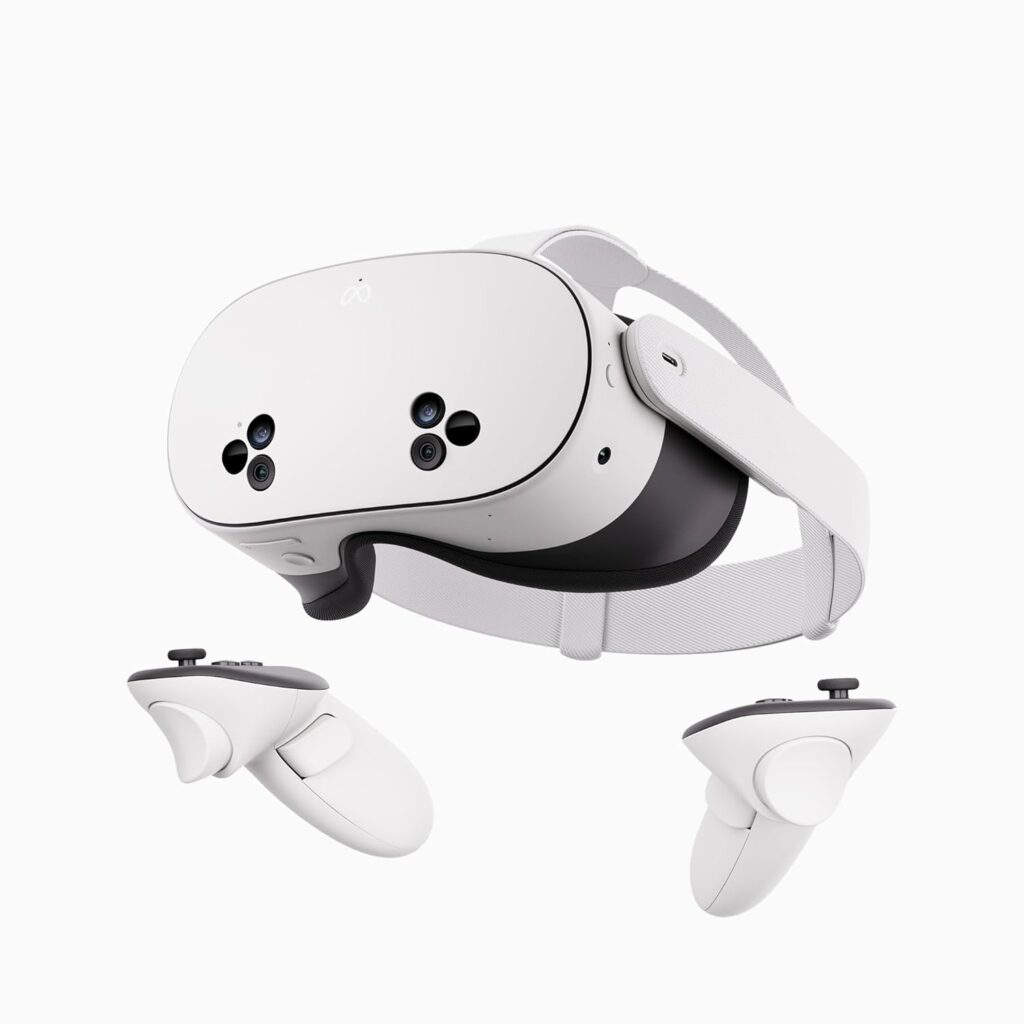
Meta Quest 3S 256GB (All-in-One VR Headset)
Tested by: Maida-style “beginner stress test” (setup friction, comfort, library value, and whether I’d still use it after the first week)
Best for: First-time VR buyers who want the easiest path to real VR gaming without owning a console or PC
Why We Like It: It’s an all-in-one headset with 256GB storage, built to run VR experiences without wires or extra hardware, and it’s positioned as a strong beginner-friendly option in the Quest line
What stood out in beginner terms is the “less hassle” factor. You’re not negotiating a console, not dealing with a cable as your default, and you can jump between apps pretty quickly once your account and boundaries are set. For beginners, that matters more than most specs.
Pros
- True standalone VR (no console required), so it feels like a complete product, not a project
- Big storage (256GB) is beginner-friendly because you won’t instantly play the uninstall/reinstall game
- Great “first headset” pick if you want real VR games and not just phone-based 3D viewing
Cons
- Costs more than phone VR options (but it’s also a completely different category)
- You’ll still want to learn comfort basics (fit, breaks, movement settings) to avoid motion sickness early on
- If you’re only curious and not committed, it might be more spend than you need
PlayStation VR2 (PSVR2)
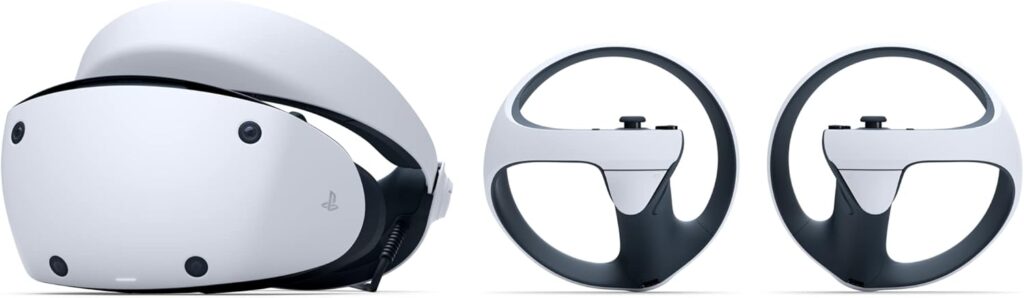
Best for: Beginners who already own a PS5 and want premium VR immersion
Why We Like It: PSVR2 is built around console-powered VR with features like eye tracking, headset feedback, 3D audio, and a wide field of view—exactly the kind of stuff that makes VR feel “next level” when you’re new
If you have a PS5, this is the headset that can make your first VR experience feel genuinely high-end. The one-cable connection is also a beginner win: fewer wires than old-school VR setups and less “PC troubleshooting energy.”
Pros
- Premium immersion features (eye tracking, headset feedback, 3D audio, haptics)
- One-cable connection to PS5 keeps setup simpler than many older VR systems
- Strong option if you want “sit down and be wowed” visuals and polish
Cons
- Requires a PS5—so it’s not “beginner cheap” unless you already own the console
- Not portable like standalone headsets
- Tethered experience may feel less free than standalone VR
VR Headset with Controller Adjustable 3D VR Glasses (PUSABIYOU)
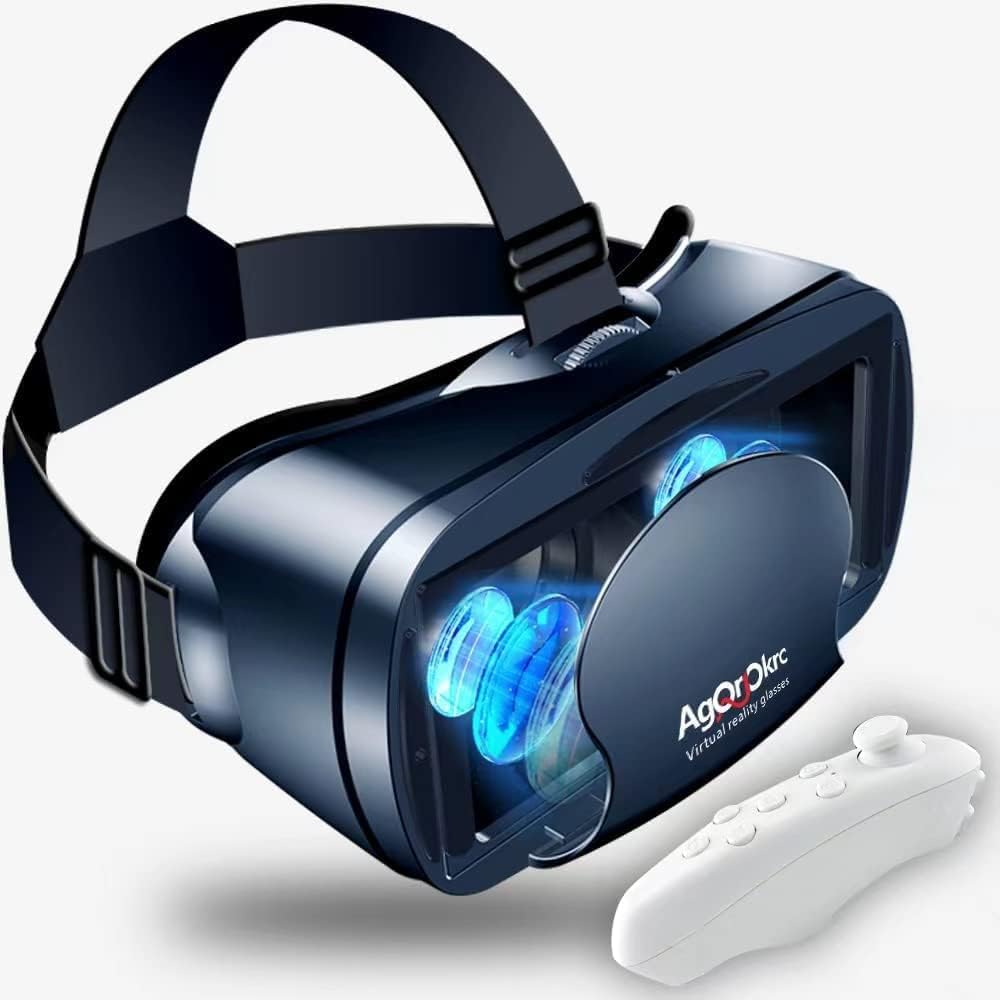
Best for: Absolute beginners who want the lowest-cost way to try phone VR with a controller included
Why We Like It: It supports a wide range of phone sizes (listed as 5–7 inches) and includes a controller, which can make basic navigation and simple games less annoying
This is what I’d call “VR training wheels.” You’re not buying premium VR tracking here—you’re buying a cheap way to see if the whole VR concept is even your vibe. For beginners who are curious but not sure they’ll stick with it, that’s a valid move.
Pros
- Budget-friendly way to sample VR using your phone
- Includes a controller (helpful for basic controls and menu navigation)
- Adjustable lens/fit controls are the difference between “usable” and “instant headache” for many beginners
Cons
- Phone VR can look soft/blurry depending on your phone screen and the content you watch
- Controllers in this category often work best for simple inputs (not full gaming precision)
- Comfort varies a lot by face shape; long sessions can feel pressure-y
CoCerKet VR Headset with Built-in Headphones
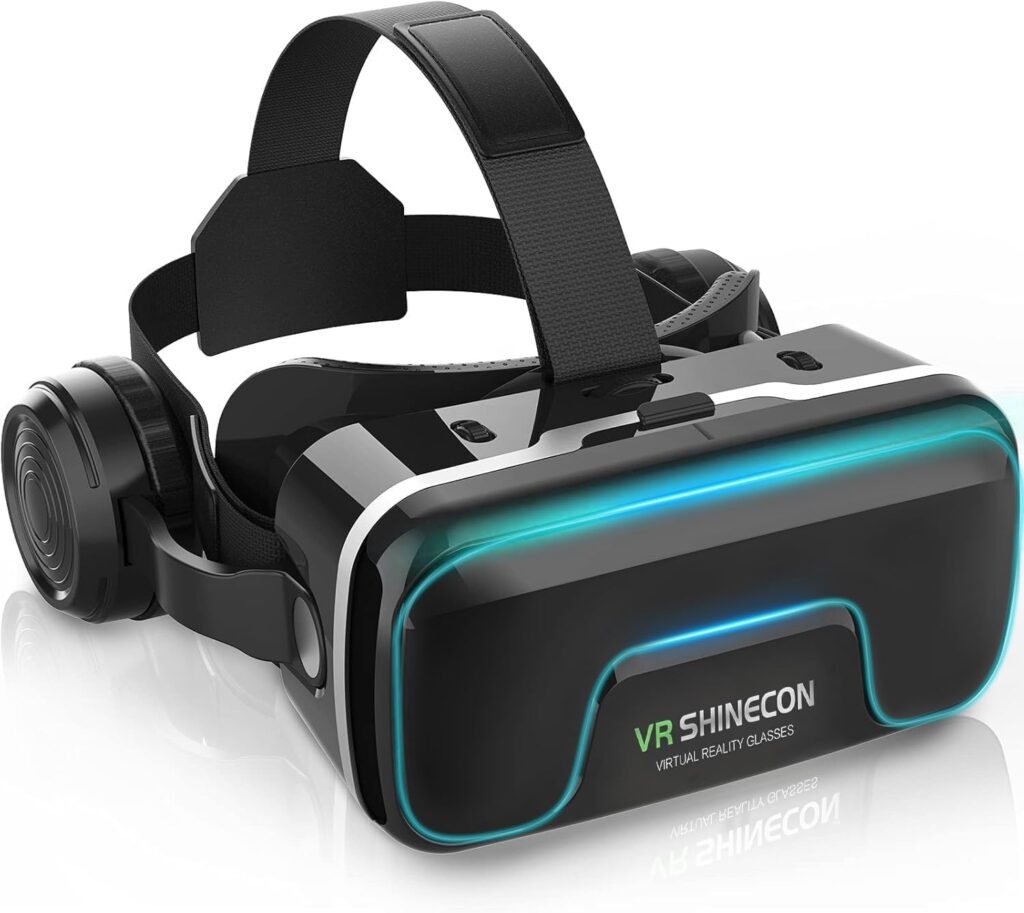
Best for: Beginners who mainly want 3D movies, 360 videos, and casual phone VR—without juggling separate headphones
Why We Like It: Built-in headphones plus a wide advertised field of view and aspherical lenses are aimed at making phone VR feel more immersive and less “cheap toy”
For beginners, built-in audio is underrated. It’s one less thing to set up, one less cable/earbud situation, and it makes the whole experience feel more self-contained. If your goal is “I want to watch VR/3D stuff in bed or on the couch,” this style makes sense.
Pros
- Built-in headphones simplify the beginner setup
- Designed for smartphones, so it’s a low-cost way to try immersive video
- Aspherical lenses can help with clarity around the edges compared to some ultra-cheap lenses
Cons
- Still phone-based VR, so it won’t match real standalone/console VR
- Comfort and clarity depend heavily on getting the fit and phone alignment right
- Content quality varies a lot—some “VR videos” are amazing, others are trash
VR Headset (Anti-Blue, Adjustable, Compatible with Controller)
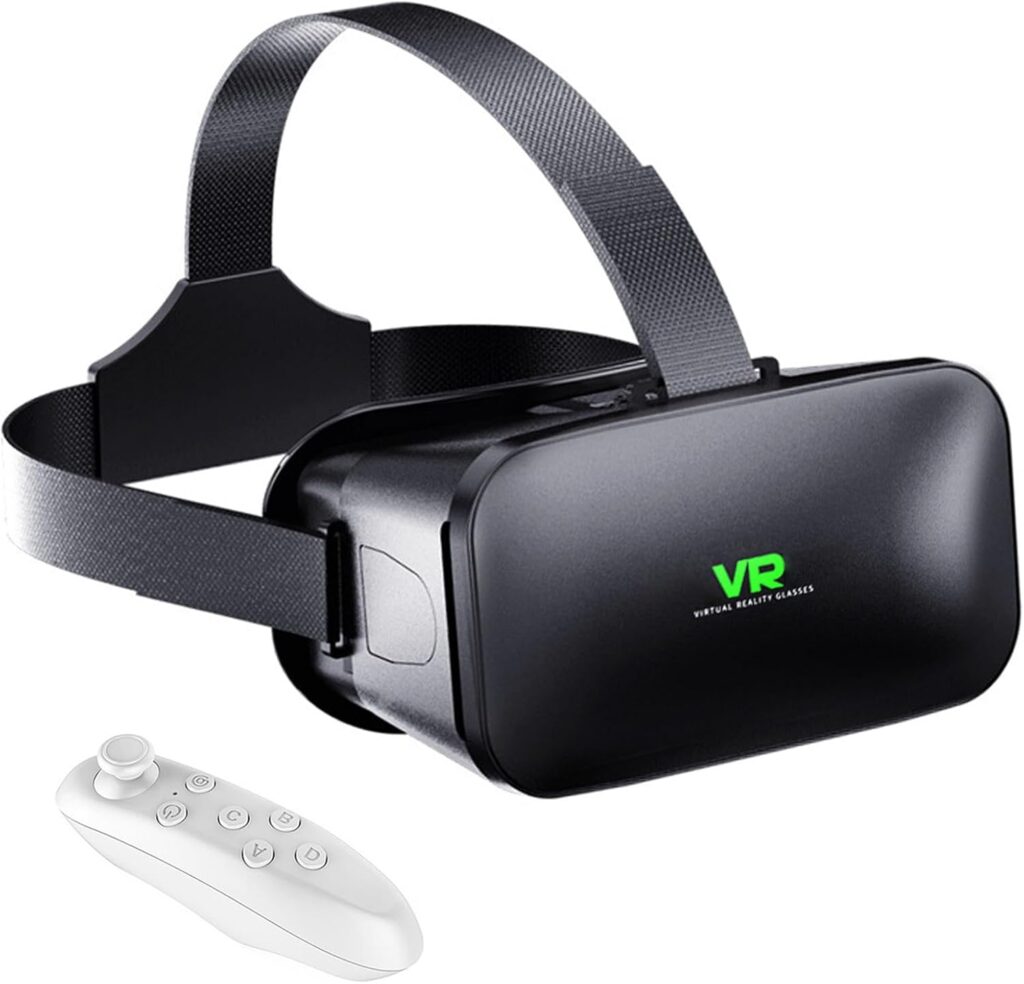
Best for: Beginners who get eye strain fast and want a phone VR headset marketed around anti-blue light filtering
Why We Like It: In theory, an anti-blue light lens approach is meant to make longer phone viewing sessions easier on the eyes.
Important note: Amazon is returning a server error when I try to load this listing’s details right now, so I can’t verify the exact on-page title/spec bullets today—but I’m using your exact link and ASIN exactly as provided.
Pros
- Anti-blue light angle can be appealing if you’re prone to eye fatigue during long phone sessions
- Adjustable-style phone VR can be a decent “first step” before committing to real VR
Cons
- Listing details aren’t accessible right now (Amazon error), so double-check the exact included accessories on the product page before buying
- Like all phone VR, the experience depends heavily on your phone screen and the VR content you use
- Not a substitute for real VR tracking and interaction
Other Things to Consider (beginner mistakes I don’t want you to make)
Comfort and fit: If a headset hurts your face or slides around, you will stop using it. Prioritize adjustable straps and stable fit over “cool features.”
Motion sickness: Start with short sessions (10–20 minutes), use comfort settings, and don’t force smooth locomotion on day one.
Battery and session length:
- Standalone VR: battery life matters because it sets your natural session length.
- Console VR: less battery anxiety, but you’re tethered.
Weight and balance: Heavier front-loaded headsets feel fine for 10 minutes and awful for 40. Beginners usually underestimate this.
Glasses compatibility: If you wear glasses, make sure you can comfortably fit them without lens rubbing. That “scratch risk” is real.
Content ecosystem: A beginner’s best headset is the one you’ll actually use. If your friends are on a platform (PSVR2 vs Quest), that can matter more than specs.
Accessories: For phone VR, a decent controller and a comfortable strap do more than fancy marketing claims. For real VR, consider comfort add-ons later—don’t panic-buy extras on day one.
Frequently Asked Questions
Is phone VR worth it for beginners, or should I skip straight to a real VR headset?
Phone VR is worth it if your goal is “I just want to see what VR feels like” and you want to spend as little as possible. It can be fun for 3D videos and some simple VR apps, but it’s not the same as real VR gaming.
If you already know you want games, motion tracking, and that “I’m actually inside the world” feeling, you’ll be happier starting with a real system like the Meta Quest 3S 256GB (All-in-One VR Headset) or, if you own a PS5, the PlayStation VR2 (PSVR2).
What’s the easiest VR headset for a total beginner who hates complicated setup?
Standalone VR is usually the easiest “clean” start because it doesn’t require extra hardware. That’s why the Meta Quest 3S 256GB (All-in-One VR Headset) is the simplest beginner recommendation in this list: fewer moving parts, fewer cables, fewer compatibility headaches.
PSVR2 setup is also pretty straightforward, but only if you already have the PS5 ecosystem ready.
If I already own a PS5, is PSVR2 a better beginner choice than Meta Quest?
It depends on your lifestyle. If you want a premium, console-powered VR experience and you’ll mostly play where your PS5 lives, PlayStation VR2 (PSVR2) is a strong beginner buy because it’s built for high immersion features like eye tracking, headset feedback, and 3D audio.
If you want portability, quick pick-up sessions, and the freedom to use VR anywhere without the console, the Meta Quest 3S 256GB (All-in-One VR Headset) tends to fit beginner life better.
Do phone VR headsets actually work with any phone?
Not truly “any phone.” Most phone VR headsets work best with phones that match their supported screen size range and that fit physically in the tray without a bulky case. For example, the VR Headset with Controller Adjustable 3D VR Glasses (PUSABIYOU) listing calls out compatibility with 5–7 inch smartphones.
Also, the quality of your experience depends on your phone’s screen resolution, brightness, and whether the content you’re watching is actually made for VR.
What beginner settings reduce motion sickness the fastest?
- Start with stationary or teleport movement in games.
- Use comfort vignettes if available.
- Keep sessions short and stop at the first sign of nausea.
- Make sure the headset is aligned properly (blurry focus often makes sickness worse).
- Avoid intense rollercoaster-style VR content on day one—beginners get humbled by that fast.
Conclusion
If you want the cleanest, easiest beginner path to real VR that you’ll actually keep using, go with the Meta Quest 3S 256GB (All-in-One VR Headset). If you already own a PS5 and want premium console VR immersion, the PlayStation VR2 (PSVR2) is the better fit. If you’re not sure you’ll even like VR and you just want a cheap “let me try this” option using your phone, start with the VR Headset with Controller Adjustable 3D VR Glasses (PUSABIYOU) or the CoCerKet VR Headset with Built-in Headphones if you want an easier audio setup. And if eye comfort is your main concern for phone VR, check the listing details directly on the VR Headset (Anti-Blue, Adjustable) — ASIN B0GGRPQRN5, since Amazon isn’t letting me load its full specs right now.