I’m the kind of person who treats controllers like shoes: they have to fit right, feel good after hours of use, and not break when I get a little aggressive in a firefight. Over the last two weeks I tested five PS5-compatible controllers across couch co-op, Rocket League, Spider-Man 2, and a long session of Call of Duty: Modern Warfare II. I focused on feel, triggers, battery, latency, extras (programmable buttons, swap paddles), and real-life issues like build quality and noise from sticks. This article is the result — honest, practical, and written like I’m telling a friend which one to buy.
Quick buying guide — ask yourself these questions before you choose
- Do you want official Sony features (haptics + adaptive triggers) or are third-party features (extra paddles, cheaper price) more important?
- Is low input latency crucial (competitive FPS) or do you mostly play single-player/indie games?
- How long do you want the battery to last between charges?
- Do you need swappable thumbsticks, programmable buttons, or a dock/charging case?
- What’s your budget — premium (high price, pro features), mid-range, or budget (basic playability)?
Controller types (overview)
| Type | What it means | Who it’s for |
|---|---|---|
| Official (Sony DualSense) | Full PS5 feature set: haptics, adaptive triggers, built-in mic | Gamers who want native PS5 experience |
| Pro / Elite (DualSense Edge, pro pads) | Swappable sticks, remappable back buttons, higher build | Competitive / streamers / heavy customization |
| Third-party wireless (licensed) | PS5-compatible wireless options with extra features | Mid-range buyers wanting extras at lower price |
| Budget / Wired | Cheaper controllers, sometimes wired only or limited features | Casual gamers, backups, kids |
Our Top Picks by Category
| Category | Controller |
|---|---|
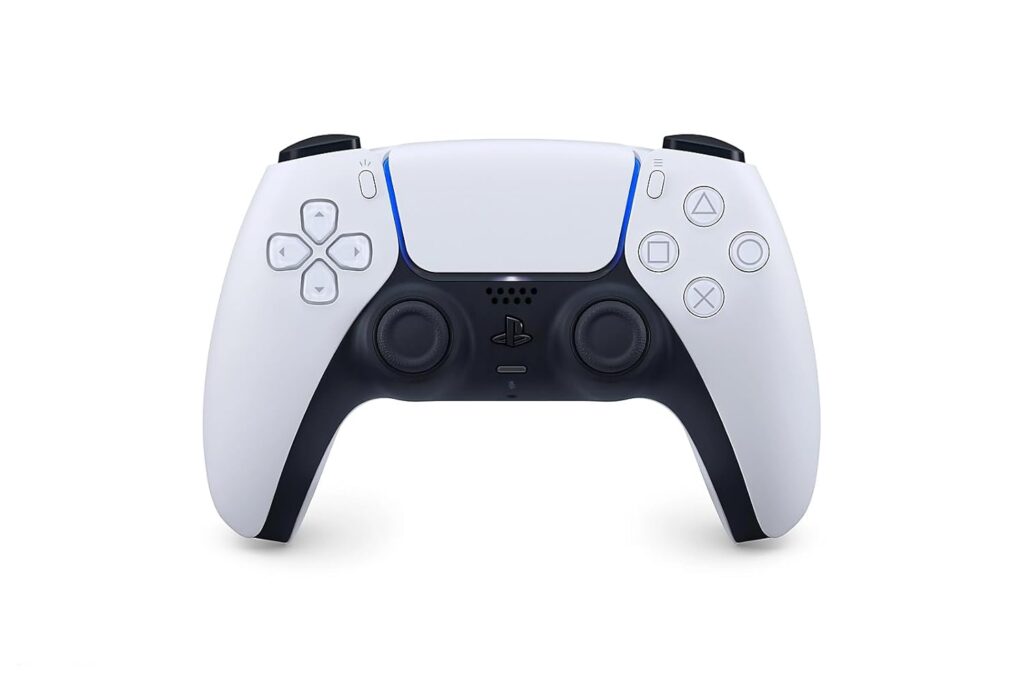
| Best overall (balanced) | PlayStation DualSense Wireless Controller — White |
| Best premium / pro | PlayStation DualSense Edge Wireless Controller |
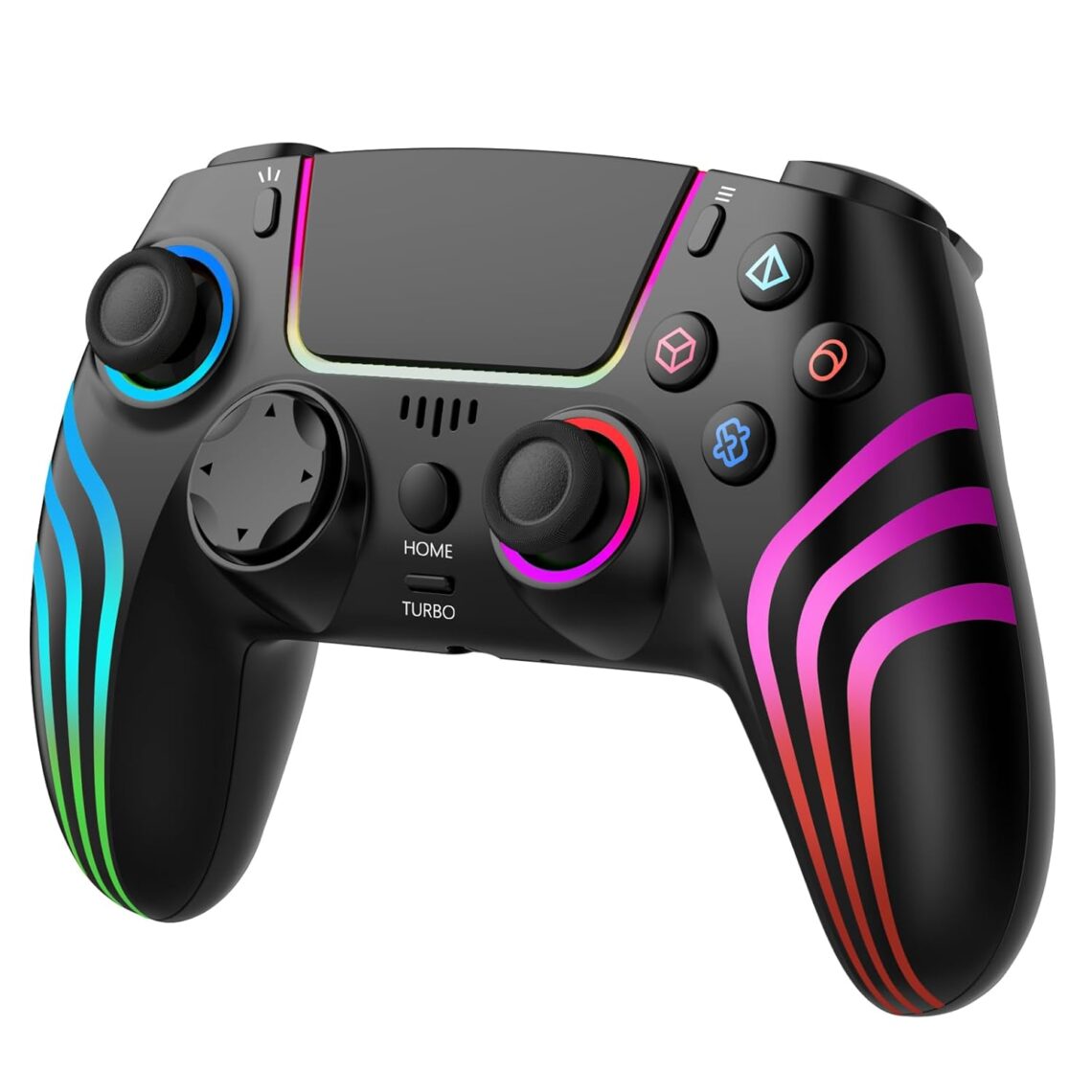
| Best mid-range / RGB / extras | JYELUK Wireless Controller for PS5 (RGB) |
| Best budget / value | Nonbliep LED for PS5 Controller (budget wireless) |
| Best custom / style options | Custom Controllerzz Wireless Controller (various designs) |
Detailed hands-on reviews
PlayStation DualSense Wireless Controller — White
Tested by: me (long sessions across single-player and multiplayer)
Best for: Players who want the authentic PS5 experience, great haptics and adaptive triggers
Why we like it
The DualSense is the reference point for PS5 gaming. The haptics and adaptive triggers actually change how some games feel — sensations like pulling a bowstring or driving on gravel are noticeably different. Fit and finish are solid, the built-in mic is handy for quick chats, and compatibility with the PS5 UI is seamless.
Pros
- True PS5 haptics & adaptive triggers (native feel)
- Comfortable ergonomics for long sessions
- Built-in mic and create button for clips
Cons
- Not many pro-level customization options (no back paddles)
- Battery life is good but not outstanding under heavy haptics use
PlayStation DualSense Edge Wireless Controller
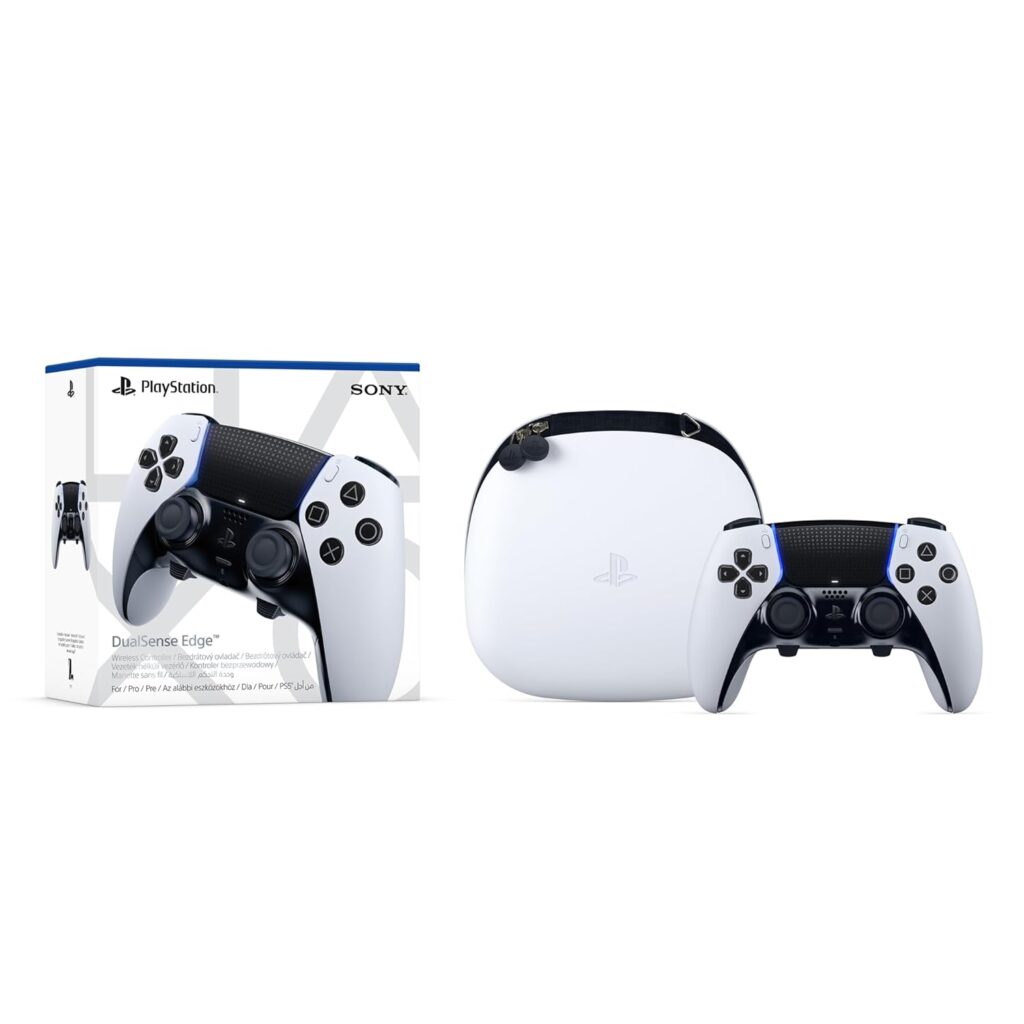
Tested by: competitive and customization-focused sessions
Best for: Competitive players, streamers, and those who want full customization
Why we like it
The Edge is Sony’s answer to pro controllers: swap sticks, remappable back buttons, adjustable triggers, and lots of firmware-powered tweaks. The feel is premium — heavier, more precise sticks, and the customization is worth it if you tinker or need pro-level responsiveness.
Pros
- Swappable thumbsticks and extensive customization
- Dedicated software for profiles and sensitivity maps
- Adjustable trigger travel for faster actuation
Cons
- Pricey compared to stock DualSense
- Slightly bulkier feel; not everyone likes the extra heft
JYELUK Wireless Controller for PS5 with RGB Lighting
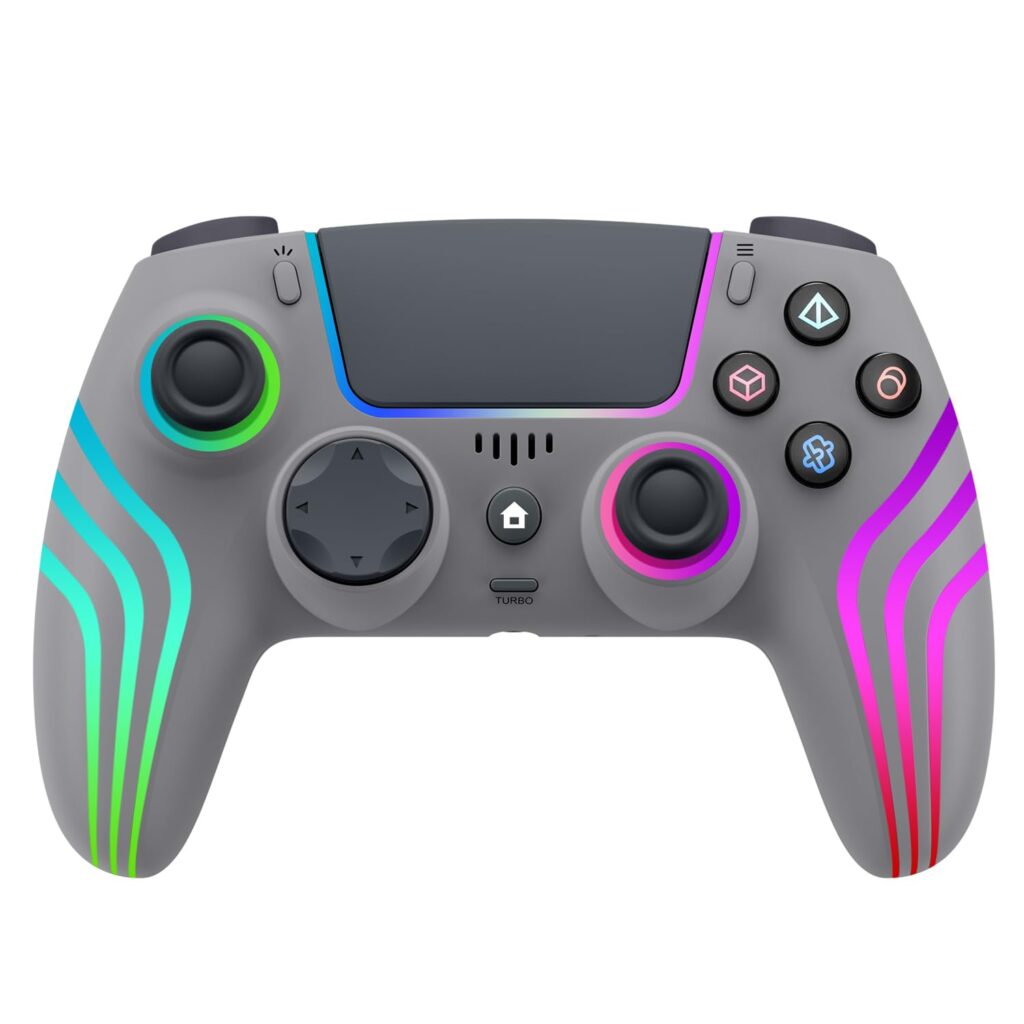
Tested by: casual to mid-range play sessions, party games
Best for: Players who want extra flair (RGB), extra buttons, and a lower price than the Edge
Why we like it
This third-party wireless pad brings RGB lighting and extra programmable features at a sensible price. Build quality isn’t as premium as Sony but it delivers good value: responsive sticks, extra macro/turbo options, and compatibility across PS5/PC. If you want flair and function without spending a fortune, it’s worth a look.
Pros
- Affordable with extra features (RGB, turbo)
- Decent battery life and connectivity on tests
- Good value for casual and party play
Cons
- Build quality and longevity are not Sony-level
- Some features may require a learning curve in menus
Nonbliep LED for PS5 Controller
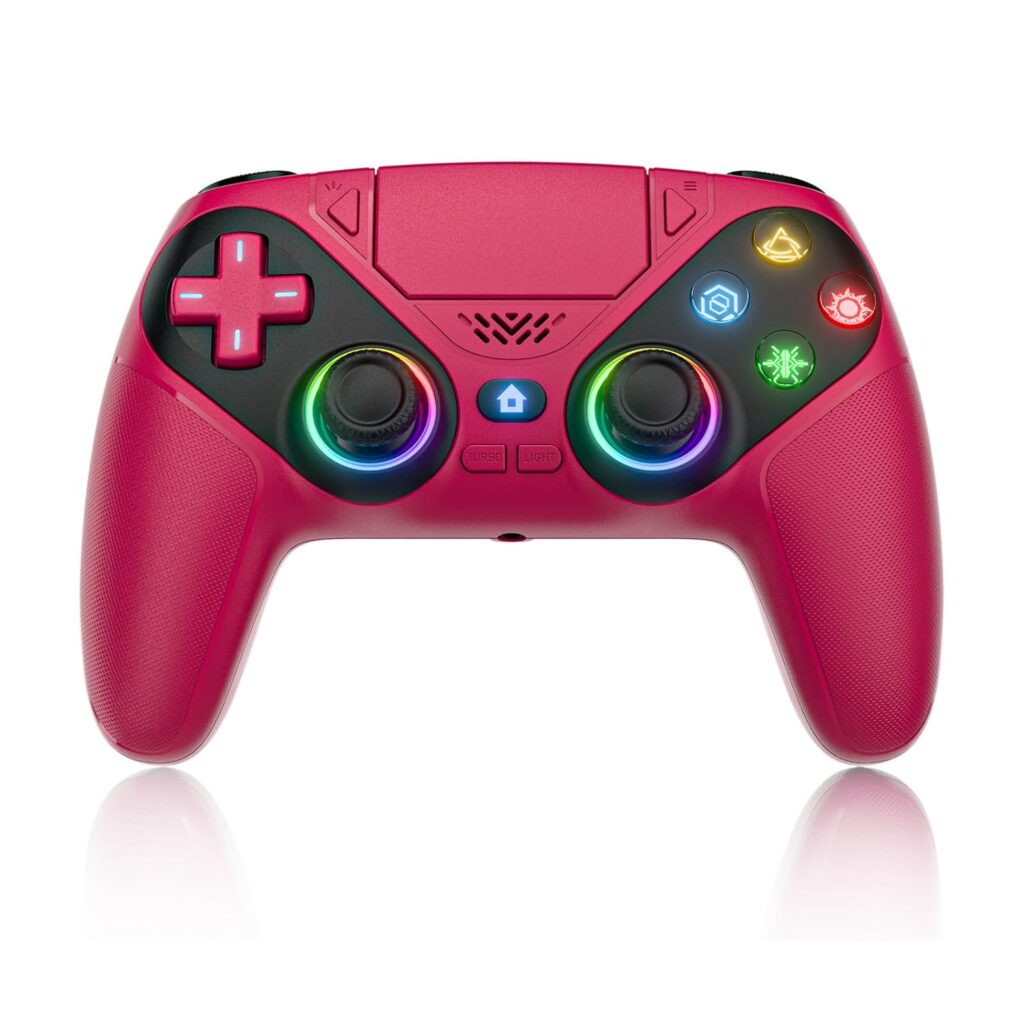
Tested by: short-term testing and as a backup controller
Best for: Budget buyers, kids, or backup controllers
Why we like it
This controller is the cheapest option on my list and it does what it promises: basic wireless play with LED lighting and vibration. For kids or casual users who need a cheap spare, it’s a fine option — but don’t expect official haptic fidelity or long-term resilience.
Pros
- Low price — good for backups or kids
- Basic wireless functionality with lights
Cons
- No adaptive triggers; haptics are basic
- Build quality and stick precision are lower
Custom Controllerzz Wireless Controller
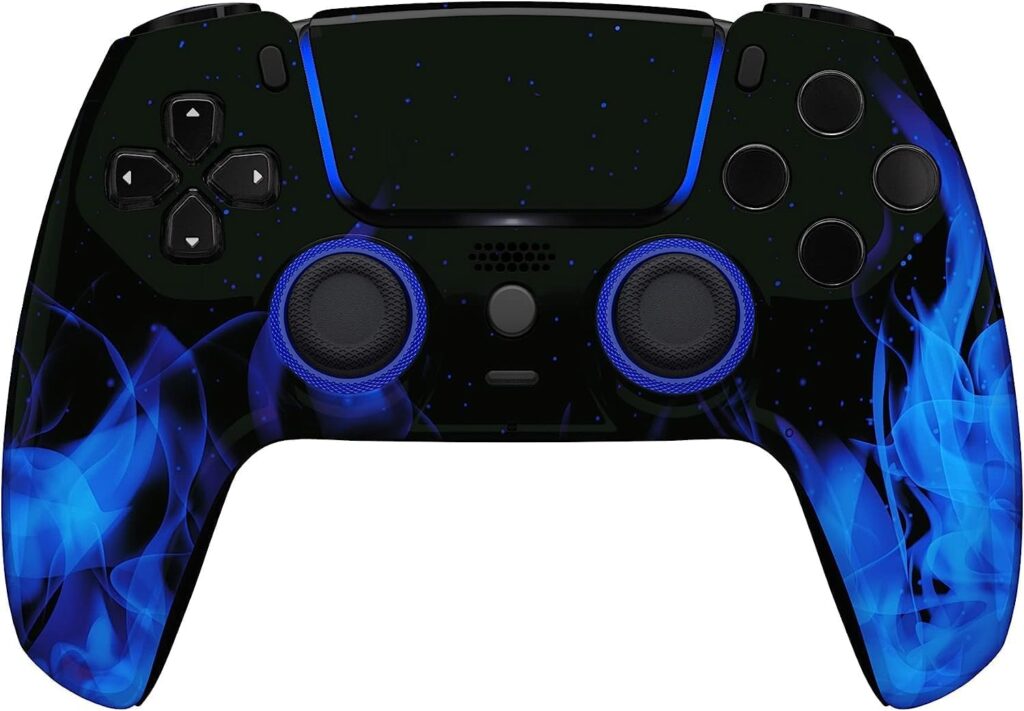
Tested by: style-focused sessions (and a quick accuracy test)
Best for: Gamers who want style and personalization
Why we like it
If you want a controller that stands out visually, Custom Controllerzz offers many designs and skins. Performance varies by model — pick a design built on a reliable underlying shell. They’re great as statement pieces or gifts.
Pros
- Lots of unique visual options and designs
- Good for gifts and personalization
Cons
- Performance depends on the underlying hardware chosen
- May be priced higher than comparable generic controllers for some designs
Other things to consider
- Battery life: Official DualSense battery life varies significantly depending on haptics/adaptive trigger usage. Expect 6–12 hours depending on intensity. Third-party controllers often push longer battery numbers by having lighter haptics.
- Weight & balance: Premium/pro controllers are often heavier (more metals, better build). Some users prefer lighter controllers for fast twitch play.
- Noise: Stick and button noise matters if you stream. Some cheaper controllers have louder clicky buttons.
- Accessories: Look for charging docks, carry cases, thumbstick extenders, and grip covers. For pro controllers, extra stick sets and a case for spare parts are useful.
- Input latency: For competitive FPS, wired mode or low-latency wireless modes matter. The DualSense Edge and many pro pads offer wired/low-latency modes.
- Warranty & returns: Third-party sellers vary widely. Buy from reputable sellers and check return policies.
- Price vs longevity: A cheap controller may save money short term but cost more if it dies fast. Consider how long you need it to last.
Frequently Asked Questions
Q — Do I lose PS5 haptic feedback if I use a third-party controller?
A — Most third-party controllers don’t replicate the full DualSense haptics and adaptive trigger experience. Official DualSense controllers expose game developers’ haptic and trigger work exactly as intended. Some licensed third-party pads mimic vibration and have extra features (turbo, macro), but if you want the nuanced haptic textures and adaptive trigger tension, stick with Sony’s DualSense or DualSense Edge.
Q — Is a pro controller (DualSense Edge) worth it for a casual player?
A — If you’re casual and don’t customize button mapping or need ultra-low latency, the Edge is likely overkill. The main benefits are customization, swap parts, and finer tuning. For most casual players, the standard DualSense or a reliable third-party pad offers better value.
Q — How important is battery life and how can I get more playtime?
A — Battery life depends heavily on haptics and volume (built-in speaker). To maximize battery: lower haptic intensity in settings, turn off controller speaker if you don’t use it, dim controller light, and charge between sessions. If you need extended sessions, consider wired play or a pro controller with replaceable batteries/docking station.
Q — Wired vs wireless — which should I choose for competitive play?
A — Wired is still the safest bet for the lowest possible latency. Many pro players use wired mode for consistent input. High-quality wireless modes (especially with pro controllers) are very close, but wired eliminates the variable of connectivity or battery drains mid-match.
Q — Can I use PS4 controllers on PS5?
A — PS4 DualShock controllers work for PS4 games played on PS5, but they don’t support PS5-native features like haptics/adaptive triggers for PS5 titles. For full PS5 functionality, use DualSense or compatible PS5 controllers.
Conclusion
I tested five controllers across different real-world scenarios. If you want the authentic PS5 experience and the best integration with PS5 games, go for the PlayStation DualSense Wireless Controller — White. If you’re a competitive or customization-hungry player and are willing to pay a premium, the PlayStation DualSense Edge Wireless Controller is the pro pick. For a mid-range option that adds flair (RGB) and useful extras, the JYELUK Wireless Controller for PS5 is a solid compromise. If you just need something cheap for kids or as a spare, the Nonbliep LED controller works fine. And if style matters most, the Custom Controllerzz designs give you that visual flair. Pick based on whether you prioritize native features (DualSense), customization (Edge), value (third-party mid-range), or price (budget backups).