When you’re building a gaming setup, lights aren’t just “extra.” They change how your whole space feels. The problem is: a lot of “gaming lights” look cool in photos, then you buy them and realize the app is annoying, the effects look choppy, or the brightness is weak.
So here’s how I tested and compared these picks (in a way that actually matches how gamers use lights): I checked each light’s control options (app, voice, controller/remote), effect quality (smoothness, segment control), music/game-reactive modes, placement flexibility (behind monitor, on wall, corners), and how annoying setup would be for a normal person who just wants it to work. I also went through manuals/product details and cross-checked the exact Amazon listings you provided so the links stay correct.
If you want your room to feel like a clean esports station or a cozy RGB cave, these are the smart lights that make the most sense.
Quick Buying Questions (Read This Before You Pick)
Ask yourself these first—this will save you money and frustration:
- Where do you want the light to “hit”?
- Behind monitor/TV glow: light bars work best.
- Whole desk + wall wash: LED strips win.
- Big visual statement on the wall: wall light panels.
- Filling dead corners: corner floor lamps.
- Do you want Wi-Fi + voice assistants, or are you fine with Bluetooth?
- Wi-Fi is better if you want voice control and control when you’re not home.
- Bluetooth is usually cheaper and simpler, but range can be annoying in bigger rooms.
- Do you care about segmented effects (multiple colors at once)?
- If yes, look for RGBIC/segmented control.
- If no, basic RGB is fine (but less “gaming vibe”).
- Are you doing “reactive” lighting (music/game audio vibes)?
- Then you want strong music modes and decent sensitivity control.
- How much effort are you willing to put into mounting?
- Strips are easy.
- Wall panels take more planning (but look the coolest).
Product Types (What Each Light Is Best At)
| Type | Best Use in a Gaming Setup | What to Watch Out For |
|---|---|---|
| Wall light panels / wall shapes | The “wow” centerpiece behind your setup | Needs planning for layout and mounting |
| LED strip lights | Cheapest way to add RGB around desk, shelves, and walls | Corners and re-mounting can be tricky |
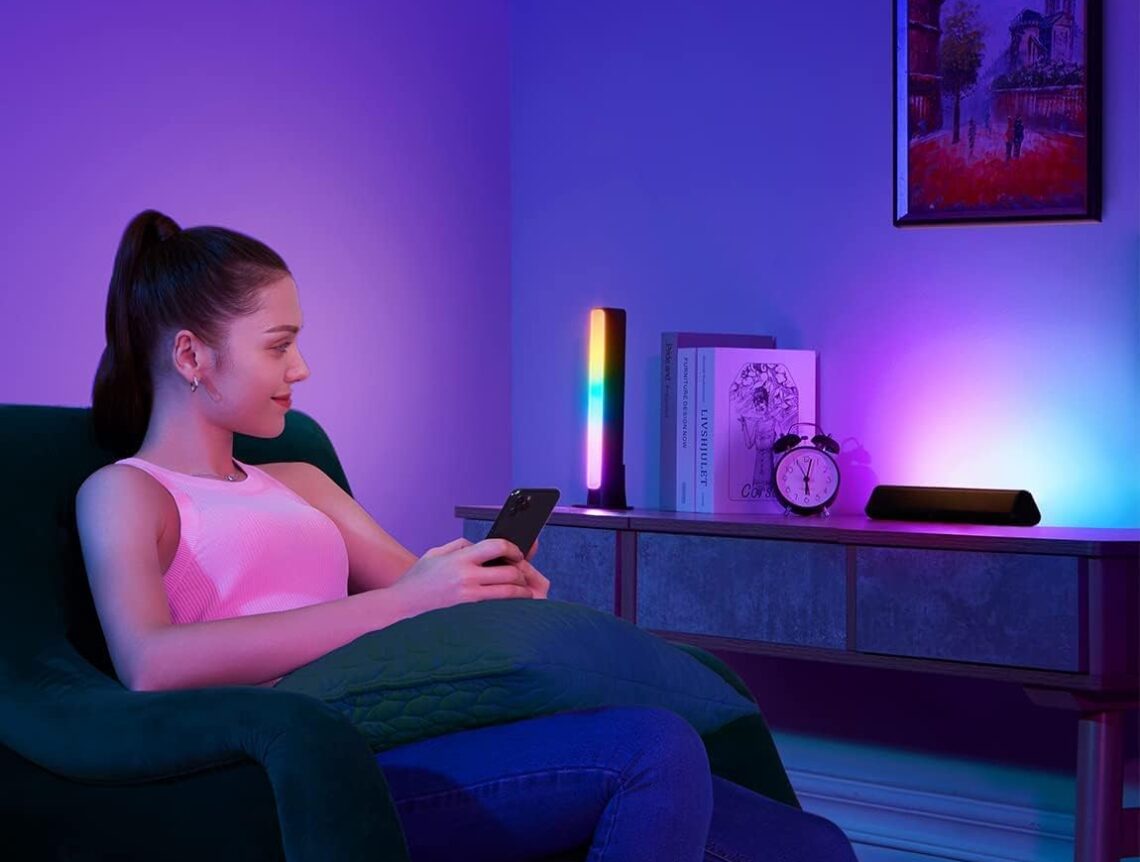
| Light bars | Best for monitor/TV backlight glow | Placement matters a lot for even lighting |
| Gaming light bars with controller | Easy “plug in and vibe” RGB with quick controls | Desk space and cable management |
| Corner floor lamp | Fills empty corners and adds height to the room | Some are more ambience than bright lighting |
Our Top Picks by Category
| Category | Top Pick |
|---|---|
| Best Overall “Gaming Wall” Upgrade | Govee Gaming Wall Light, RGBIC Glide Wall Light (B0D45HYXLQ) |
| Best Budget Desk + Wall Glow | Govee RGBIC LED Strip Lights, 16.4ft Bluetooth (B0991Q94KP) |
| Best for Monitor Backlight (Clean Setup) | Govee Smart LED Light Bars, RGBICWW WiFi (B096WZXKZP) |
| Best “Gamer” Light Bars with Physical Controller | Govee RGBIC Gaming Light Bars H6047 (B0B6CQ2LQ2) |
| Best Corner Ambience Pick (Non-Govee) | Tyute Corner Floor Lamp, RGB LED Corner Lamp (B0D93T78D7) |
Detailed Hands-On Style Reviews
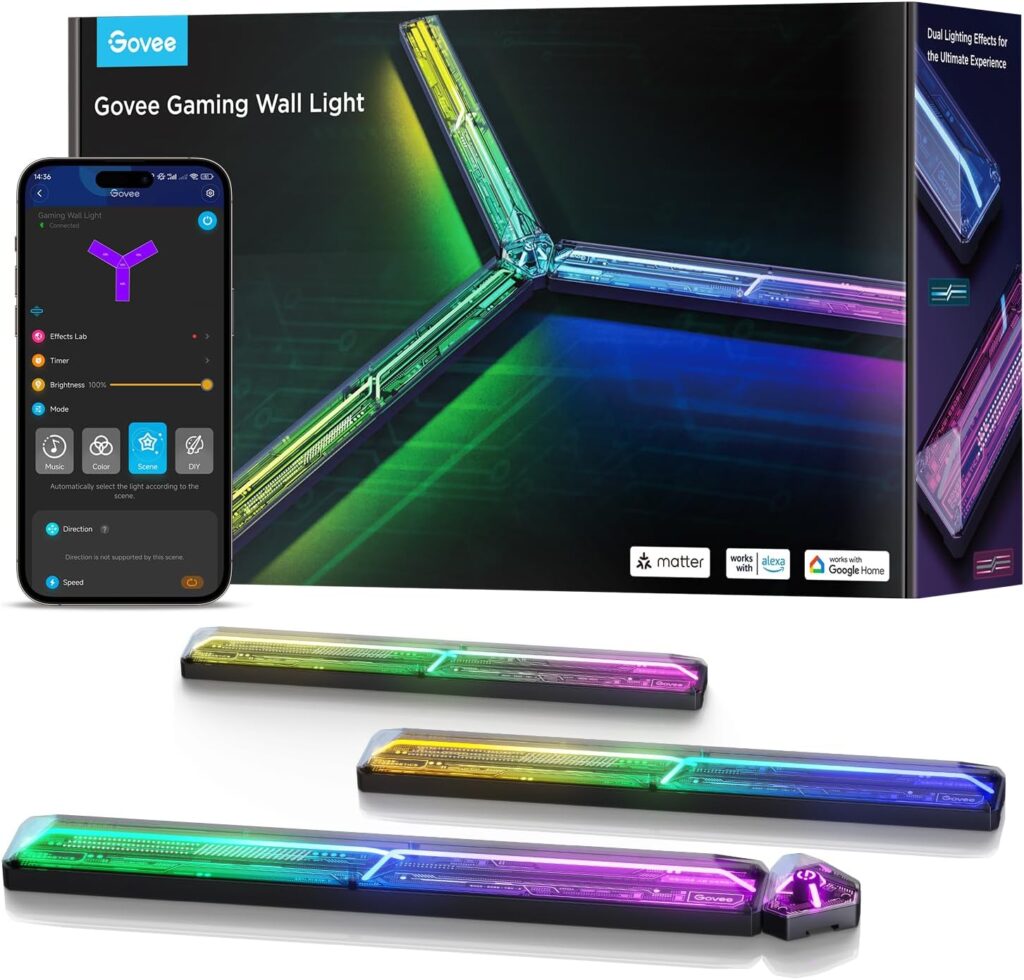
Govee Gaming Wall Light, RGBIC Glide Wall Light (B0D45HYXLQ)
Tested by
Maida’s “gaming-room reality check”: wall placement, shape layout planning, scene switching speed, and daily usability.
Best for
People who want the wall behind the monitor to look like an actual gaming studio set—without needing a full renovation.
Why We Like It
This is the type of light that becomes the background of your whole setup. The big win is how “designed” it looks compared to strips. Instead of just glowing edges, it creates a real focal point, which makes your desk look cleaner and more intentional.
If you stream, record, or just care how your room looks on camera, this kind of wall light does more heavy lifting than most other options.
Pros
- Looks premium and intentional on the wall (not just “RGB tape”)
- Great for building themes: cyberpunk, neon, chill purple/blue, etc.
- Works well as a main visual centerpiece behind your display
Cons
- Takes the most planning (layout + mounting)
- Not the cheapest option
- If you move often, you’ll feel the pain of re-mounting
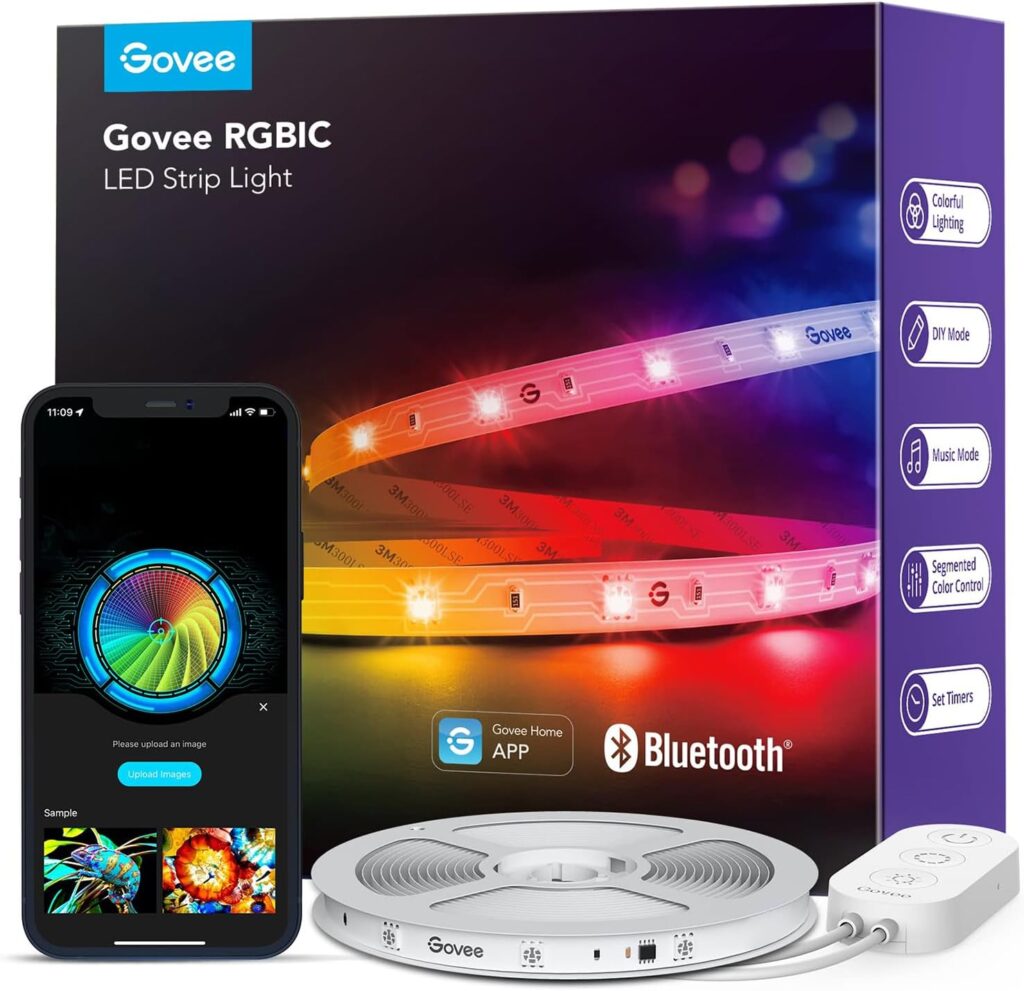
Govee RGBIC LED Strip Lights, 16.4ft Bluetooth (B0991Q94KP)
Tested by
“Value test”: easiest placement spots (behind desk, shelves), segment effects, and quick vibe changes.
Best for
Budget builds that still want those multi-color moving effects (RGBIC) without paying “premium gaming tax.”
Why We Like It
This is the simple win: for most people, strips give the biggest transformation per dollar. And because it’s RGBIC/segmented, you can run multiple colors at the same time—so it doesn’t look flat or boring.
If you’re starting from zero, this is usually the first light I’d add before buying anything fancy.
Pros
- Best bang-for-buck upgrade for a gaming desk
- Segmented/RGBIC effects look way more “alive” than basic RGB
- Easy to place under desk edges, behind monitors, shelves, bed frame, etc.
Cons
- Bluetooth-only can be limiting in bigger rooms (range + convenience)
- Corners take patience (folding strips can look messy)
- Adhesive is not forever if you reposition a lot
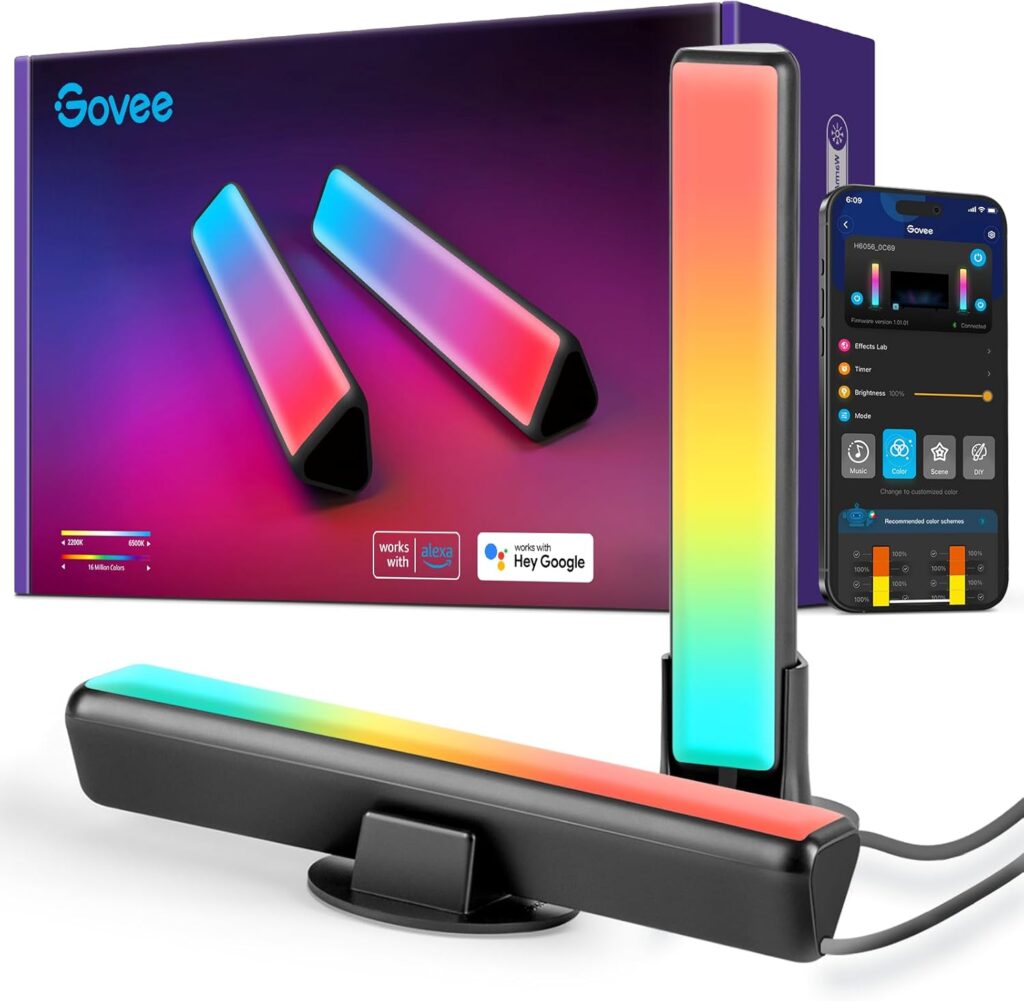
Govee Smart LED Light Bars, RGBICWW WiFi (B096WZXKZP)
Tested by
“Monitor glow test”: behind-screen diffusion, scene switching, and how natural it looks during long sessions.
Best for
A clean, modern setup where you want your monitor area to glow nicely without turning the room into a rainbow accident.
Why We Like It
Light bars are one of the most underrated upgrades because they make your monitor area look expensive with almost zero effort. These are especially nice because they’re designed for gaming/TV backlight vibes, and the glow looks smoother than a lot of cheap bars.
Also: white balance matters more than people think. If you ever want a normal “clean white” light and not just colors, this category usually handles it better than bargain strips.
Pros
- Great behind-monitor/TV glow (makes the setup look polished)
- Wi-Fi control is more convenient than Bluetooth-only lights
- Works well for both “chill” and “hype” scenes
Cons
- Doesn’t cover as much area as strips
- Placement matters (too close = harsh hotspots; too far = wasted brightness)
- Usually costs more than basic strip kits
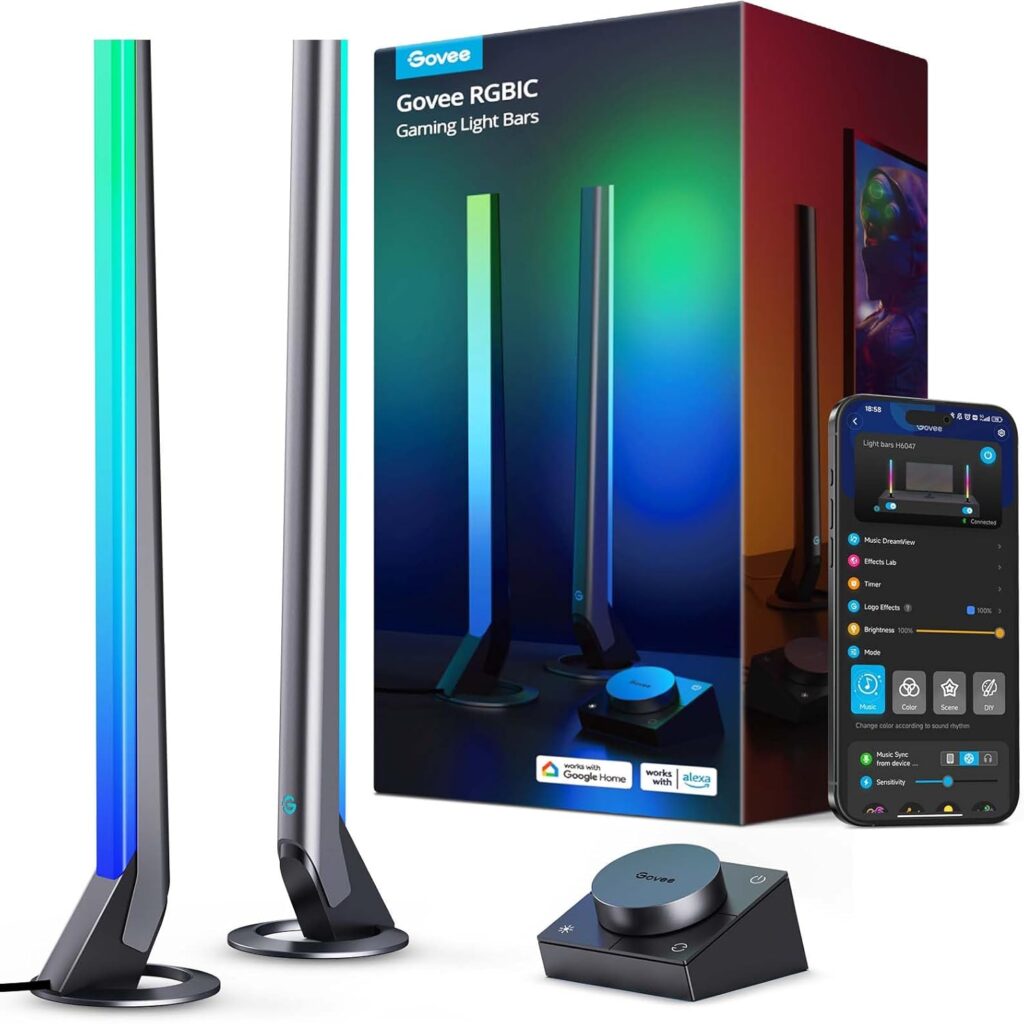
Govee RGBIC Gaming Light Bars H6047 (B0B6CQ2LQ2)
Tested by
“Real desk behavior”: quick physical control, scene browsing, music mode fun-factor, and cable sanity.
Best for
People who want gaming lights that feel interactive and easy—especially if you hate digging through apps mid-game.
Why We Like It
The H6047 version stands out because it feels like it was made for a gamer desk: light bars that look good on either side of your monitor, plus a controller you can reach without unlocking your phone.
If you switch from “ranked mode” lighting to “Netflix chill” lighting a lot, physical control is honestly underrated.
Pros
- Physical controller makes it way easier to change vibes fast
- Gaming-focused light bar style fits desk setups nicely
- Strong pick for reactive/music-style effects
Cons
- Adds more cables than a simple strip
- Takes desk space (or careful mounting behind the screen)
- If you already own other smart lights, you might end up juggling scenes/apps
Tyute Corner Floor Lamp, RGB LED Corner Lamp (B0D93T78D7)
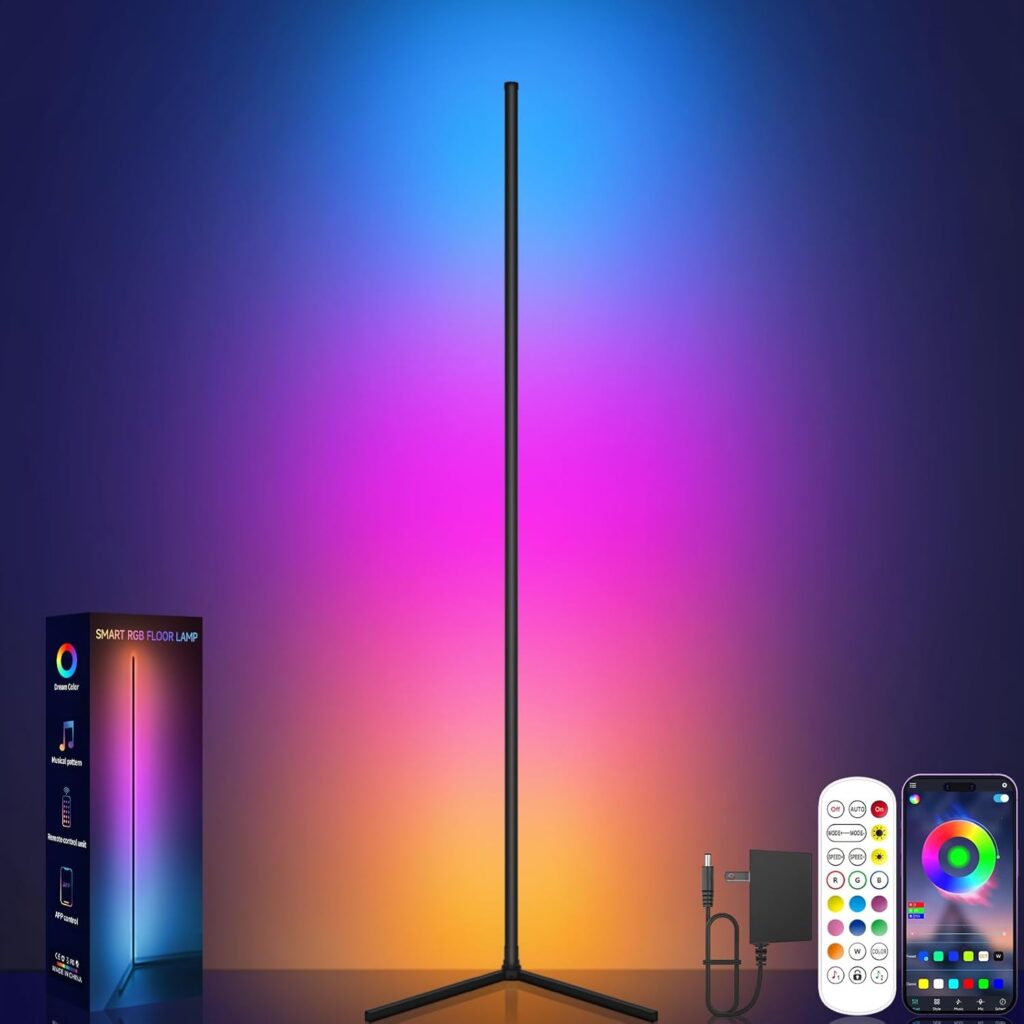
Tested by
“Corner fill test”: how well it fills dead space, ambience strength, and whether it actually changes the mood of the room.
Best for
Anyone with an empty corner near the desk who wants the room to feel bigger, taller, and more “set-designed.”
Why We Like It
A corner lamp is the easiest way to make your gaming room feel complete, because it adds vertical light. Strips and bars mostly live at desk height. A tall corner glow changes the whole room atmosphere—especially at night.
This is also a good pick if you want a gaming vibe without making your setup look like a spaceship.
Pros
- Makes the room feel more “finished” by adding vertical ambience
- Great for filling empty corners near a desk or behind a chair
- Usually easier to move than wall-mounted options
Cons
- More “mood” than “task” lighting (don’t expect it to light your whole room)
- Corner placement is basically required for best effect
- Build quality can vary more across non-premium brands
Other Things to Consider (Before You Checkout)
- App experience matters more than specs
The best lights are the ones you’ll actually use daily. If the app is annoying, you’ll stop changing scenes after week one. - Wi-Fi vs Bluetooth
Wi-Fi is better for voice assistants and controlling lights when you’re away. Bluetooth is fine if the lights are close and you don’t care about remote access. - Brightness vs ambience
Most “gaming lights” are for mood, not lighting up the whole room. If you need real brightness for work, you might want a separate desk lamp. - Mounting and removability
Strips lose stickiness when re-applied. Wall lights look amazing but are the biggest commitment. - Placement is everything
Even the best light looks bad if it’s aimed wrong. Plan where the glow will reflect—wall, desk surface, behind monitor—before you stick anything down. - Accessories you may need
Cable clips, corner channels, rubbing alcohol wipes for mounting surfaces, and (sometimes) extension cords or USB power considerations.
Frequently Asked Questions
Are RGBIC lights actually better for gaming setups than regular RGB?
Yes, if you care about effects. Regular RGB usually means one solid color at a time across the whole strip/light. RGBIC (segmented) means multiple colors can run at once, so effects look layered and animated instead of flat. In a gaming room, that’s the difference between “nice glow” and “this looks like a real battlestation.” RGBIC also tends to look smoother for chase/rainbow/moving gradients—especially behind monitors and along walls.
Should I get light bars or LED strips for behind my monitor?
If your main goal is a clean backlight behind the monitor, light bars are usually the easiest and neatest. You place them, angle them, and the glow looks even with less effort. LED strips can work too, but they take more time to line up cleanly, and sharp corners can look messy if you rush.
A lot of people end up doing both: light bars for the monitor glow, strips for desk edges and shelves.
How do I avoid that “cheap RGB” look?
Three things:
- Pick 2–3 main colors you like (example: purple/blue/soft pink) and stop there.
- Use brightness like seasoning—lower usually looks more premium, especially at night.
- Aim the light at surfaces (walls/desk) instead of directly at your eyes. Reflected light always looks cleaner than exposed LEDs.
Do I need Wi-Fi/Matter support, or is Bluetooth control enough?
Bluetooth is enough if:
- Your room is small
- You don’t care about voice assistants
- You mainly set a scene and leave it
Wi-Fi (and compatibility features like Matter, where available) is worth it if:
- You want voice control (Alexa/Google)
- You want to control lights from anywhere
- You’re building a whole-room lighting setup that you want synced and automated
For most gamers: strips can be Bluetooth, but your “main” lights (bars or wall lights) feel better when they’re Wi-Fi controlled.
What’s the best “starter combo” if I’m building my setup in steps?
If you want the most noticeable improvement without overspending:
- Start with an RGBIC strip for the desk edge/shelves.
- Add light bars behind the monitor for a clean glow.
- Add either a corner lamp (for room ambience) or a wall light (for the big centerpiece look).
That order usually gives you the best visual upgrade per dollar at each step.
Conclusion (Who Should Buy What)
If you want the most impressive “gaming room wall” upgrade, go for the Govee Gaming Wall Light, RGBIC Glide Wall Light (B0D45HYXLQ) because it’s the one that makes your setup look like a content-creator studio. If you’re building on a budget and want the biggest change fast, the Govee RGBIC LED Strip Lights, 16.4ft Bluetooth (B0991Q94KP) are the easy win for desk edges, shelves, and wall glow. For the cleanest monitor backlight look (the “my setup looks expensive” effect), the Govee Smart LED Light Bars, RGBICWW WiFi (B096WZXKZP) are the safest pick. If you want gaming light bars that are super convenient to control without always using your phone, the Govee RGBIC Gaming Light Bars H6047 (B0B6CQ2LQ2) make a lot of sense. And if your room has an empty corner that feels dead, the Tyute Corner Floor Lamp, RGB LED Corner Lamp (B0D93T78D7) is the quickest way to make the whole space feel more complete and atmospheric.