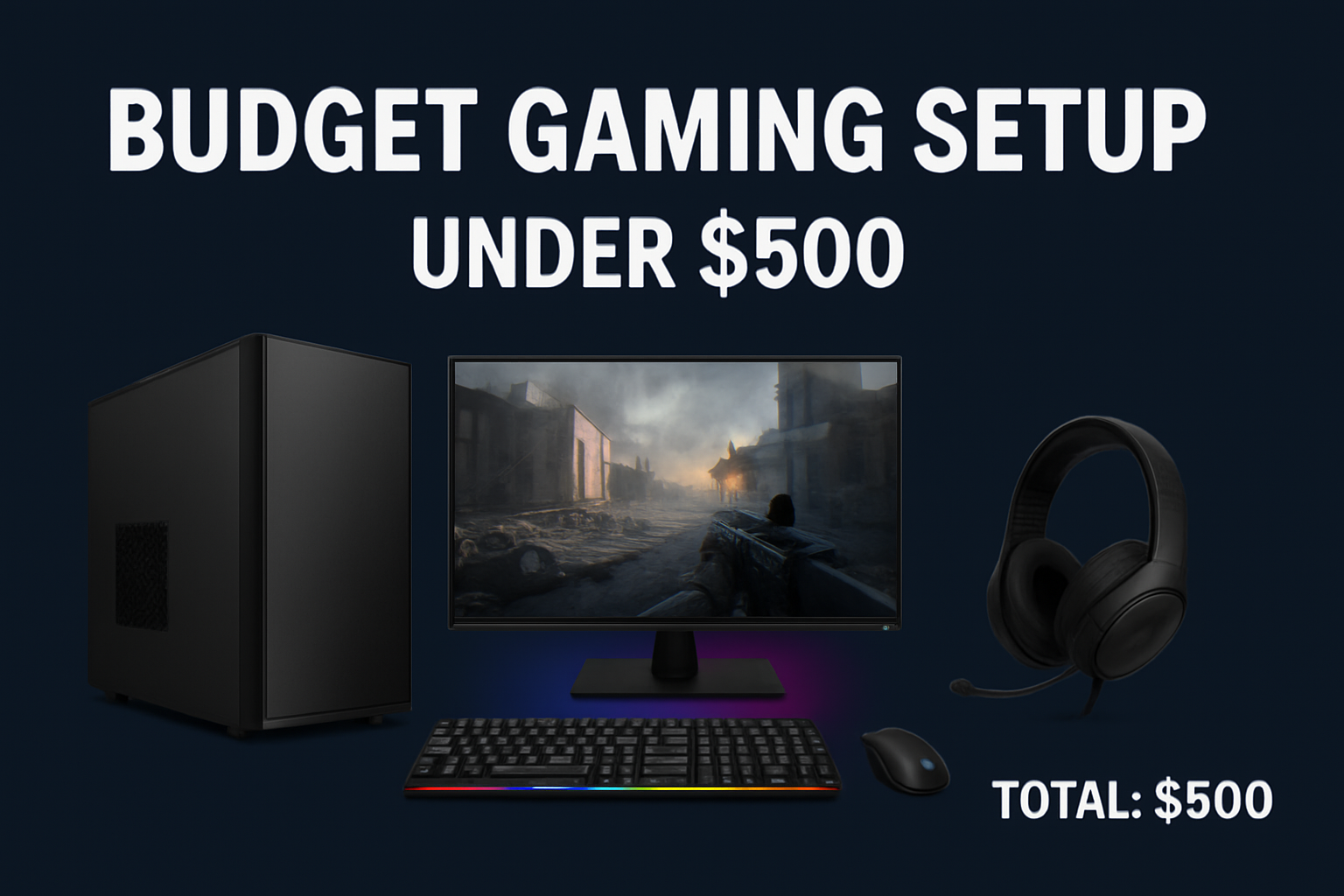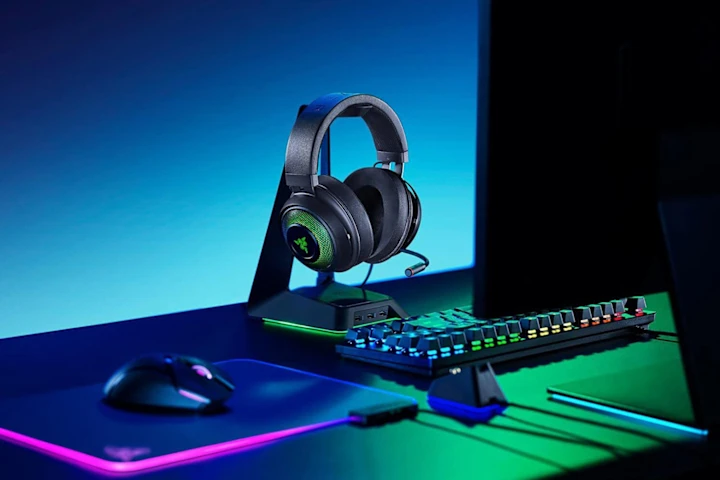
Building a solid gaming setup requires more than just a fast PC. The right accessories improve comfort, response time, and overall performance. Below are the top five gaming accessories every PC gamer should consider.
1. Noise-Canceling Gaming Headset
A gaming headset enhances immersion and improves communication during multiplayer games. Clear audio lets you hear subtle in-game details, such as footsteps or enemy movement.
What to look for:
- Noise-cancellation feature
- Comfortable ear cushions and lightweight design
- Clear microphone quality
- Surround sound support
Recommended examples:
- HyperX Cloud III
- SteelSeries Arctis Nova
2. High-Precision Gaming Mouse
A gaming mouse offers better control and faster response, which is crucial for competitive gameplay.
Key features to consider:
- Adjustable DPI sensitivity
- Programmable buttons for shortcuts
- Lightweight or ergonomic design
- Durable switches
Recommended examples:
- Logitech G502 HERO
- Razer Basilisk V3
3. Mechanical Gaming Keyboard
Mechanical keyboards offer quicker actuation and better feedback compared to membrane keyboards. They are more durable and ideal for fast-paced gaming.
Benefits of mechanical keyboards:
- Faster response time
- Customizable key switches and keycaps
- Longer lifespan
- Improved accuracy
Types of switches:
- Linear switches (smooth)
- Tactile switches (feedback bump)
- Clicky switches (audible click)
Recommended examples:
- Keychron K Series
- Razer BlackWidow
4. Ergonomic Gaming Chair
A good gaming chair provides support for long sessions and prevents back and neck strain.
What to look for:
- Adjustable lumbar support
- Adjustable armrests (3D or 4D)
- Breathable material (fabric or mesh)
- High-density or cold-cure foam seating
Recommended examples:
- Secretlab Titan EVO
- Razer Iskur
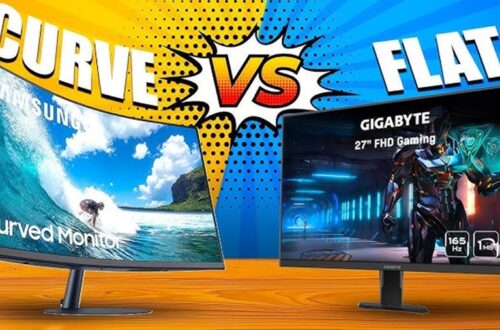
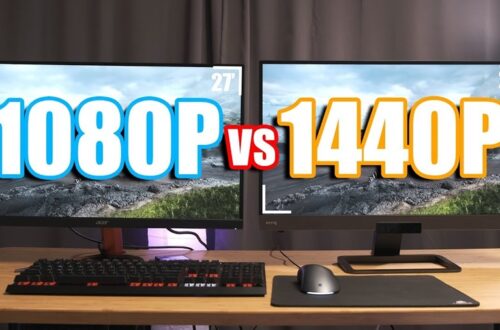
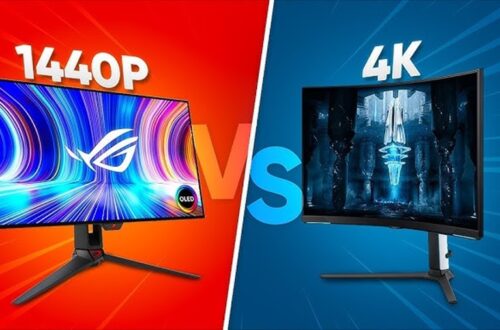
5. High Refresh Rate Gaming Monitor
A monitor with a high refresh rate improves motion clarity and gives smoother gameplay.
What to look for:
- At least 144Hz refresh rate
- IPS or VA panel for accurate colors
- Adaptive sync technology (G-Sync or FreeSync)
Recommended examples:
- ASUS TUF Gaming Monitor
- AOC 24G2
Conclusion
Improving your gaming setup is not just about aesthetics. A quality mouse, keyboard, headset, monitor, and chair directly enhance performance and comfort. Choosing the right accessories can elevate your gameplay and make every session more enjoyable.