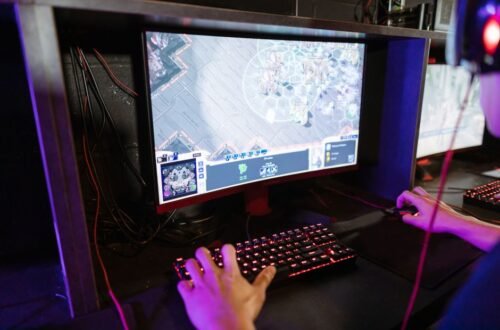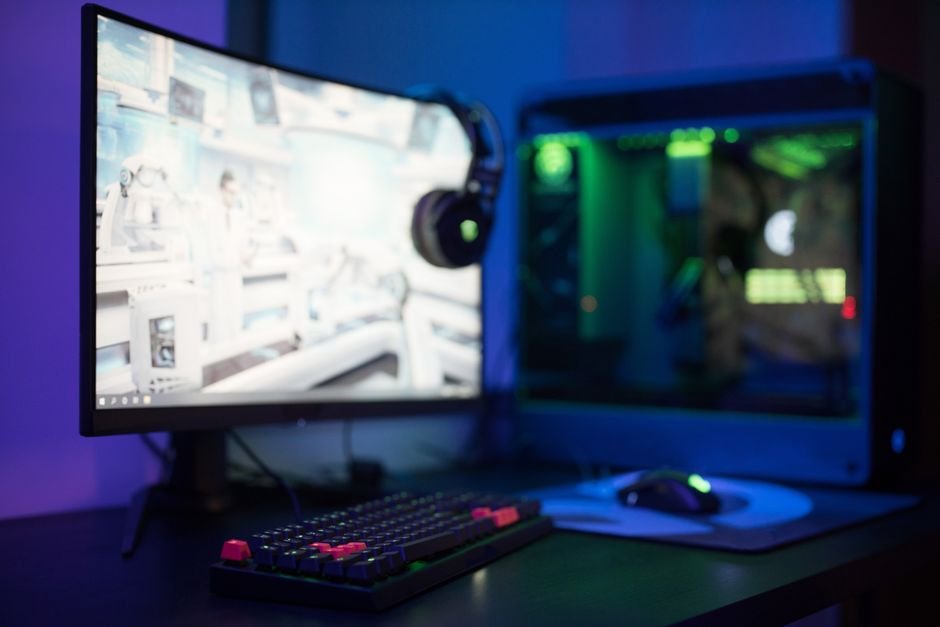
A monitor set too low can lead to serious strain and discomfort while gaming. Position your monitor so that the top edge is at or just below eye level to maintain a natural posture and prevent pain in your neck and back.
Achieving the right height isn’t just about comfort; it’s crucial for your long-term health, too. I’ve seen too many friends sacrifice their ergonomics for the sake of aesthetics or space, leading to neck and upper back pain. If you’re serious about gaming, setting up your monitor at the proper height can enhance your experience and prevent any future discomfort.
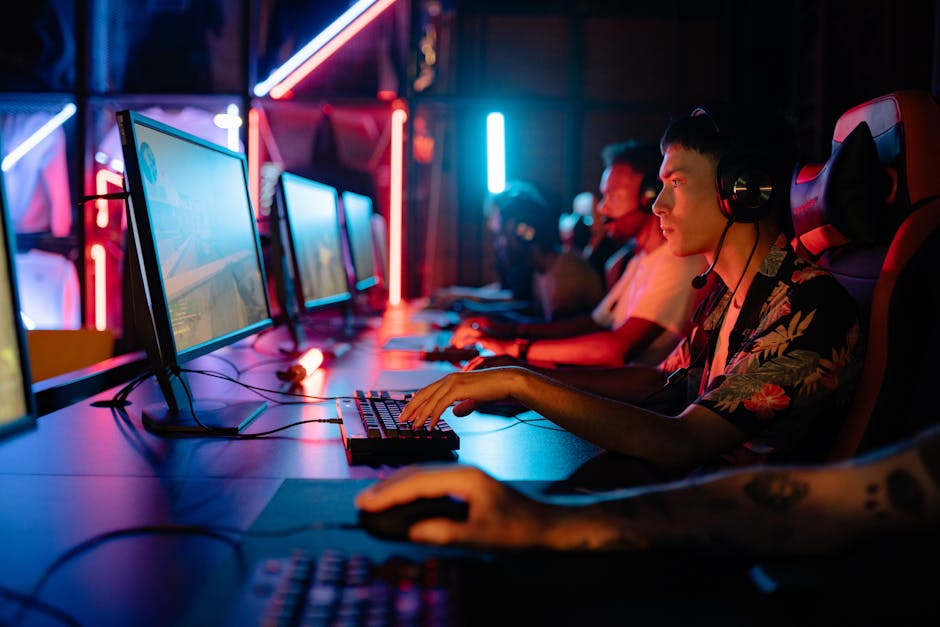
Finding Your Ideal Monitor Height
The best way to identify the perfect monitor height is to sit at your desk as if you were gaming. Your elbows should be at a right angle, resting comfortably on the desk. From this seated position, the monitor should be positioned so that your eyes are aligned just below the top edge.
This way, you don’t have to tilt your neck significantly either way. For most people, this means the monitor will generally sit between 20 to 30 inches from their eyes, depending on the size of the screen.
A quick formula if you want to be more precise: Measure the distance from your eyes to the screen and ensure the center of your monitor is roughly 10 to 15 degrees below your horizontal line of sight. This adjustment not only maintains a neutral position for your neck but also reduces strain on your shoulders and upper back.
Correct Monitor Height for Different Desk Setups
Your desk setup can also influence where your monitor should sit. If you use a standing desk, monitor height is even more critical. When standing, your monitor should be at eye level to avoid bending or tilting your neck. In this case, having an adjustable monitor arm can make a world of difference, allowing for quick adjustments based on your position.
If you are working with a traditional desk, and especially if you have a gaming chair that offers good back support, aim for the top edge of the monitor to meet your eye level. Adjust your chair height as necessary; if the chair is too low, elevating the monitor or even using a stacking method with books can be an effective short-term solution.
Just make sure that when you are seated, your feet can stay flat on the floor, maintaining a good posture.
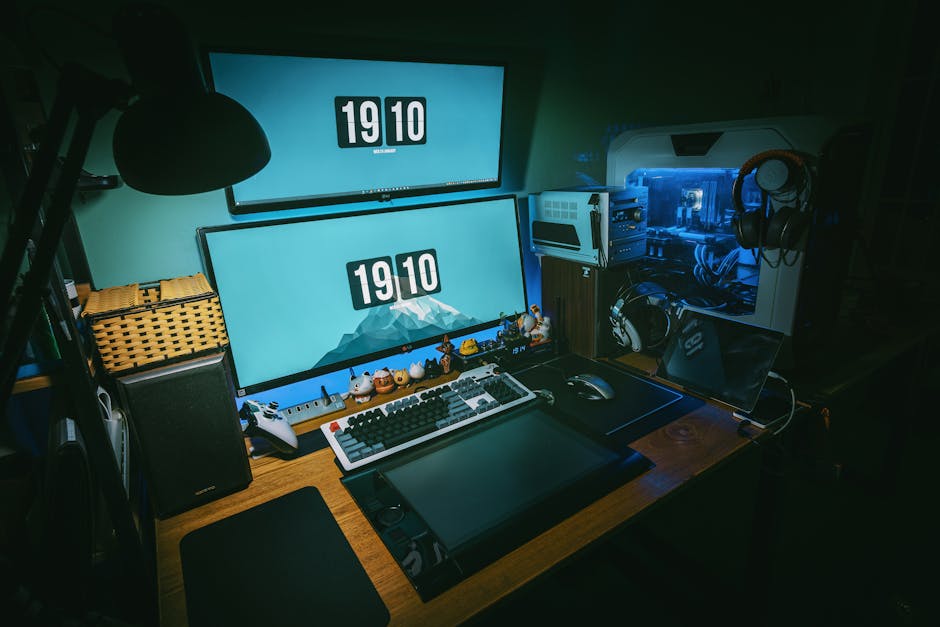
Avoiding Common Mistakes in Monitor Height Setup
One of the biggest mistakes people make is relying solely on looks instead of function. It’s tempting to position a monitor at a visually appealing height or fit it snugly with the design of your setup. But aesthetics don’t help you if you’re dealing with chronic pain afterwards.
Always prioritize your comfort and adjust the monitor height even if it seems out of line with the surrounding decor.
Another common oversight is the inclination to place the monitor too far away or too close. The sweet spot for monitor distance is usually at least an arm’s length away, which helps reduce eye strain. If you find yourself leaning forward or squinting often, you may need to readjust your distance or the height.
The Right Gaming Posture Matters, Too
While monitor height is critical, it’s equally important to ensure your overall gaming posture is on point. Sit back in your chair with your lower back supported, ensuring that your head doesn’t slump forward. If you have gaming gear that keeps you leaning forward, it could affect how you perceive the monitor, making it seem lower than it is.
If you’re using multiple monitors, it’s important to align them at the same height to avoid straining your neck by constantly looking up or down. The same rule applies: keep the aligned monitors near eye level, ensuring they are as close as possible to each other in height to maintain a smooth line of sight.
Conclusion: Set It Up Right for the Best Experience
For the best setup, place your gaming monitor two to three inches below eye level and ensure it is about an arm's length away. This setup is suitable for most gamers, while those using standing desks should consider adjustable arms for optimal height alignment.
Frequently Asked Questions
What is the best height for a gaming monitor?
The best height for a gaming monitor is typically eye level when seated. This ensures that your eyes are aligned with the top third of the screen, promoting comfort and reducing strain.
How does monitor height affect gaming?
Monitor height affects gaming by influencing your posture and overall comfort during long sessions. A proper height can enhance your field of view and reduce fatigue, allowing for better focus and performance.
Why is monitor height important for gaming?
Monitor height is important for gaming because it impacts your eye alignment, neck strain, and visual comfort. Proper alignment can help maintain concentration and reduce physical discomfort while gaming for extended periods.
Can incorrect monitor height cause eye strain?
Yes, incorrect monitor height can lead to eye strain by forcing your eyes to look up or down repetitively. This misalignment can cause discomfort and fatigue, detracting from the overall gaming experience.
How to measure the optimal gaming monitor height?
To measure the optimal gaming monitor height, sit in your gaming chair with your feet flat on the floor and elbows at a 90-degree angle. The top of the monitor should be at or slightly below eye level, allowing you to gaze comfortably at the screen without tilting your head. For more information about what is the ideal gaming monitor height, check out this resource what is the ideal gaming monitor height.