
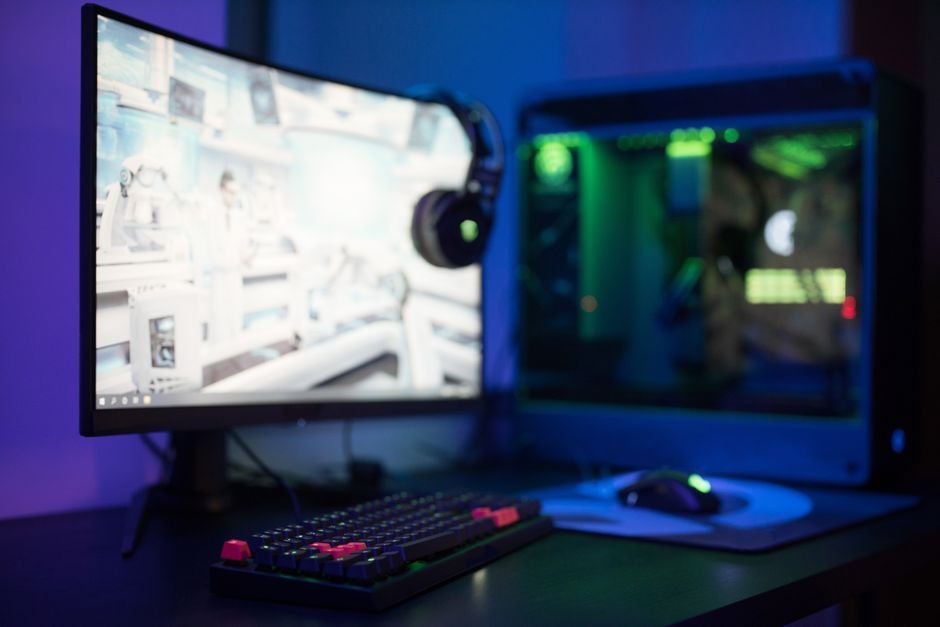
A gaming monitor can cost anywhere from $200 to over $1,000, depending on the specifications that impact your gameplay. Smooth performance hinges on features like refresh rate, response time, screen size, and resolution, which significantly affect both playability and immersion.
Choosing the right monitor can seem daunting given the sheer number of options available. However, by understanding the key features and how they affect gameplay, you can make a decision that will enhance your overall gaming experience significantly.
Refresh Rate: How Smooth Will Your Games Appear?
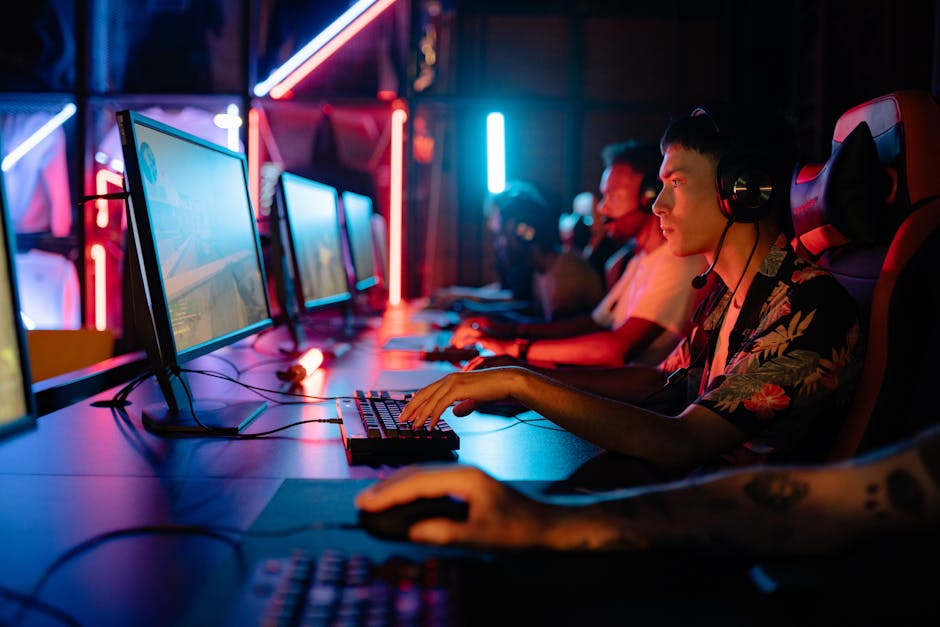
The refresh rate, measured in Hertz (Hz), indicates how many times the monitor refreshes the image per second. For gaming, a refresh rate of at least 60Hz is the minimum you’d want, but if you aim for competitive play or fast-paced genres, consider going for 144Hz or even 240Hz. This can dramatically reduce motion blur and make movement feel significantly smoother.
I prefer 144Hz for a great balance; it isn’t as demanding on your hardware as 240Hz but still provides a noticeable improvement over standard rates.
Additionally, many modern monitors feature G-Sync or FreeSync technologies that help synchronize the monitor’s refresh rate with the GPU. These technologies can significantly reduce screen tearing and stuttering, leading to a smoother gameplay experience. I’ve found that a well-implemented FreeSync setup can make a world of difference, especially in competitive shooters.
Response Time: The Importance of Speed
Response time measures how quickly a pixel can change from one color to another, often expressed in milliseconds (ms). Lower response times are better for gaming, with 1ms to 3ms being the ideal range. High response times can result in ghosting effects, where images of fast-moving objects leave behind trails, negatively affecting gameplay.
For those involved in fast-paced titles like first-person shooters, I firmly recommend a monitor with a 1ms response time.
Falling into the trap of a slower response time could mean lagging behind in competitive scenarios. The clarity of graphics in moments of high action depends heavily on quick pixel response to keep up with the gameplay.
Screen Size and Aspect Ratio: Finding Your Visual Sweet Spot
Screen size and aspect ratio are crucial for an immersive experience. Generally, a size of 24 to 32 inches is optimal for gaming, with personal preference playing a significant role as well. A larger display can enhance immersion, but be cautious that it’s not so big that you have to strain your neck or eyes.
You could also consider a wide-screen monitor for an expanded field of view, especially in simulation or racing games.
A 16:9 aspect ratio is standard for most gaming, but ultrawide 21:9 or even 32:9 ratios can provide broader vistas in gaming, essential for immersion in many titles. I’ve experienced the advantage of ultrawide displays to better appreciate the environments in role-playing games.
Resolution: Clarity is Key
The resolution denotes the number of pixels used to create the display image. For gaming, 1080p (Full HD) is a common standard, but 1440p (QHD) and 4K (UHD) offer significantly better image clarity with more detail.
While 4K looks stunning, it demands a lot from your GPU, so if your setup can’t handle that, 1440p is a fantastic middle ground that still offers brilliance without compromising frame rates.
Keep in mind that increasing resolution often requires a more powerful graphics card. Balancing resolution with a solid refresh rate is essential, as a higher resolution on a monitor that doesn’t support fast refresh rates might not yield the performance gains you desire.
Feature Priorities for Different Games
Identifying your gaming priorities helps streamline your search. For fast-paced shooters, prioritize refresh rate and response time over resolution. A 144Hz monitor with 1ms response time trumps a higher resolution if those games are your focus. Alternatively, if you play a lot of immersive RPGs or story-driven games, a higher resolution paired with a larger screen may significantly enhance your enjoyment.
If you’re dabbling in various genres, a well-rounded monitor like one with a resolution of 1440p and a refresh rate of 144Hz offers flexibility and excellent performance across the board. This way, you won’t feel limited as you shift between games, whether you’re in a high-stakes firefight or roaming a beautifully detailed open world.
Final Recommendations: What to Choose?
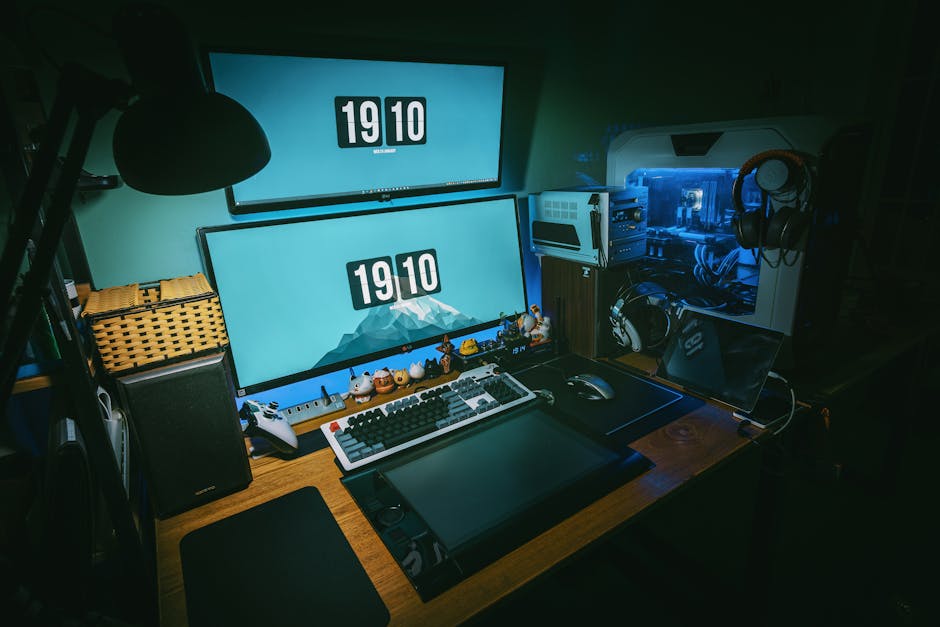
For competitive gamers, a monitor with at least a 144Hz refresh rate and 1ms response time is essential, ideally in the 24-27 inch range. For those prioritizing resolution, a 1440p display with a minimum 144Hz refresh rate is a strong choice. If you enjoy a variety of game genres, a 1440p monitor offers a solid balance of quality and performance without demanding extensive hardware upgrades. Additionally, understanding how to choose a gaming monitor can aid in making the right decision.
Related reading: curved vs flat gaming.
Frequently Asked Questions
Why is refresh rate important for gaming monitors?
Refresh rate, measured in Hertz (Hz), indicates how many frames per second the monitor can display. A higher refresh rate leads to smoother gameplay and reduces motion blur, enhancing the overall gaming experience, especially in fast-paced games.
What size gaming monitor is best for competitive gaming?
For competitive gaming, a monitor size between 24 to 27 inches is often considered ideal as it allows for a wide field of view while keeping all essential details within the player's peripheral vision. This size also helps to minimize head movement and increases focus on the center of the screen.
How does screen resolution affect gaming?
Screen resolution determines the clarity and detail of the graphics displayed. Higher resolutions provide sharper images, but they also require more powerful hardware to maintain high frame rates, which can impact performance in fast-paced games.
Can a curved monitor improve gaming experience?
Curved monitors can enhance gaming experience by providing a more immersive viewing angle and reducing distortion at the edges of the screen. This design can also help to increase depth perception, making it especially beneficial in racing and first-person shooter games.
Is higher refresh rate worth it for casual gamers?
While higher refresh rates can enhance the gaming experience with smoother visuals, they may not be as crucial for casual gamers who play less demanding titles. However, investing in a higher refresh rate can still provide a noticeable difference in responsiveness and overall enjoyment, even for more casual play.




