
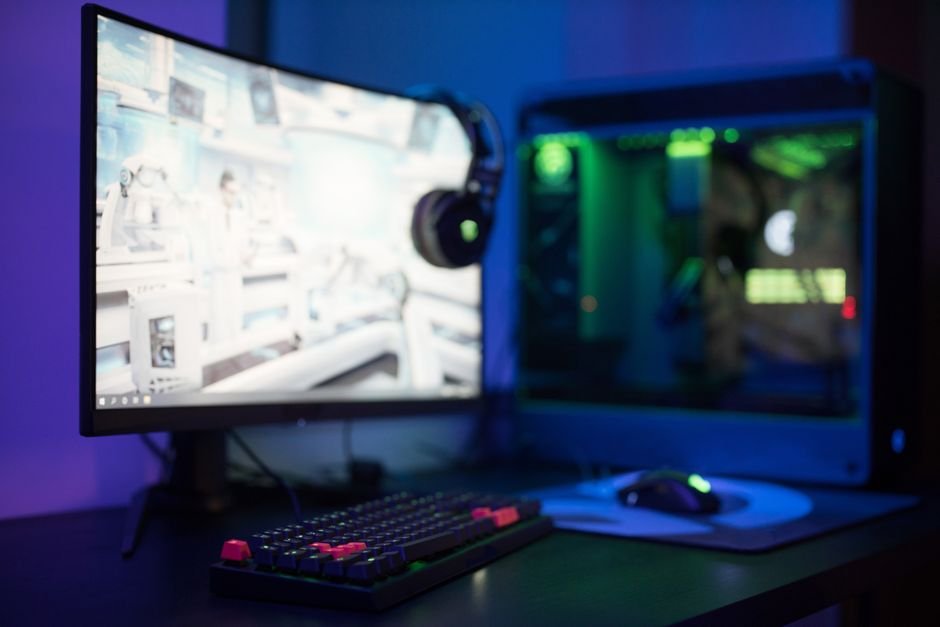
27 inches is often regarded as the optimal size for a gaming monitor, balancing immersion with desk space. This size supports enhanced visibility without overwhelming your setup, and it plays a crucial role in minimizing eye strain during extended gaming sessions.
When considering what is the best gaming monitor size, it’s essential to look at various factors such as resolution, refresh rate, and how your desk space is laid out. Use your setup and gaming habits to guide your choice. Let’s explore the available options and help you make the most informed choice.
Why 27 Inches is the Goldilocks Zone
If you’ve been doing any browsing, you might always see 27 inches pop up as the ideal size for a gaming monitor. This isn’t just hearsay; this size offers enough screen real estate for immersive gameplay while still fitting comfortably on most desks.
Monitors smaller than this may leave you squinting at details, especially in visually rich games, while anything larger often leads to neck strain as you turn your head to take in the whole screen.
In gaming contexts, 27 inches hits a great balance, especially at 1440p resolution. At this size and resolution, you get a pixel density that’s sharp enough to notice intricate textures without overwhelming your visual field. It’s large enough that you can see the whole battlefield but not so large that you lose focus on critical elements right in front of you.
Comparing Different Monitor Sizes
Now, let’s put this in perspective by comparing different sizes. A common choice among casual gamers is the 24-inch monitorwhich is great for competitive gaming and offers a sharp image at 1080p. However, the downside is the reduced immersion and a cramped feel in visually extensive games. On the other hand, a 32-inch monitor can provide a stunning cinematic experience, especially for single-player campaigns.
Yet, these models typically have a lower pixel density at 1080p, leading to a less crisp image.
- 24 inches: Good for competitive play, but lacks immersion.
- 27 inches: Excellent balance for both competitive and immersive experiences.
- 32 inches: Great for cinematic experiences but may compromise sharpness at lower resolutions.
Choosing the Right Aspect Ratio
Once you decide on the size, the next decision is the aspect ratio. Most gaming monitors feature a 16:9 aspect ratio, which matches most gaming consoles and is standard for many PC games. However, ultrawide monitors with a 21:9 or 32:9 ratio are also gaining traction. These setups enhance immersion by providing a wider field of view, which is especially beneficial in racing or simulation games.
Yet, ultrawides do have their drawbacks. They can distort some older games not designed for these ratios, and they generally take up more desk space, something you must consider if you have a tight setup. If your desk can handle it, though, the experience can elevate your gaming significantly.
Balancing Size with Desk Space
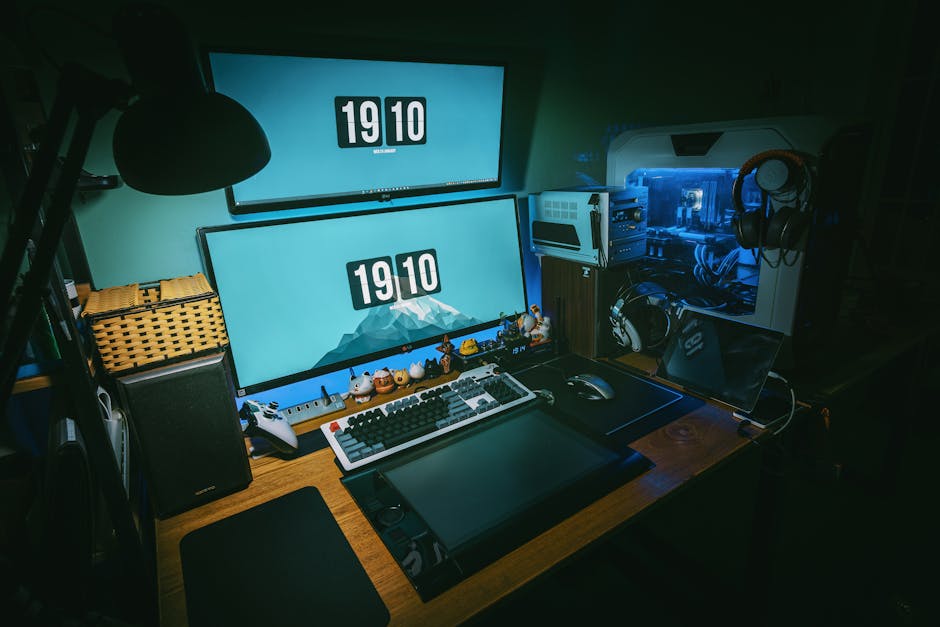
Speaking of desk space, this is where many gamers get caught out. You might love the idea of a 32-inch monitor but realize too late that your desk can’t accommodate its expansive footprint. Always measure your available surface area before committing to a size. The last thing you want is a monitor crammed against a wall or an awkward angle that diminishes gameplay.
A good rule of thumb is ensuring you have at least six to twelve inches of space to maneuver your chair and access your peripherals comfortably. If you’re dealing with limited space, a well-crafted 27-inch monitor or even a dual-monitor setup with 24-inch models can provide ample screen real estate without overwhelming your environment.
Refresh Rates and Gaming Preference
Another vital aspect to consider is refresh rate compatibility alongside monitor size. A higher refresh rate (such as 144Hz or 240Hz) will make every movement feel smoother and more responsive. That said, these benefits might not be fully appreciated on smaller screens, where the resolution can limit performance and fluidity.
Conversely, if you’re gaming on a 32-inch monitor at a lower refresh rate, you risk losing out on that responsiveness, which is crucial in competitive gaming scenarios.
The sweet spot for many gamers is around 27 inches with a 144Hz refresh rate and a resolution of 1440p. This combination offers a fantastic balance of clarity, speed, and immersion that caters well to various genres, from fast-paced shooters to sprawling RPGs.
Your Ideal Monitor Setup
I recommend a 27-inch monitor with a refresh rate of at least 144Hz for most gamers, as it strikes a solid balance between performance and usability. If your gaming style includes expansive worlds and high-speed action, consider an ultrawide monitor, which provides a more immersive visual experience, provided you have the space for it.
Frequently Asked Questions
What size monitor is best for FPS gaming?
For FPS gaming, a monitor size between 24 to 27 inches is often considered optimal. This size allows for a good field of view while maintaining sharpness and clarity for fast-paced action.
Why is monitor size important for gaming?
Monitor size is important for gaming because it affects how immersive and comfortable the experience is. A properly sized monitor can enhance visibility, reduce eye strain, and improve gameplay performance.
How does screen size affect gaming experience?
Screen size affects the gaming experience by influencing how much detail can be seen at once and how immersed a player feels. Larger screens can provide more visual real estate, but they may also require more physical space and can lead to potential distortion if too large for the viewing distance.
Is a bigger monitor always better for gaming?
No, a bigger monitor is not always better for gaming. While larger screens can enhance immersion, they might also require better graphics performance and can be overwhelming or difficult to view comfortably from certain distances.
Can monitor size impact gaming performance?
Yes, monitor size can impact gaming performance indirectly by affecting the resolution and refresh rate capabilities. A larger monitor may require a more powerful graphics card to maintain high frame rates, which can influence overall gaming performance. For tips on determining what is the best gaming monitor size, you can visit how to measure monitor size effectively.




