
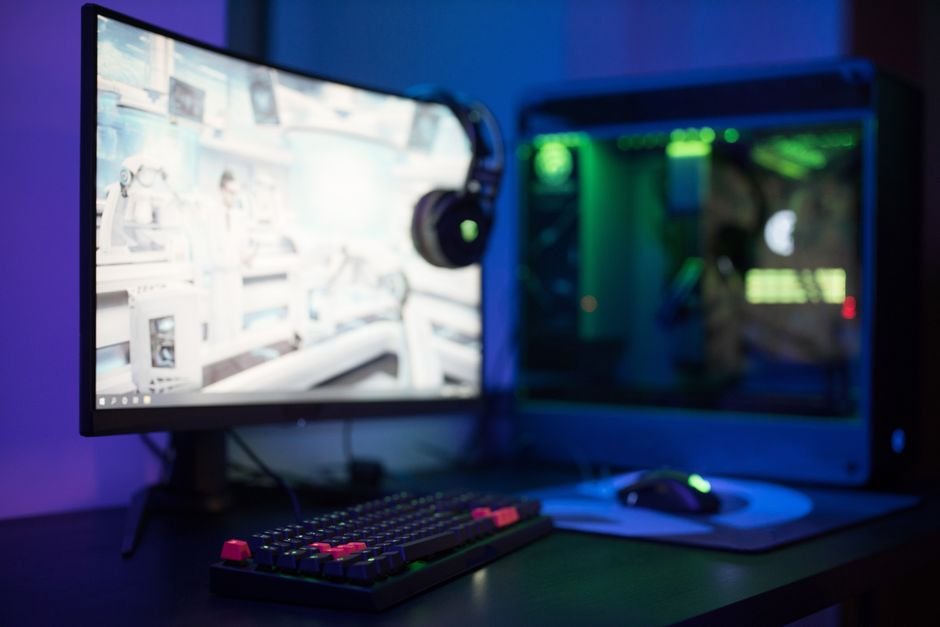
A monitor's brightness can make or break a gaming experience, impacting visibility in dark scenes and overall immersion. In this guide, we will compare several monitor models that cater to different budgets and preferences, so you can find the best fit for your setup without overspending.
When choosing a gaming monitorconsider key factors such as brightness levels, adaptive brightness features, refresh rates, and color accuracy. A monitor that delivers vibrant brightness can enhance both atmospheric games and competitive play by making colors pop and shadows distinct. Look for dynamic range and contrast ratios too, which can impact how well you see in darker environments.
Featured in this article




1. SANSUI 32 Inch Curved 240Hz, Immersive Curved Display
This monitor stands out due to its super smooth 240Hz refresh rate that keeps action fluid, which is essential for an immersive experience during fast-paced games. The curved screen design maximizes peripheral vision, making it feel as if you’re part of the game itself. With 125% sRGB, colors are vivid and truly engaging.
Why we picked it: This model offers a great combination of performance with its high refresh rate and impressive color coverage, making it ideal for both casual and immersive gaming. Compared to flat screens in the same price range, it provides a more engaging viewing experience.
Not ideal for: Competitive gamers who prioritize ultra-fast response times might want to consider monitors with even faster specs.
SANSUI 32 Inch Curved 240Hz
Best for: Gamers wanting immersive curved display experience
- Super smooth 240Hz refresh rate
- Vivid colors with 125% sRGB
- Curved screen enhances immersion
- Brightness could be better
- Limited connectivity options
2. Dell 27 240Hz Gaming Monitor, Excellent Color Accuracy
With a 0.5ms response time and IPS technology, this Dell gaming monitor delivers stunning color accuracy and fast reaction times, which are crucial for competitive play. The Adaptive Sync technology ensures smooth performance, minimizing tearing and lag. If you play competitive shooters, this monitor can give you that crucial edge.
Why we picked it: The combination of speed and color depth makes this model a must-have for those who play graphics-intensive games or require precise color reproduction, often outpacing lower-end TN panels.
Not ideal for: Casual gamers may find the features overkill since it’s designed for high-performance gaming.
Dell 27 240Hz Gaming Monitor
Best for: Competitive gamers needing fast response times
- Incredibly fast 0.5ms response time
- Stunning color accuracy from IPS
- Smooth gameplay with FreeSync
- Slightly bulky for small desks
- No built-in speakers
3. Sceptre New 22, Best Budget Choice
For those on a budget, the Sceptre New 22 provides solid performance with built-in speakers, which adds convenience to your gaming setup. The blue light filter helps reduce eye strain during long sessions, and its minimal bezel design is ideal for multi-monitor setups. While it doesn’t have the gaming-specific optimizations of pricier models, it serves well for casual gaming.
Why we picked it: This model proves that you don’t need to spend a fortune to get a functional gaming monitor. It offers an excellent balance of features for the price, especially in quick casual games or moderate settings.
Not ideal for: Serious gamers looking for high refresh rates and fast response times will be disappointed here.
Sceptre New 22
Best for: Casual gamers on a budget
- Built-in speakers are convenient
- Blue light filter eases eye strain
- Minimal bezel for dual setup
- Lower resolution than competitors
- Limited brightness adjustments
4. ASUS ROG XG27AQDMG 27 Inch, OLED Brilliance
For serious gamers interested in top-tier technology, the ASUS ROG XG27AQDMG boasts a remarkable 0.03ms response time alongside OLED quality, which delivers stunningly vibrant colors and contrast. The uniform brightness across the screen allows for better clarity in darker scenes, making it a great choice for engaging in immersive gameplay.
Why we picked it: This monitor reigns supreme for those who want not just speed but also unparalleled color quality and detail. When compared to LCD models, the OLED panel provides vivid imagery that really enhances the gaming experience.
Not ideal for: The price point may be too steep for casual gamers who don’t need such advanced features.
ASUS ROG XG27AQDMG 27 Inch
Best for: Serious gamers who love OLED
- Incredible 0.03ms response time
- Vibrant QHD clarity for games
- Uniform brightness enhances visuals
- Higher price point than avg
- Can get hot during long sessions
5. Samsung 27″ Odyssey G5 Series, Detailed Visuals
The Samsung Odyssey G5 impresses with its QHD resolution and a 180Hz refresh rate, which minimizes lag and enables fast-paced gaming. The Black Equalizer feature enhances shadow detail, ensuring that even dark Scenes remain visible and playable, a huge advantage in many competitive scenarios.
Why we picked it: The combination of high resolution and advanced gaming features makes the G5 suitable for serious gamers who appreciate detail-oriented graphics without sacrificing speed.
Not ideal for: Casual gamers may find this level of detail unnecessary for their gaming style.
Samsung 27" Odyssey G5 Series
Best for: Gamers seeking high detail and depth
- Stunning QHD resolution clarity
- Smooth 180Hz minimizes lag
- Black Equalizer improves shadow detail
- Curve may not suit everyone
- Adjusting settings is a hassle
6. Smart Monitor Light Bar, Enhances Your Space
This unique addition provides dynamic lighting effects that can significantly enhance your gaming immersion. Adjustable brightness allows you to match the light to your gameplay, while its bright colors create an engaging atmosphere. It’s not a monitor but a fantastic complement to your setup.
Why we picked it: Adding ambient lighting can drastically change the feel of your gaming sessions, making it immersive without breaking the bank.
Not ideal for: Those who prioritize features strictly on the monitor itself instead of overall ambiance.
Smart Monitor Light Bar
Best for: Gamers wanting immersive lighting effects
- Bright and vibrant colors
- Easy to adjust settings
- Cool ambient glow in gaming
- Installation could be tricky
- Limited sync options with non-games
7. Govee Gaming Light, Ultimate Customization
Designed for gamers who love customizing their environment, the Govee Gaming Light offers exceptional light quality that can match on-screen colors. The intuitive app control allows you to adjust settings easily depending on your mood or gameplay. It’s particularly effective for those who enjoy streaming or want to create a dynamic setup.
Why we picked it: Being able to match your monitor’s colors can enhance your gaming experience and bring visual effects alive like never before.
Not ideal for: If you’re primarily a solo player focused on straightforward gameplay without additional effects, this may be an unnecessary investment.
Govee Gaming Light
Best for: Gamers seeking customizable lighting setups
- Amazing screen color matching
- Impressive light distribution
- Intuitive app control and presets
- App connectivity can be inconsistent
- Might not fit all monitor sizes
How to Choose your Gaming Monitor
Brightness and Contrast Ratio
A bright monitor enhances visibility in dark gaming environments, allowing you to spot enemies lurking in shadows. Look for models with a brightness of at least 300 nits and a high dynamic contrast ratio. Models like the ASUS ROG XG27AQDMG excel thanks to their OLED technology and consistent brightness across various scenes.
Refresh Rate and Response Time
Refresh rate, typically 60Hz to 240Hz, dictates how smoothly your games run. A higher refresh rate reduces motion blur, especially useful in fast-paced games. The Dell 27 240Hz Gaming Monitor offers remarkable speed and performance, suitable for competitive gaming.
Adaptive Brightness Features
Consider monitors with adaptive brightness technology, which adjusts the brightness based on the ambient light in your room. This can help reduce eye strain during extended gaming sessions. The SANSUI 32 Inch Curved Monitor provides excellent color reproduction under varying conditions, enhancing the overall experience.
Size and Viewing Distance
Choosing the right size can impact your gameplay experience. Monitors typically range from 24 inches to 32 inches and beyond. If you’re leaning towards an immersive experience, consider a larger, curved display like the SANSUI model, which wraps around your field of vision for a more engaging experience.
Frequently Asked Questions
What is the best monitor brightness for gaming?
The best monitor brightness for gaming typically falls between 250 to 350 nits, as this range provides a balance between visibility in bright environments and comfort during extended sessions. However, individual preferences may vary based on the room lighting and personal sensitivity to brightness.
How does monitor brightness affect gaming?
Monitor brightness directly affects the visibility of details in games, especially in darker scenes where excessive brightness can wash out colors. A well-calibrated brightness enhances immersion and helps to identify enemy movements or hidden items more easily.
Can high brightness harm your eyes while gaming?
Yes, high brightness settings can lead to eye strain or discomfort, particularly during long gaming sessions. It's important to find a brightness level that feels comfortable and reduces glare to protect your eyes.
Is it better to have high or low brightness for gaming?
It's typically better to have a moderate brightness setting that balances visibility and comfort. A brightness that is too high can cause glare, while too low can make it difficult to see details in darker games.
How to adjust monitor brightness for best gaming experience?
To adjust monitor brightness for the best gaming experience, start by balancing the brightness and contrast settings according to your specific gaming environment. Use in-game settings alongside your monitor's menu to fine-tune brightness, and consider products like the Smart Monitor Light Bar or Govee Gaming Light to enhance your setup.




