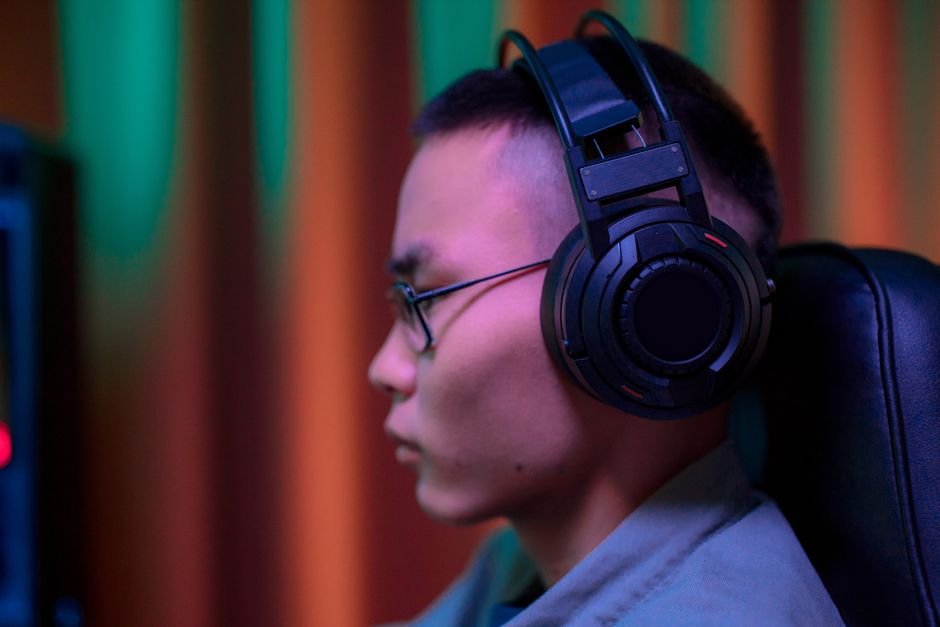
Static noise in a gaming headset can become a serious distraction, affecting 70% of users at some point. Understanding the reasons behind the static sound is essential for anyone serious about their audio quality.
In my experience, static sound can stem from a variety of causes, everything from faulty connections to interference. Understanding these potential culprits can lead you to the right solutions to enjoy crisp audio clarity while gaming or listening to music.

Common Causes of Static in Headsets
The first step in troubleshooting audio problems is identifying what contributes to headset static. One prominent cause is a loose or damaged cable. If you’re using a wired headset, ensure that the connector is fully plugged in. A male jack that is slightly misaligned can easily produce crackling or static sound.
For wireless headsets, headphone interference often arises from poor signal strength. Obstacles like walls or electronic devices can interfere with communication between the transmitter and the headset. If you’re in a crowded area with multiple wireless devices, this can also disrupt signals, leading to static noise.
Another common issue stems from software conflicts. Sometimes, audio drivers require an update or may need to be reinstalled for optimal performance. An outdated driver can compromise audio quality and lead to persistent static sounds during use.
Steps to Resolve Static Noise
Once you’ve diagnosed the problem, resolving it can be straightforward. Start with the basics: check all connections, especially with wired headsets. Unplugging and then re-plugging the headset can often resolve minor connection issues. Additionally, inspect the cable for any visible damage. If you find fraying or cuts, replacing the cable might be necessary.
If you’re dealing with wireless headset issues, moving closer to the transmitter and eliminating any obstructions is a good first step. If static continues to plague your audio, consider resetting the headset. This process can typically be found in the user manual or manufacturer website.
On the software side, ensure your audio drivers are up to date. You can find updates through the device manager on your PC. A simple check for updates can often fix issues that emerge due to outdated software. If you still have static, try disabling any audio enhancements that may have been activated on your system, as these can sometimes contribute to unwanted noise.
When to Consider a Replacement
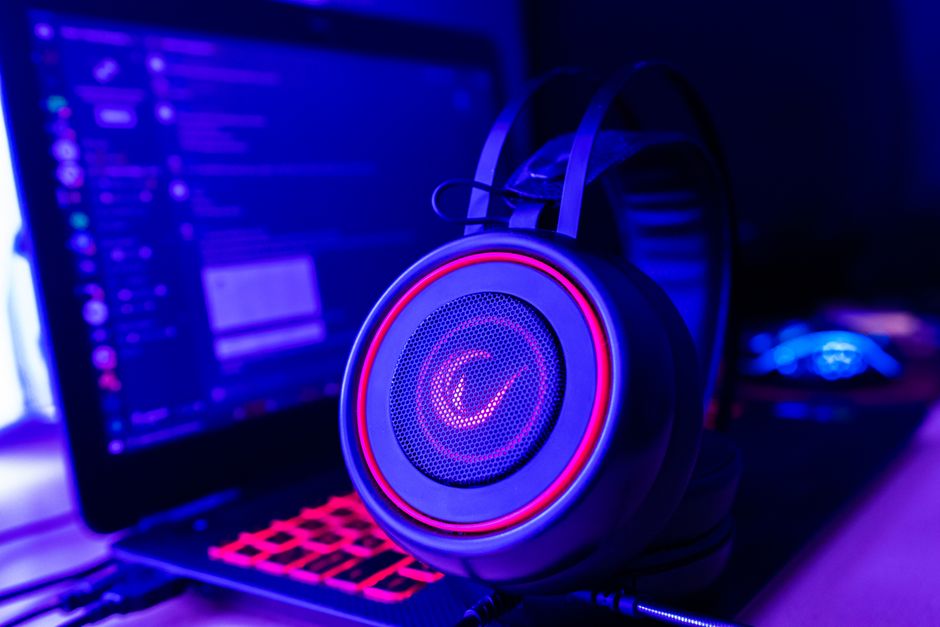
If you’ve gone through the troubleshooting steps without success, it may be time to consider a new headset. A significant sign that replacement is necessary is when the static noise persists even after ensuring all connections are secure and drivers are updated.
Additionally, pay attention to the age of your headset. Most quality headsets can last several years, but daily wear and tear can diminish audio performance. Investing in a new headset may ultimately save you frustration and enhance your gaming experience.
I have found that quality makes a difference when it comes to headsets. If you are looking for a reliable gaming experience, check my picks for the Best Headset for Xbox. Quality headsets often come equipped with better noise-canceling features, minimizing the chances of static and audio interference.
If that matters to you, our piece on headphones explained goes further.
See also our take on headset which is better.
Conclusion: Prioritize Quality for Better Audio
For consistent performance, consider upgrading to a higher-quality headset like the HyperX Cloud II, which suits gamers who prioritize sound clarity and comfort. Alternatively, if you're budget-conscious, the Logitech G430 offers decent audio quality for casual users without breaking the bank.
Frequently Asked Questions
Why does my headset have static noise?
Static noise in headsets can occur due to various reasons, such as poor connections, interference from other electronic devices, or issues with the audio source itself. It might also arise from loose wiring or faulty components within the headset.
How can I fix headset static issues?
To fix static issues in your headset, try ensuring that all connections are secure and clean any ports. You can also test your headset with different devices to identify whether the issue lies with the headset or the audio source.
Can Bluetooth cause static in headsets?
Yes, Bluetooth can indeed cause static in headsets, especially if there is interference from other wireless devices or if the Bluetooth connection is weak. Being too far away from the audio source or having obstacles between the headset and the device can also contribute to this static.
Is headset static a sign of damage?
Headset static can sometimes indicate damage, particularly if it persists across different devices. However, it can also stem from simple connectivity issues or interference, so further investigation is needed before concluding that there is physical damage.
What causes static in headphones?
Static in headphones can be caused by electrical interference, loose connections, or poor-quality audio cables. Additionally, it may result from hardware defects within the headphones or issues with the source device.