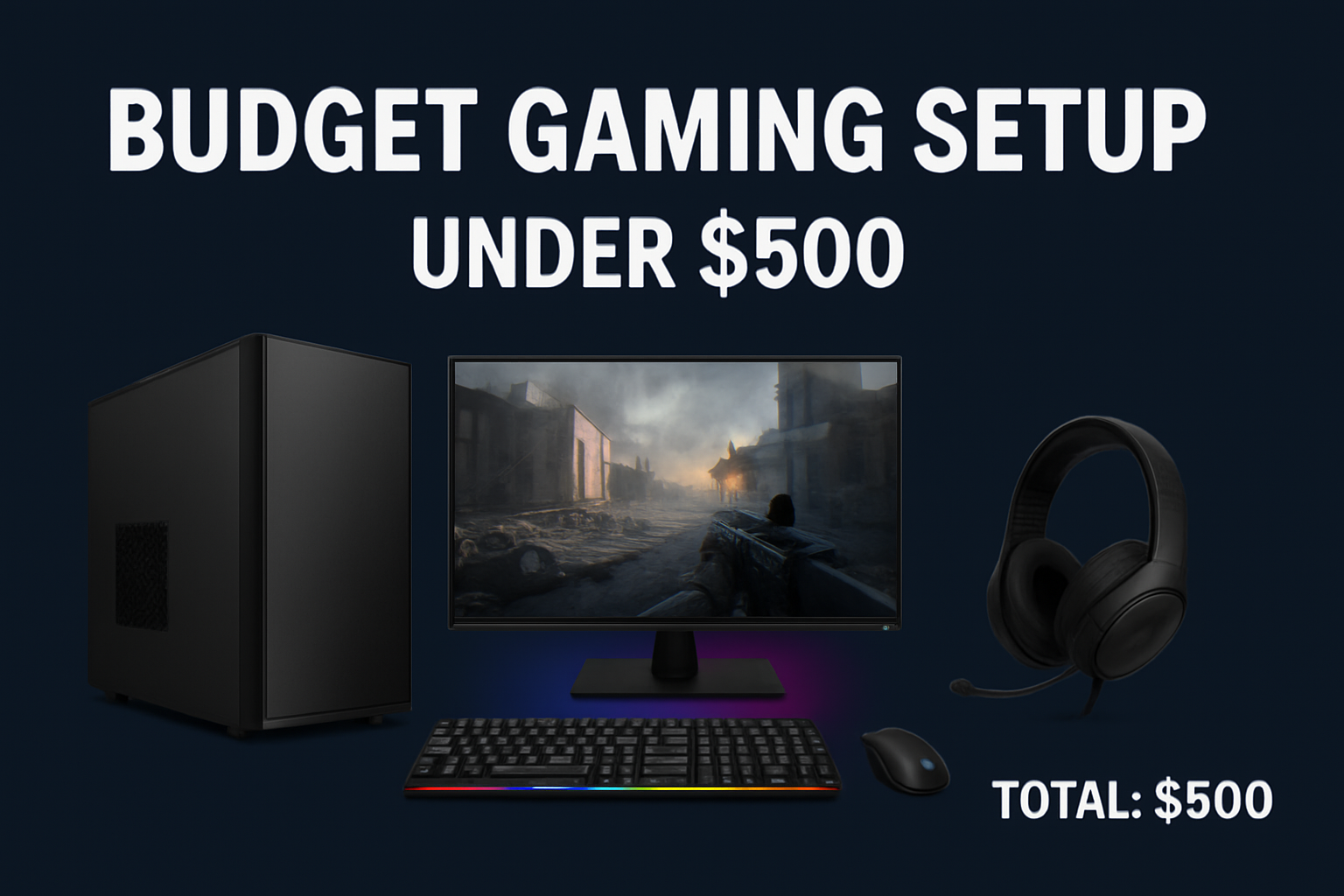
Building a gaming setup doesn’t have to be expensive. With smart choices and focus on essentials, you can create a clean, powerful, and aesthetic gaming workstation for under $500. This guide walks you through where to spend, what to prioritize, and how to avoid wasting money.
Step 1: Choose the Core System (Gaming PC or Console)
Budget: $250–$300
Your main cost will be the system you play on. There are two options: a budget gaming PC or a gaming console.
Option A: Budget Gaming PC (Used or Refurbished)
Look for systems with:
- GTX 1650 / GTX 1660 / RX 580 graphics card
- Intel i5 or Ryzen 5 processor
- Minimum 8GB RAM (16GB preferred)
These are often available at:
- Facebook Marketplace
- Local PC resellers
- Reddit tech forums
A PC like this can easily handle Fortnite, Valorant, and GTA V at 60–120 FPS in 1080p.
Option B: Console
A console is simpler and requires no upgrades.
Suggested consoles:
- Xbox Series S (around $299 new, often discounted)
- PlayStation 4 Slim (typically $200–$250 used)
Step 2: Select a Monitor (1080p, 75–144Hz)
Budget: $80–$100
For gaming on a budget, focus on:
- 1080p resolution
- At least 75Hz refresh rate
- If available on sale, 144Hz monitors are ideal for smooth gameplay
A basic 24-inch 1080p monitor in the $80–$100 range is perfect for starting out.
Step 3: Keyboard and Mouse Combo
Budget: $25–$40
For budget gaming, combo kits offer the best value. Look for:
- Mechanical keyboard (faster response time than membrane)
- Lightweight gaming mouse (good for FPS games)
Brands to consider:
- Redragon
- Logitech
- Fantech
- Aula
These combos usually include RGB lighting and are suitable for both gaming and everyday use.
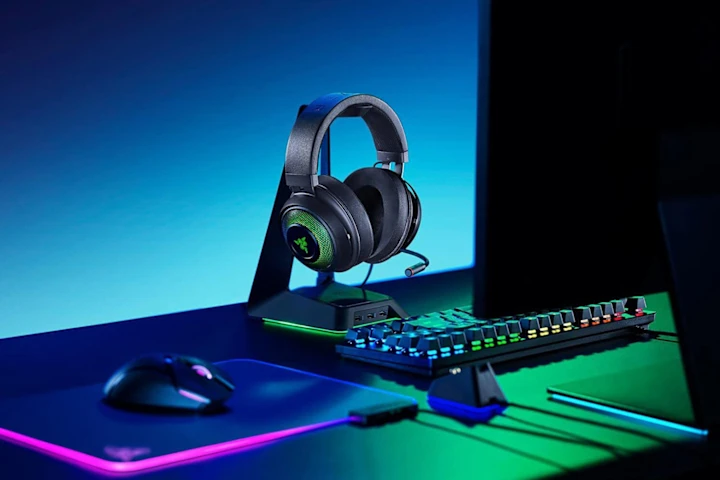
Step 4: Headset
Budget: $25–$40
A headset is more practical than speakers because it gives better sound clarity and includes a microphone for online gaming and Discord chats.
What to look for:
- Noise-canceling microphone
- Comfortable ear cushions
- Balanced sound, not overly bass-heavy
Popular budget headset brands include HyperX, Bengoo, and Logitech.
Step 5: Desk Setup Enhancements
Budget: $30–$50
Small upgrades make your setup look better without affecting the budget too much.
Suggested items:
- RGB mouse pad: $10–$15
- Monitor riser or stand: $15–$25
- LED light strip for ambient lighting: $10–$15
These items add style without compromising overall budget or performance.
Example Budget Breakdown (Under $500)
| Item | Estimated Cost |
|---|---|
| Budget Gaming PC (GTX 1650 / Ryzen 5) | $280 |
| 1080p Monitor | $90 |
| Keyboard + Mouse Combo | $30 |
| RGB Mousepad + Light Strip | $15 |
| Gaming Headset | $35 |
| Total | $450 |
This leaves around $50 available for future upgrades or a game purchase.
Upgrade Options (Future Improvements)
Once you have extra budget, the first upgrades should be:
- Increase RAM to 16GB
- Add or replace the hard drive with an SSD
- Upgrade monitor from 75Hz to 144Hz
For improved aesthetics:
- Cable sleeves
- Desk shelf
- Better RGB lighting
Final Thoughts
Building a gaming setup under $500 is absolutely possible. The key is to prioritize performance first and accessories second. Used PCs and consoles offer the best value, while budget monitors and bundled keyboard/mouse sets help keep costs low.
Spend smart. Start simple. Upgrade over time.