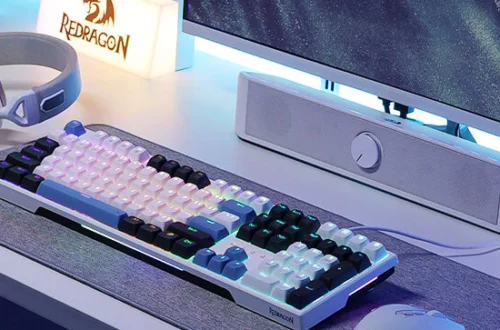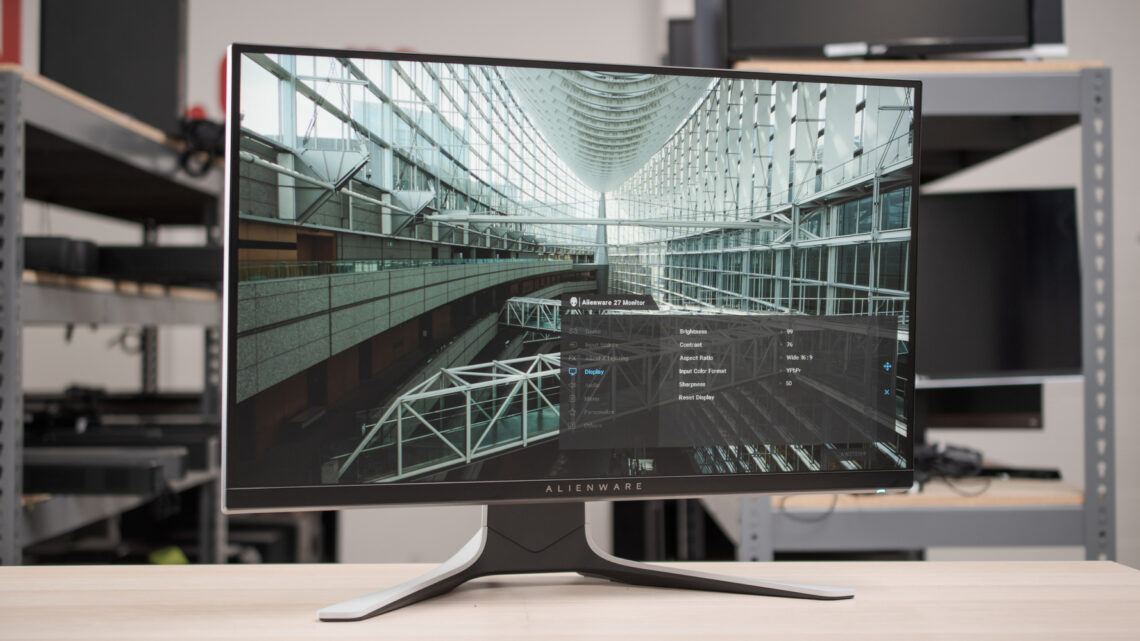
Shopping for the best 27 inch gaming monitor gets messy fast. One listing screams “240Hz,” another throws in “OLED,” another looks cheap enough to impulse-buy at 2 a.m., and suddenly you are knee-deep in panel types, ghosting talk, and marketing fluff. This guide around what actually matters in day-to-day gaming: motion clarity, resolution, panel quality, refresh rate, comfort, and overall value.
If you mainly play competitive shooters, you will probably care more about refresh rate and response time than fancy HDR. If you play a lot of single-player games, a sharper QHD panel or OLED contrast can make a way bigger difference than jumping from 180Hz to 240Hz. And if you just want something solid without spending crazy money, there are a couple of budget-friendly picks here that still make sense.
Quick Buying Guide: Questions to Ask Before You Choose
Before you buy a 27 inch gaming monitor, ask yourself a few real questions.
- Do you want sharpness or pure speed? At 27 inches, QHD looks noticeably cleaner than 1080p, especially in open-world games and while browsing or working. But a fast 1080p monitor can still be the better choice for esports players chasing max frame rates.
- What kind of games do you actually play most? If you live in Valorant, CS2, Apex, or Warzone, high refresh and low response time matter a ton. If you spend more time in Cyberpunk 2077, Elden Ring, or story-heavy RPGs, image quality and contrast start mattering more.
- Are you okay paying extra for OLED? OLED can look absolutely insane for gaming, with deep blacks and super fast pixel response, but it costs more and still comes with burn-in concerns over the long haul. Some people do not care. Some people definitely should.
- Do you need a better stand and more adjustments? A great panel with a weak stand can get annoying every single day. Tilt-only stands are common on cheaper monitors. Height adjustment is worth more than people think.
- Are you connecting a PC only, or also a console? Port selection, VRR support, and how the monitor handles different refresh rates matter more when you are switching between devices.
Types of 27 Inch Gaming Monitors
| Type | What it is best for | Main advantage | Main trade-off |
|---|---|---|---|
| Budget FHD IPS | Entry-level gaming, casual play, mixed use | Lower cost, decent color, easy on the wallet | 1080p is softer at 27 inches |
| Mid-range QHD IPS | Most gamers who want a sweet spot | Sharper image plus fast refresh | Not as deep or punchy as OLED |
| High-refresh FHD esports | Competitive gamers chasing FPS | Very fast motion handling and easier high frame rates | Lower resolution for desktop and story games |
| Premium QHD OLED | Enthusiasts who want the best image quality | Incredible contrast, instant-looking pixel response, amazing HDR feel | Higher price and OLED care concerns |
Our Top Picks by Category
| Category | Product |
|---|---|
| Best Premium Pick | ASUS ROG Strix 27-inch 1440P OLED Gaming Monitor XG27AQDMG |
| Best for OLED Value | Samsung 27-inch Odyssey OLED G5 G50SF LS27FG500SNXZA |
| Best Mid-Range QHD Pick | Acer Nitro 27 Inch QHD Gaming Monitor KG271U N3bmiipx |
| Best Budget Pick | Sceptre 27-inch Gaming Monitor E275W-FW100T Series |
| Best for Competitive 1080p Gaming | Dell 27 240Hz Gaming Monitor SE2726HG |
Detailed Reviews
Samsung 27-inch Odyssey OLED G5 G50SF LS27FG500SNXZA
Tested by: Editorial review and spec cross-check
Best for: Gamers who want OLED image quality at a more approachable level than the top-end 240Hz OLED crowd
Why We Like It
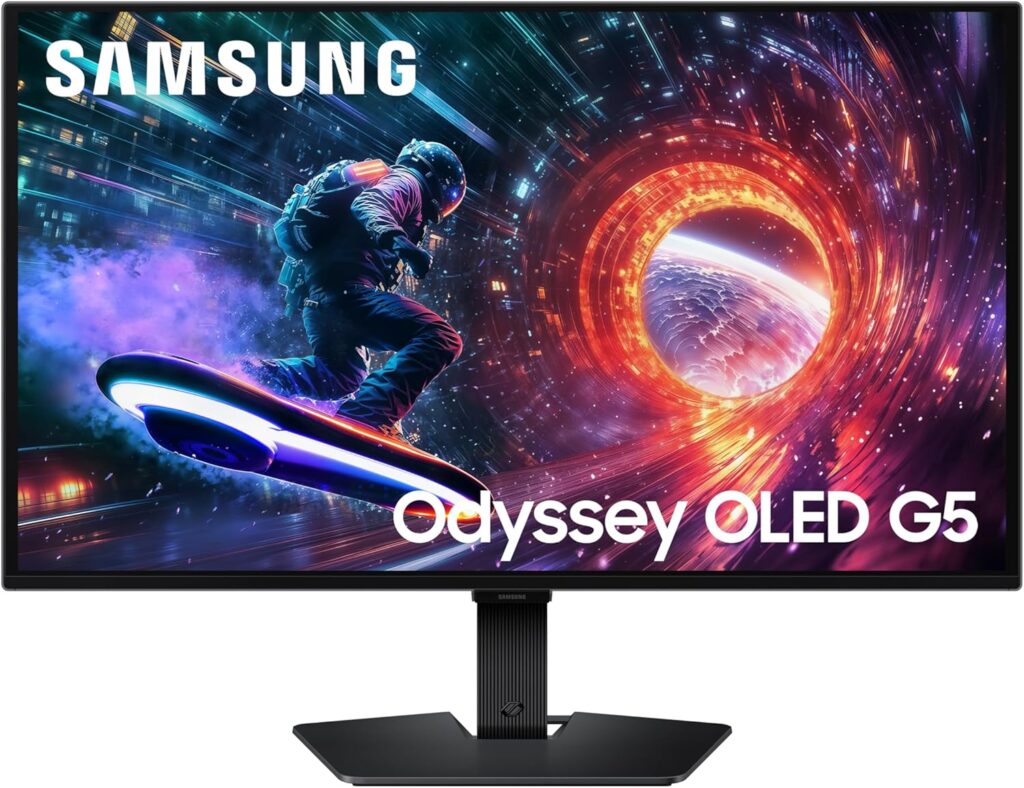
This one makes a lot of sense for people who want to step into OLED without automatically jumping to the most expensive option on the page. Samsung lists this model as a 27-inch QHD QD-OLED gaming monitor with a 180Hz refresh rate, 0.03ms response time, G-Sync compatibility, AMD FreeSync, glare-free tech, and OLED burn-in protection features. That combo gives it a really nice lane: sharper than 1080p, way punchier than regular IPS, and still fast enough for pretty much everybody except the most hardcore competitive-only players.
In plain English, this is the kind of monitor that makes dark scenes, neon-heavy games, and high-contrast visuals look expensive. If you play a mix of shooters and single-player games, 180Hz is still fast enough to feel seriously smooth, and QD-OLED should give you the kind of “wow” factor normal LCD panels struggle to match. I like that Samsung is clearly aiming this at gamers who want premium visuals but do not absolutely need 240Hz.
Pros
- Deep OLED contrast and rich color performance thanks to the QD-OLED panel and QHD resolution.
- Fast enough for serious gaming with 180Hz and a quoted 0.03ms response time.
- Includes both G-Sync Compatible support and AMD FreeSync for smoother gameplay with fewer tearing issues.
- Glare-free screen treatment and OLED safeguard features are good quality-of-life touches.
Cons
- Not as fast on paper as the 240Hz OLED ASUS if you are chasing every last edge in competitive play.
- OLED still means you should think about long-term static elements like HUDs, desktop icons, and burn-in management. Samsung does include mitigation features, but it is still something to consider.
- Likely overkill if you mostly play casual games and just want a cheaper, basic monitor.
Sceptre 27-inch Gaming Monitor E275W-FW100T Series
Tested by: Editorial review and spec cross-check
Best for: Budget shoppers who want a simple 27-inch gaming monitor without spending too much
Why We Like It
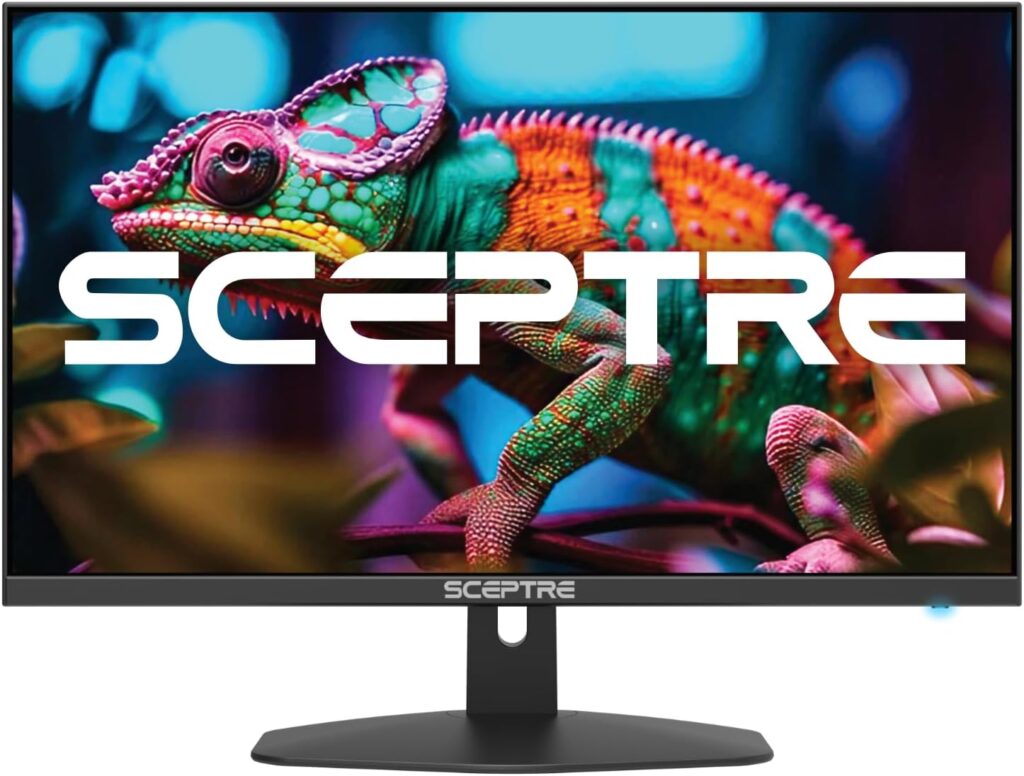
This is the budget pick for people who want a big screen, basic gaming support, and a no-stress price tier. The current listing shows a 27-inch Full HD monitor with up to 100Hz, 1ms, AMD FreeSync, built-in speakers, DisplayPort, two HDMI ports, 100% sRGB coverage, and a frameless design.
What I like here is the honesty of the lane it occupies. This is not pretending to be a premium competitive beast. It is a budget-friendly gaming display for someone upgrading from an old office monitor, an older 60Hz screen, or a smaller panel. If you mostly play lighter games, console titles, indie stuff, MOBAs, or just want smoother everyday use than 60Hz, 100Hz is a noticeable jump.
The built-in speakers are also one of those small things that are not amazing, but can still be useful if you hate desk clutter or just need basic audio in a pinch.
Pros
- Budget-friendly way to get into gaming on a 27-inch screen.
- 100Hz is a clear upgrade over 60Hz for casual and mid-level gaming.
- Includes DisplayPort, dual HDMI, built-in speakers, and AMD FreeSync, which is pretty decent at this tier.
- 100% sRGB claim suggests better-than-dirt-cheap color coverage for the money.
Cons
- It is still 1080p at 27 inches, so text and fine detail will look softer than QHD options.
- 100Hz is good, but it is not in the same speed class as the 180Hz or 240Hz models here.
- Built-in speakers are convenient, but nobody should expect rich sound.
Acer Nitro 27 Inch QHD Gaming Monitor KG271U N3bmiipx
Tested by: Editorial review and spec cross-check
Best for: Most gamers who want the sweet spot between price, sharpness, and speed
Why We Like It
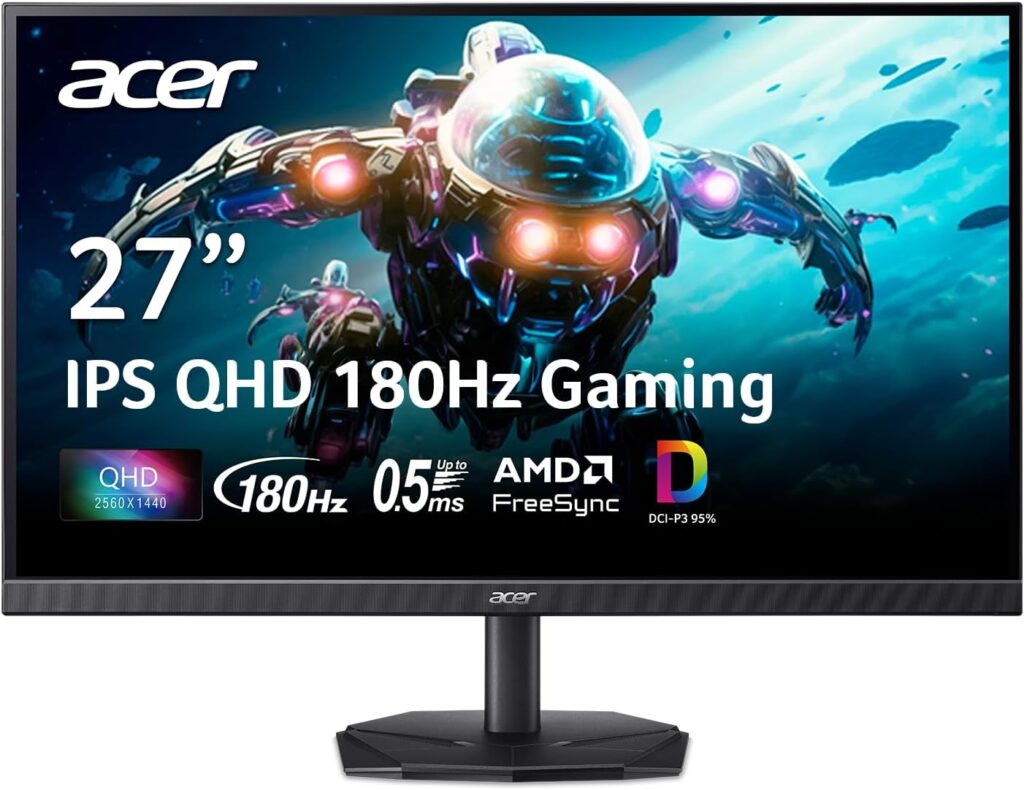
This Acer is the one I would point most people toward first if they want a sensible all-rounder. The listing shows a 27-inch IPS display with 2560 x 1440 resolution, up to 180Hz refresh rate, up to 0.5ms response time, AMD FreeSync, DCI-P3 95%, HDR10 support, and a zero-frame design.
That is a really strong mix for the money. QHD at 27 inches is a sweet spot because games look cleaner and more detailed without the GPU demands of 4K. Pair that with 180Hz and you get a monitor that can handle both competitive games and prettier single-player stuff without feeling like a compromise machine.
The IPS panel also makes this easier to recommend for people who use the same screen for gaming, work, YouTube, and general desktop life. It is not going to deliver OLED blacks, but it should be more balanced for mixed use.
Pros
- Excellent sweet spot specs: 27 inches, QHD, IPS, and up to 180Hz.
- Sharper than the FHD options and still fast enough for competitive gaming.
- Wide color support with DCI-P3 95% makes it more appealing for media and mixed-use setups.
- Usually the easiest type of monitor to live with day to day: fast, sharp, and versatile.
Cons
- HDR10 support on a monitor like this is nice to have, but you should not expect OLED-level HDR impact.
- If you want the deepest blacks and the most premium image quality, OLED models still sit above it.
- Stand and extras matter at this price tier, so buyers should check whether the ergonomics suit their desk setup.
ASUS ROG Strix 27-inch 1440P OLED Gaming Monitor XG27AQDMG
Tested by: Editorial review and spec cross-check
Best for: Enthusiasts who want one of the most premium 27-inch gaming experiences in this lineup
Why We Like It
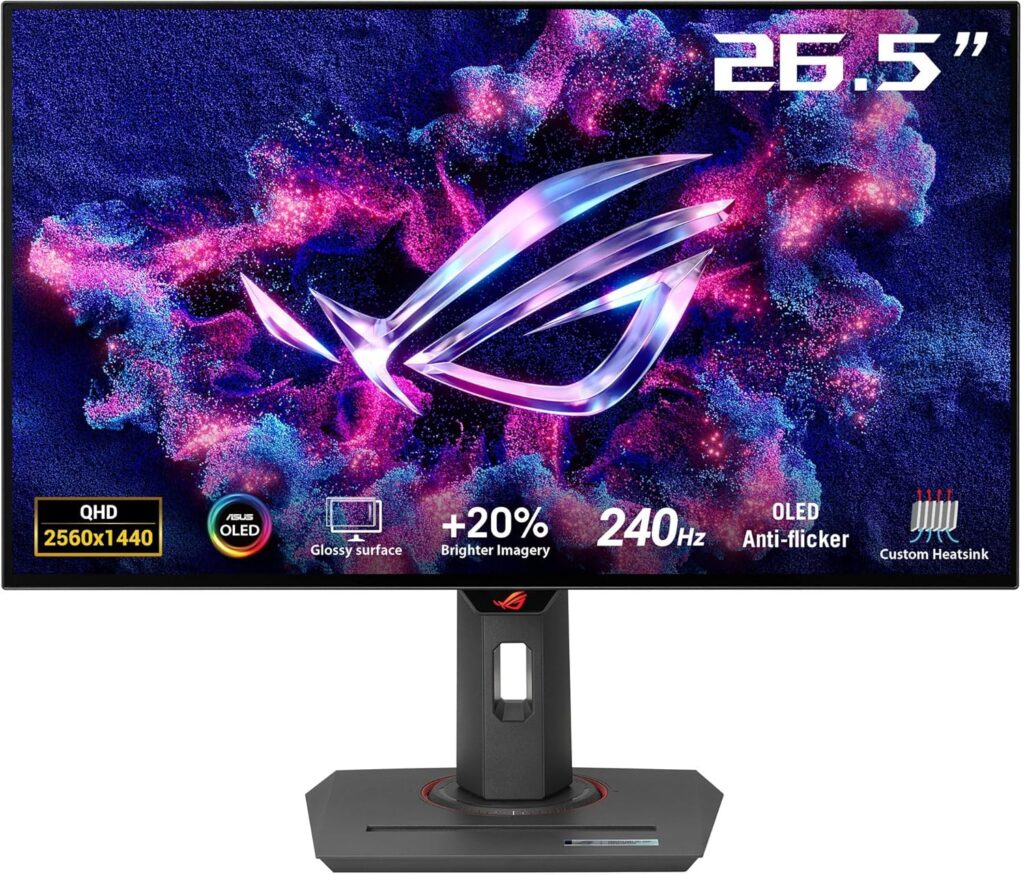
This is the flashy pick, and honestly, it has the spec sheet to back that up. ASUS lists the XG27AQDMG as a 26.5-inch QHD glossy WOLED gaming monitor with 240Hz refresh rate, 0.03ms response time, custom heatsink, anti-flicker tech, OLED care features, and 99% DCI-P3 coverage.
This is the kind of monitor for people who do not want to compromise much. You get the OLED look, the high-end refresh rate, and the kind of motion clarity that makes fast games feel extra clean. At the same time, story-driven games and cinematic titles should look ridiculous on a panel like this because OLED contrast tends to make everything feel more alive.
The big reason I would pick this over cheaper options is if you genuinely care about premium image quality and high refresh equally. It is not just fast. It is the kind of fast screen that also makes your desktop, media, and darker games look expensive.
Pros
- Top-end combo of QHD OLED and 240Hz for gamers who want both beauty and speed.
- Very fast 0.03ms response time and OLED motion performance.
- Custom heatsink and OLED care features are good signs for long-term panel management.
- Wide color coverage with 99% DCI-P3.
Cons
- It is the premium-priced option in this group, so value hunters will probably look elsewhere.
- Like any OLED, it still needs sensible use habits if you keep lots of static content on-screen for hours.
- Not the best pick if your PC cannot regularly push high frame rates at 1440p.
Dell 27 240Hz Gaming Monitor SE2726HG
Tested by: Editorial review and spec cross-check
Best for: Competitive gamers who want high refresh without paying OLED money
Why We Like It
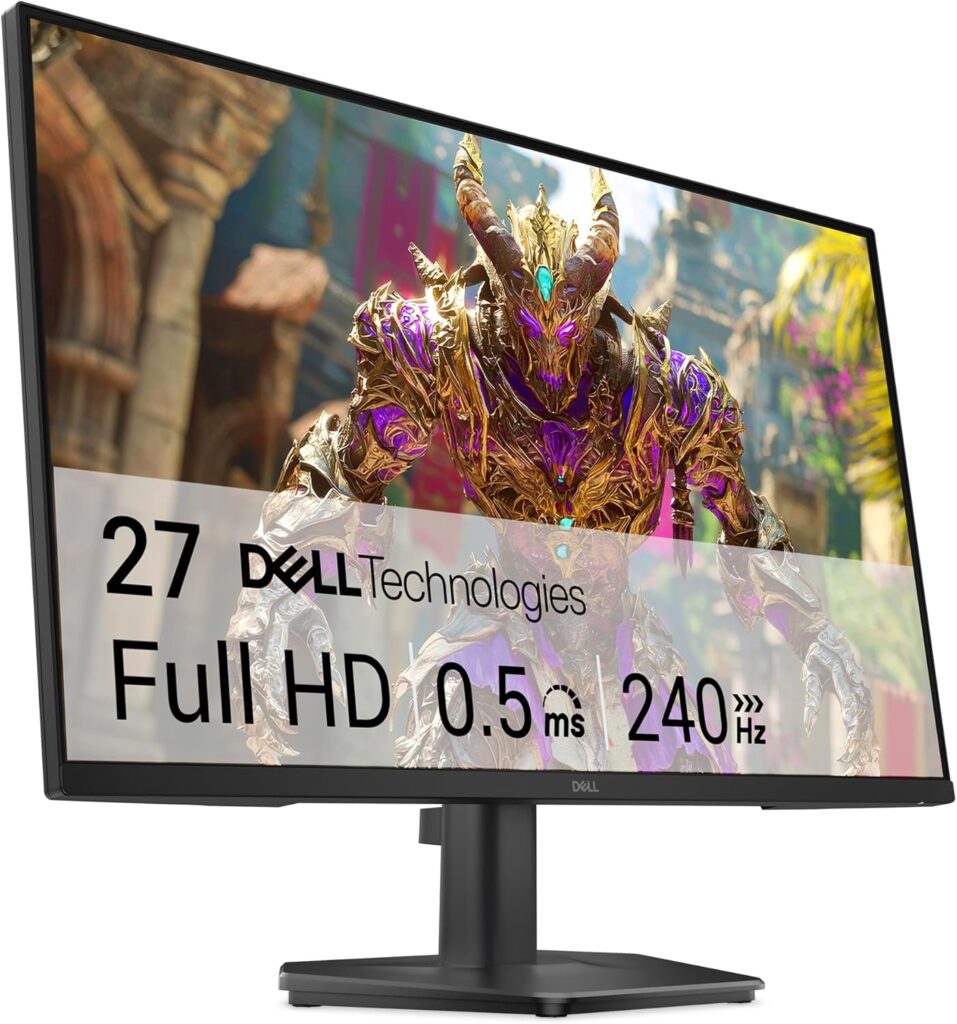
Dell’s current listing positions the SE2726HG as a 27-inch Full HD 240Hz IPS gaming monitor with AMD FreeSync Premium, HDMI VRR, 0.5ms response time, 99% sRGB coverage, and tilt adjustment.
This is the screen for the person who says, “Look, I mainly play shooters and I want the game to feel fast.” That is a totally fair reason to buy a monitor. 240Hz is still a huge draw in fast competitive titles, and because it is 1080p, it is easier for more PCs to actually hit the kind of frame rates needed to make a 240Hz monitor worthwhile.
The trade-off is obvious: at 27 inches, Full HD is not as crisp as QHD. But for a lot of esports players, that is not the point. The point is speed, responsiveness, and frame rate headroom.
Pros
- 240Hz refresh rate is excellent for competitive shooters and fast-paced games.
- IPS panel plus 99% sRGB should give it a more balanced look than older washed-out TN esports monitors.
- FreeSync Premium and HDMI VRR help keep motion smoother across PC and console use.
- A smart pick for gamers who prioritize performance over resolution.
Cons
- 1080p on a 27-inch screen is the biggest compromise here.
- Tilt-only stand may feel limiting if you want full ergonomic adjustment.
- Not the best choice for someone who mainly plays cinematic single-player games and wants sharper image detail.
Other Things to Consider
Resolution
This matters more than people think at 27 inches. Full HD is still usable, but QHD is where things start looking properly sharp. If you sit close to your monitor, QHD is easier on the eyes and looks cleaner in both games and regular desktop use.
Panel Type
IPS is the safe, balanced option. It usually gives you good color, decent viewing angles, and solid gaming performance. OLED is the premium option. Blacks look way deeper, response feels ridiculously fast, and image quality can be stunning, but it costs more and needs smarter long-term care.
Refresh Rate
100Hz is a nice step up from 60Hz.
180Hz is the sweet spot for a lot of gamers.
240Hz is where competitive players start getting very interested.
If your PC cannot drive high frame rates, do not overspend on refresh rate just because the number looks cool.
Burn-In and OLED Care
This only really applies to the Samsung and ASUS OLED models. Both listings highlight burn-in mitigation or OLED care features, which is good, but OLED still rewards good habits. If you leave static HUDs, desktop icons, or the same windows up all day every day, an IPS panel may be the lower-stress choice.
Ports and Connectivity
The Sceptre gives you two HDMI ports and a DisplayPort, which is nice at budget level. The Acer includes DisplayPort 1.2 and two HDMI 2.0 ports. The Dell includes two HDMI ports and DisplayPort 1.4. These details matter if you are connecting multiple systems.
Ergonomics and Stand Quality
A fast panel with a bad stand becomes annoying fast. Height adjustment, swivel, and pivot can matter a lot if you game for long sessions. Budget monitors often cut corners here first.
Price Tier
The easiest way to narrow the list is this:
If you want budget, look at Sceptre.
If you want value, look at Acer.
If you want speed-first competitive play, look at Dell.
If you want premium OLED, Samsung and ASUS are the real headliners.
Frequently Asked Questions
Is 27 inches too big for 1080p gaming?
Not too big, but definitely less sharp than QHD. That is the honest answer. A 27-inch 1080p monitor can still be great for fast shooters, especially if you care more about frame rate and responsiveness than pixel density. But if you also do a lot of browsing, work, editing, or single-player gaming, QHD usually looks noticeably better at this size. So 1080p at 27 inches is not wrong, it just makes more sense for budget buyers and competitive players than for image-quality chasers.
Is QHD or 240Hz better for a 27 inch gaming monitor?
It depends on what annoys you more: softer visuals or lower motion fluidity. For most people, QHD at 144Hz to 180Hz is the smarter balance. It looks sharper and still feels very fast. But if you mainly grind competitive games and your PC can push very high FPS, 240Hz absolutely has value. That is why the Acer-style QHD high-refresh option feels like the mainstream sweet spot, while the Dell 240Hz FHD monitor makes more sense for esports-focused buyers.
Are OLED gaming monitors worth it in 2026?
For a lot of gamers, yes. OLED monitors are worth it if you care about image quality, black levels, response time, and that premium “this game looks insane” effect. The catch is price and panel care. They are not always the best value choice for everyone, and if you mostly want a practical monitor for long mixed-use desktop sessions, IPS can still be the less stressful pick. But if you want the best-looking gaming experience in this group, the Samsung and ASUS OLED models are clearly in that conversation.
Is 100Hz enough for gaming on a 27 inch monitor?
Yes, for a lot of people it is. If you are coming from 60Hz, 100Hz already feels smoother in gameplay, menus, and just basic desktop movement. It is enough for casual gaming, console use, lighter PC gaming, and people who are not trying to sweat every match. Where it starts to feel limited is if you play fast competitive titles seriously and have already gotten used to 144Hz, 165Hz, 180Hz, or 240Hz screens.
What is the best 27 inch gaming monitor for most people?
For most people, the Acer Nitro KG271U N3bmiipx is the safest all-round recommendation because it combines 27 inches, QHD, IPS, and up to 180Hz in a way that hits the sweet spot between speed, sharpness, and everyday usability. If money is no object and you want a more premium gaming experience, the ASUS ROG Strix XG27AQDMG is the higher-end move. If you just want to spend less, the Sceptre makes more sense.
Conclusion
If I were breaking this down friend-to-friend, I would say this: the Acer Nitro 27 Inch QHD Gaming Monitor KG271U N3bmiipx is the best 27 inch gaming monitor for most people because it hits the sweet spot of price, speed, and sharpness. The ASUS ROG Strix 27-inch 1440P OLED Gaming Monitor XG27AQDMG is the one to get if you want the most premium setup here and you really care about both OLED visuals and 240Hz speed. The Samsung 27-inch Odyssey OLED G5 G50SF LS27FG500SNXZA is a really appealing choice if you want OLED quality but do not need to go all the way to the most expensive tier. The Dell 27 240Hz Gaming Monitor SE2726HG is the better call for competitive players who care more about 240Hz speed than QHD sharpness. And if you are trying to keep the budget under control, the Sceptre 27-inch Gaming Monitor E275W-FW100T Series is the cheapest way on this list to get a decent-sized gaming monitor without doing anything reckless.