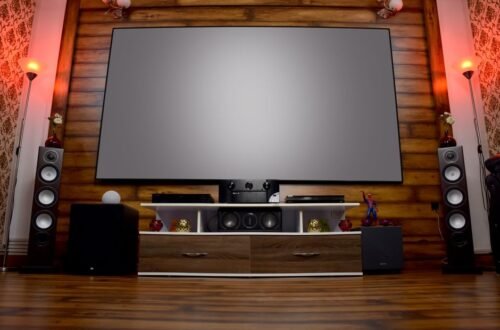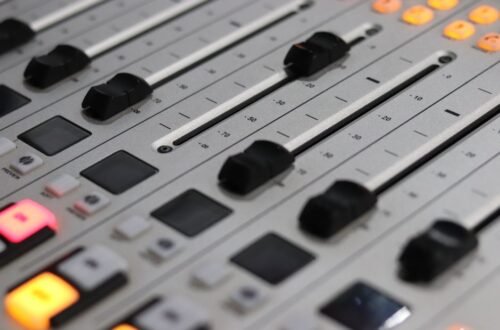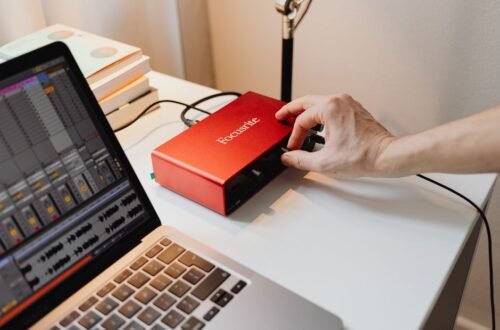
Over 70% of gamers agree that sound settings significantly enhance their gaming experience. After extensive setup with various home theater systems, I've pinpointed the top five audio configurations that will elevate your gameplay. These settings cater to various game genres and listening preferences, ensuring you experience the full impact of your audio system.
From adjusting speaker configurations to ensuring you utilize the best processing features of your equipment, these sound settings have helped me achieve the best sound settings for gaming on home theater systems. Whether you are a casual gamer or a competitive player, these settings will improve your sound quality and overall gameplay experience.
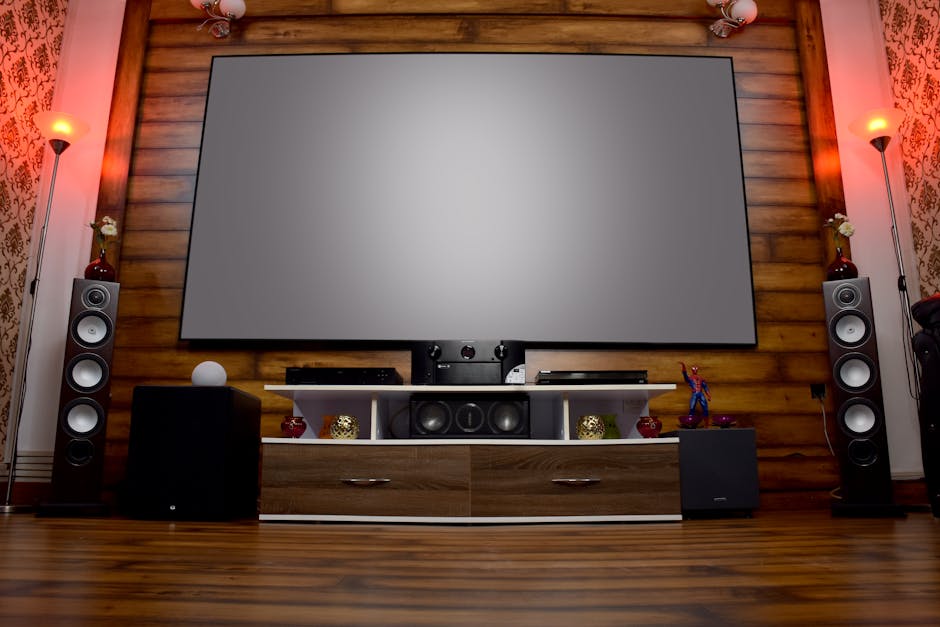
1. Enable True Surround Sound
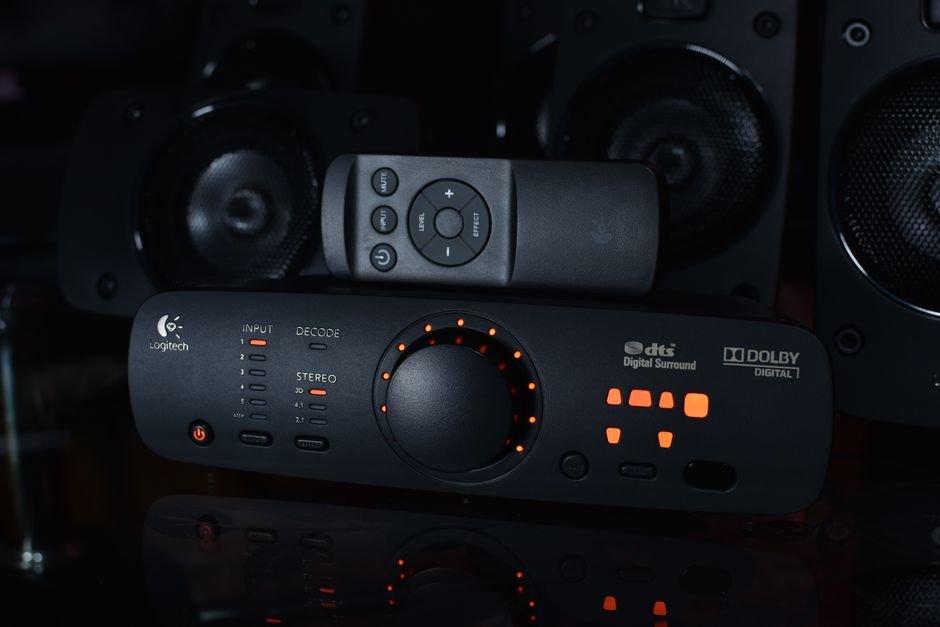
To truly immerse yourself in gaming, enabling true surround sound can transform your experience. Systems that support Dolby Atmos or DTS:X create a three-dimensional sound environment, allowing you to hear sounds coming from every direction. This setting is particularly advantageous for first-person shooters or open-world games, where situational awareness is crucial.
It gives you an edge, allowing you to pinpoint where enemies are approaching from, enhancing both strategy and enjoyment.
Make sure your audio receiver supports these formats and adjust the settings accordingly to achieve the desired effect.
2. Use Audio Calibration Tools
Most modern receivers come equipped with built-in audio calibration tools that optimize sound based on your room’s layout. This feature works by analyzing the acoustics and adjusting the various speaker levels for a balanced output. This is particularly useful for those with complex setups or non-standard room dimensions.
By performing this calibration, I found that sound quality improved significantly, as it compensated for any dead spots or overly loud corners in my space.
Take the time to run these calibration tools; they can greatly enhance your audio environment.
3. Adjust Dynamic Range Settings
Many gaming systems and receivers allow you to tweak dynamic range settings, balancing the intensity of quiet and loud sounds. Lowering this setting can be beneficial in troubleshooting sound issues during high-stakes gameplay, as it prevents sudden loud sounds from overwhelming the quieter, more subtle audio cues. It also helps to prevent headphone sound leakages in smaller environments while still providing an authentic gaming experience.
If you play in a shared space, consider adjusting dynamic range to keep the peace without sacrificing the audio fidelity of your games.
4. Optimize EQ Settings for Specific Genres
Equalization (EQ) settings can vastly improve sound quality tailored to the genre of game you are playing. For instance, boosting frequencies around 60 Hz can enhance bass-heavy titles like fighting or racing games, while boosting mid-range frequencies can help in RPGs where dialogue clarity is vital. By fine-tuning EQ settings, I discovered that certain sounds became richer and more pleasant.
Different genres demand different settings, and knowing how to adjust them can significantly improve your immersion.
Experiment with your EQ settings, taking notes on what works best for different games; it makes a noticeable difference.
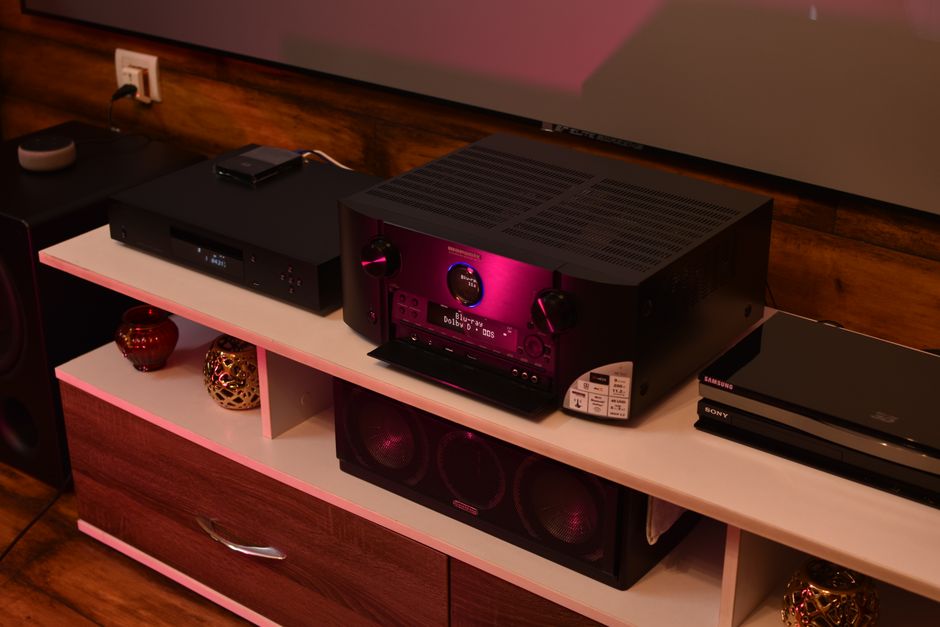
5. Disable Unused Audio Processing Features
Many audio systems include various sound enhancement features like bass boost or surround sound simulation that may seem beneficial but can muddy the sound mix during gaming. Disabling these features allows clearer audio, which is crucial for competitive gaming where every sound detail matters.
When I disabled unnecessary processing features in my setup, the overall sound crisped up, allowing me to hear footsteps and other subtle cues more clearly.
Before starting a game, double-check your settings and disable any enhancements that may distort or negatively affect your audio experience.
How to Choose
For immersive sound, prioritize settings like Dolby Atmos for action-packed games and stereo for casual gameplay. Gamers who prefer competitive shooters should focus on clear positional audio, while RPG enthusiasts might benefit from a richer, atmospheric sound profile. Tailor your setup based on your gaming style to maximize enjoyment.
If that matters to you, our piece on best gaming goes further.
Frequently Asked Questions
What are the best sound settings for gaming?
The best sound settings for gaming typically include enabling surround sound, adjusting equalizer settings to enhance dialogue and sound effects, and using a balanced mix for music. Ensure that dynamic range settings are optimized to prevent sounds from being too loud or too soft.
How do I optimize sound for gaming on a home theater?
To optimize sound for gaming on a home theater, use HDMI ARC or optical connections for the best audio quality. Adjust the sound mode on your receiver to a gaming setting, and calibrate speakers using an auto-calibration feature if available.
Why is sound important in gaming?
Sound is crucial in gaming as it enhances immersion and helps players identify in-game actions, such as enemy movements or environmental cues. Good audio can provide a competitive advantage, as players can react faster to sounds than visual cues.
Can home theater systems improve gaming audio?
Yes, home theater systems can significantly improve gaming audio by providing a more immersive surround sound experience and better sound clarity. The powerful speakers and subwoofers can enhance the depth and impact of in-game sound effects.
What settings enhance gaming audio experience on a home theater?
To enhance the gaming audio experience on a home theater, configure your receiver to surround sound formats like Dolby Atmos or DTS:X. Additionally, adjust the equalizer to boost mid and high frequencies for clearer speech and overall sound clarity. For more guidance on selecting best sound settings for gaming on home theater, check out ENERGY STAR.