
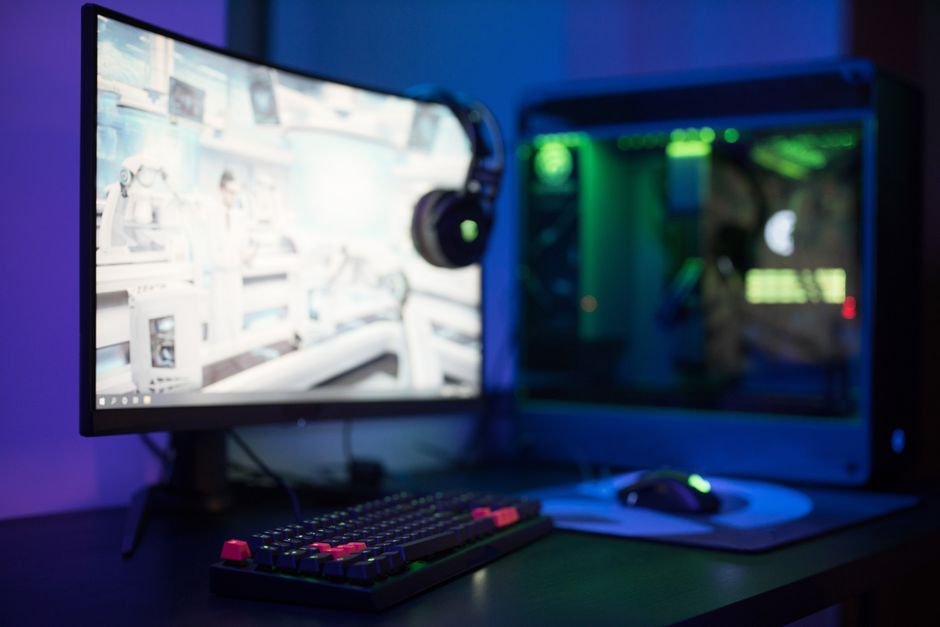
A 27-inch gaming monitor strikes a balance between immersion and space efficiency, costing around $300 to $600 depending on the features. The right size is crucial, as it can drastically alter how you engage with your games, making the choice a personal decision based on your setup and preferences.
In my experience, understanding the relationship between monitor size, screen resolution, refresh rate, and your gaming desk setup is key to making a solid choice. Bigger isn’t always better; sometimes, a more modestly sized monitor can provide the clarity and responsiveness you need for high-stakes gaming.
Why Monitor Size Matters for Gamers
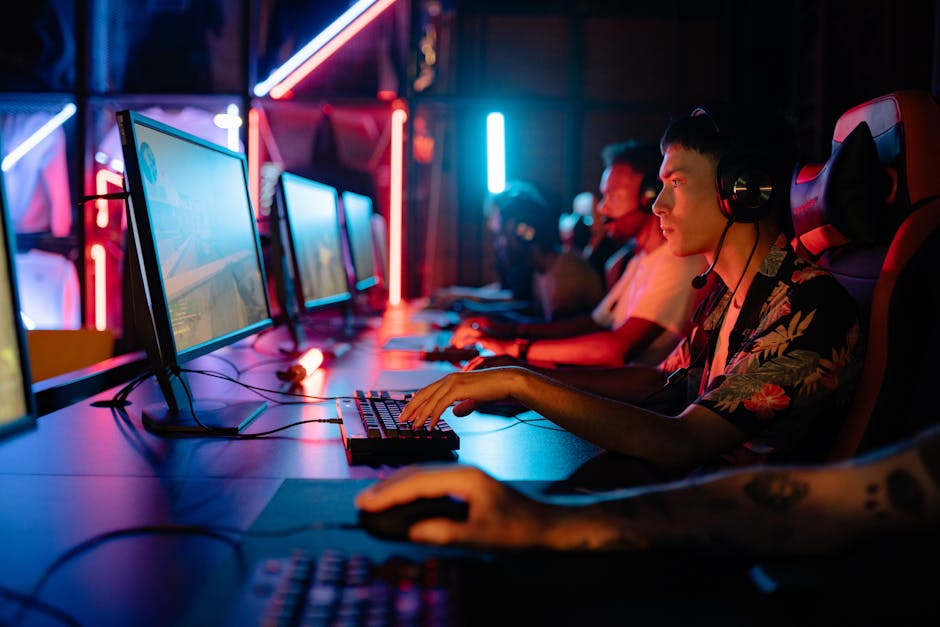
Monitor size directly affects your field of view, pixel density, and immersion levels. A smaller monitor, like a 24-inch, can be perfect for competitive gamers who need to focus solely on the action in front of them without distractions. In contrast, a 27-inch or larger monitor can enhance immersion for those who enjoy story-driven or visually stunning titles.
Screen resolution becomes an important factor here. For a 24-inch monitor1080p might suffice, but I wouldn’t recommend going lower, especially if you want crisp visuals. If you opt for a larger monitor (27 inches or more), you’ll want at least a resolution of 1440p to avoid pixelation.
Common Monitor Sizes
The most commonly available gaming monitor sizes are 24-inch, 27-inch, and ultrawide options that can exceed 34 inches. Each has its own unique advantages. A 24-inch monitor is compact and can easily fit into tight spaces, often making it a budget-friendly option for gamers just starting out. However, the screen real estate may feel cramped during gaming marathons.
On the other hand, 27-inch monitors offer a perfect balance between screen size and resolution clarity. They allow for a more immersive gaming experience without overwhelming your visual senses. If you have a large gaming desk setup, ultrawide monitors can provide an expansive view, giving you a cinematic quality that’s unmatched, especially for racing games and expansive RPGs.
Comparing Popular Monitor Sizes
The shift from 1080p to higher resolutions like 1440p and 4K can be a dealbreaker, and this often plays into your chosen monitor size. For a 24-inch monitor, 1080p is manageable but doesn’t make full use of your panel if it’s a higher resolution display. With a 27-inch monitor1440p shines, elevating your gaming experience thanks to sharper visuals.
If you’re considering a 34-inch ultrawide model, you will definitely need 1440p or higher to avoid visual distortion.
Refresh rates also play a critical role. A standard 60Hz monitor is typically sufficient for casual gaming. However, I recommend getting at least a 144Hz refresh rate if you’re into fast-paced shooters; the difference is night and day. Just make sure your graphics card can keep up with the demands of higher refresh rates at the resolutions you choose.
Final Recommendations on Monitor Size
For competitive gamers, I would strongly recommend sticking to a 24-inch or 27-inch monitor with at least 144Hz refresh and 1440p resolution. This configuration not only allows for quick reflexes but also provides ample clarity. If you’re a casual gamer who loves immersive titles, go for at least a 27-inch with 1440p or 4K resolution.
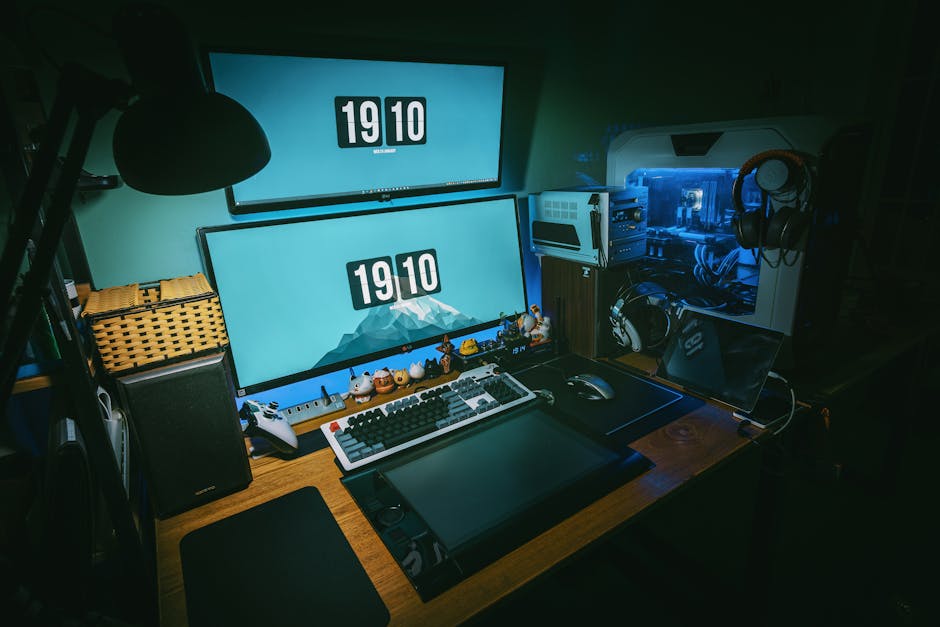
If you’re someone who appreciates multitasking, perhaps consider an ultrawide monitor. It’s vital to ensure that your gaming desk setup can accommodate it. Before committing, measure your desk and take into account the extent of the screen you are willing to handle.
Wrap Up: The Best Options for You
For those who prioritize competitive play, a 24-inch monitor with a higher refresh rate is a solid choice. For gamers seeking a wider view and immersive experiences, consider a 34-inch ultrawide monitorbut ensure your system can handle the demands. A 27-inch model at 1440p offers versatility, catering to a wide range of gaming preferences.
Frequently Asked Questions
What is the best monitor size for gaming?
The best monitor size for gaming typically ranges from 24 to 32 inches, depending on your gaming setup and the distance from which you view the screen. A 27-inch monitor is often considered a sweet spot for most gamers, providing a balance between immersion and screen space.
Why does monitor size matter for gaming?
Monitor size matters for gaming because it directly impacts your field of view, immersion, and overall gaming experience. A larger screen can enhance the sense of depth and detail in games but may require more powerful hardware to maintain high resolution and frame rates.
How to choose the right gaming monitor size?
To choose the right gaming monitor size, consider your desk space, the distance you sit from the monitor, and the type of games you play. For competitive gaming, smaller screens around 24 inches can offer better visibility of details, while larger sizes can be more immersive for single-player games.
Is a bigger monitor better for gaming?
A bigger monitor can be better for gaming in terms of immersion and cinematic experience, but it may also come with downsides like reduced pixel density and potential for increased input lag. It's essential to balance screen size with resolution and refresh rate to ensure an optimal gaming experience.
Can monitor size affect gaming performance?
Yes, monitor size can affect gaming performance, primarily through its resolution and refresh rate compatibility. Larger monitors often require higher resolutions to maintain image clarity, which can strain graphics cards and influence frame rates.




