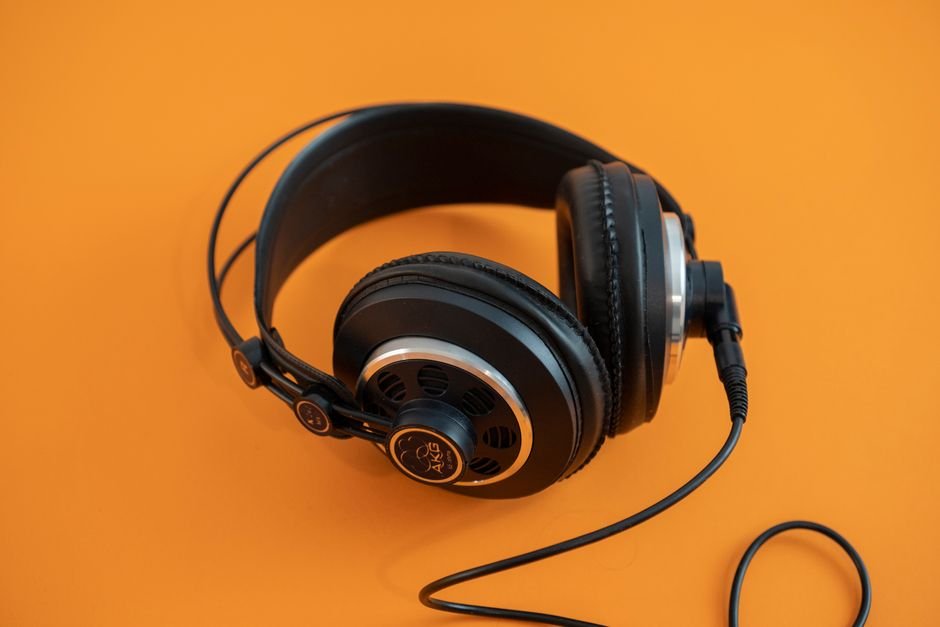
Over 70% of Twitch viewers cite audio quality as a critical factor in their retention. A common mistake is relying solely on built-in microphones, which often fails to deliver clear sound. Learning how to effectively adjust your equipment and settings can turn a mediocre stream into a professional experience.
Let’s start with the basics: the type of microphone you’re using. Not all microphones are created equal. Whether you’re using a USB mic or an XLR setup, understanding your equipment’s strengths and limitations is vital for boosting your sound quality.
The Right Equipment Makes a Difference
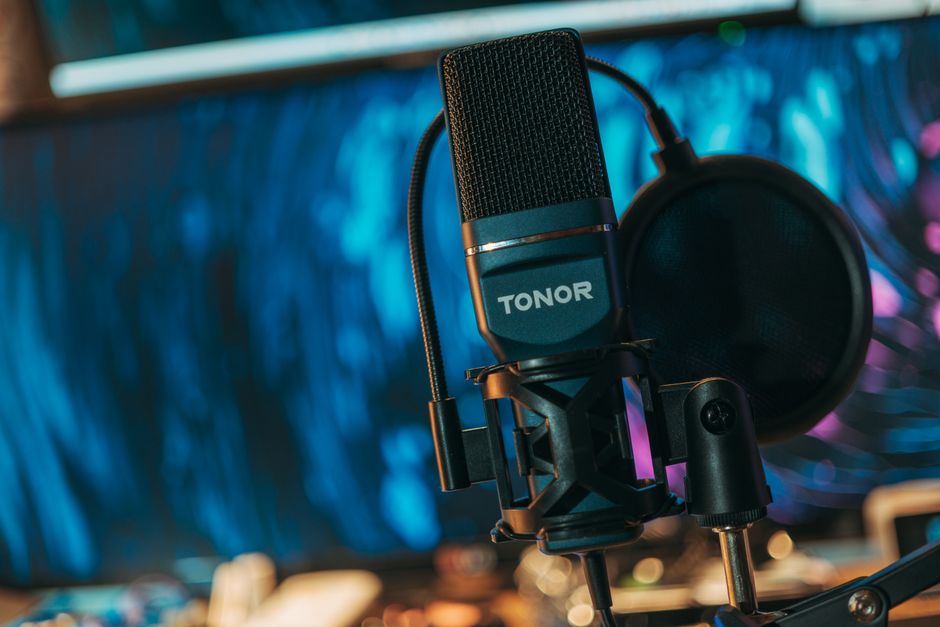
Your choice of microphone sets the foundation for your audio quality. I recommend investing in a quality USB microphone for beginners, as it’s easy to set up and often has sound-capturing capabilities that cheap headsets lack. If you’re looking for an advanced setup, consider an XLR microphone paired with an audio interfacewhich allows for greater control over your sound.
The audio interface elevates the clarity of your voice and lets you use professional-grade microphones.
Another piece of equipment that shouldn’t be overlooked is a pop filter. This inexpensive accessory helps eliminate plosive sounds, those annoying “p” and “b” sounds that can distort your audio. Additionally, a microphone stand or boom arm can help reduce handling noise, which is essential for maintaining a clean audio stream.
Microphone Settings That Matter
Once you have the right microphone, the next step is adjusting its settings. You want to ensure your voice sounds natural and clear. Many people overlook the gain settings, which determine how sensitive your microphone is. If the gain is set too high, background noise will dominate; too low, and your voice will be barely audible.
I urge you to find a balance by monitoring your levels through your streaming software or a dedicated audio mixer.
Consider adjusting your microphone’s position as well. Ideally, your mic should be positioned just a few inches from your mouth to get that clear sound without overwhelming mic distortion. Additionally, using directional microphones can further aid in isolating your voice from background noise.
You’ll find that some USB mics come with built-in settings for different environments which can be beneficial depending on your streaming space.
Optimizing Audio Settings in Streaming Software
Your streaming software is another critical layer in ensuring quality sound. Whether you use OBS Studio, Streamlabs, or another platform, familiarize yourself with its audio settings. Pay attention to the audio bitrate you’re streaming at; I recommend at least 160 kbps for a decent balance between quality and performance. Anything lower can make your sound muddled.
Most streaming software also allows you to add filters to your audio input. Utilizing noise gate filters can cut out background noise when you aren’t speaking, while compressors can ensure your voice remains consistent in volume regardless of your delivery style. Tinkering with these settings can help you find a balance that works best for your stream’s atmosphere and your vocal delivery.
Building a Quiet Streaming Environment
Sound quality isn’t just about your equipment and settings; it also involves your environment. Try to isolate your space by using soft materials to absorb sound. Curtains, carpets, and even foam panels can greatly reduce echo and outside noise.
Do not underestimate the power of a simple rearrangement; I found that changing the positioning of my desk helped to eliminate some unwanted reflections that were significantly muddying my audio.
In addition, be mindful of what’s around you while streaming. Shut off noisy fans, air conditioning units, or anything that creates disruptive sounds. If you’re streaming in a shared space, headphones can be an absolute lifesaver. Not only do they help you monitor your voice without creating amplification, but they also keep external noise at bay, allowing for a more focused streaming experience.
Investing Time in Testing and Feedback
You can’t expect to get everything right on the first try. Make it a routine to test your sound regularly and ask for feedback from viewers. Sometimes, an extra set of ears can catch issues you may not notice. Set up a private stream, record months of sessions, and then listen back critically.
Use reference tracks of high-quality audio to compare and analyze your levels, EQ, and overall sound.
Also, consider reviewing already existing content on this topic. There are comprehensive guides and reviews out there, like those on microphones specifically for streaming. If you are also dealing with audio equipment choices, I have a detailed guide on that here: Best USB Microphone for Streaming Reviews.
Don’t Forget About Post-Production
I recommend using a USB condenser microphone for a solid balance of quality and affordability, perfect for beginner streamers. For those with a larger budget, an XLR microphone paired with an audio interface will provide superior sound. Always analyze viewer feedback to fine-tune your setup as you go.
Frequently Asked Questions
How can I fix audio delay on Twitch?
To fix audio delay on Twitch, alignment of audio sources in your streaming software is key. Use tools like OBS or Streamlabs to check and adjust the sync offset settings, ensuring your audio matches up with your video.
What are the best microphone settings for Twitch?
The best microphone settings for Twitch generally include using a cardioid pickup pattern to minimize background noise, setting the gain appropriately so your voice is clear but not clipping, and enabling a noise gate to eliminate unwanted sounds.
Is a mixer necessary for better Twitch audio?
A mixer is not strictly necessary for better Twitch audio, but it can significantly enhance your sound quality by allowing you to control individual audio sources, adjust levels, and apply effects. For streamers using multiple audio sources or needing more flexibility, a mixer becomes quite beneficial.
Why is my Twitch stream audio distorted?
Distorted audio on a Twitch stream can often arise from the microphone gain being set too high, causing clipping, or using poor-quality audio equipment. Additionally, background noise, improper encoding settings, or software conflicts may also contribute to the distortion.
Can audio filters improve Twitch sound quality?
Yes, audio filters can significantly improve Twitch sound quality by refining the audio signal. Common filters like noise suppression, compression, and equalization help enhance clarity, reduce unwanted noise, and balance the overall sound.