Over 70% of gamers don't realize that adjusting their audio settings can dramatically improve their sound experience without spending a cent. Instead of rushing to buy new equipment, take a moment to explore your current setup's capabilities and tweak the settings for better audio performance.
This article will dive into practical steps and knowledge you might not have considered, ultimately allowing you to enjoy a richer soundscape that can enhance your gaming immersion. Let’s explore how to improve gaming audio quality and make those thrilling explosions and subtle ambient sounds pop.

Adjust Your Audio Settings for Better Performance
One of the most impactful changes you can make is adjusting the audio settings in both your gaming system and any accompanying software. Most players overlook this aspect. For instance, take a moment to access your sound settings. Check the sound output format; switching from stereo to surround sound can create a more encompassing experience.
If your game supports it, enable features like spatial audio or 3D audio, which can provide a clearer directionality to sounds, making it easier to locate enemies or navigate environments.
Additionally, consider lowering the overall volume of music and increasing sound effects. Many games allow this customization, so you can prioritize audio cues critical for gameplay. You may find that dialogues and sound effects now stand out more clearly against background music, enhancing your overall experience.
Explore Your Computer or Console’s Audio Settings
Your gaming platform often has its own set of audio enhancements that are worth exploring. For PC gamers, utilize the sound control panel to ensure your sound device is properly configured. You might want to enable enhancements, like bass boost or virtual surround. On consoles, check for audio output options and experiment with stereo or surround sound settings based on your available speakers or headsets.
If you are gaming on a PC, you can improve performance even further by ensuring your sound card drivers are up to date. An updated sound card driver often enhances compatibility and fixes bugs, which can vastly improve your listening experience. The difference might be subtle but noticeable when listening closely to nuanced game sounds.

Upgrade Your Software for Enhanced Sound
While hardware is crucial, software should not be neglected. There are numerous audio enhancement applications available that can work wonders. Programs like Equalizer APO allow you to customize audio frequency responses beyond your typical settings. You can manipulate the equalizer to boost bass or treble frequencies, depending on your preference and the game’s sound design.
Another approach is to explore third-party audio management software. These tools often bypass limitations set by your default operating system, allowing for fine-tuning your sound profile. You’ll be surprised at how relatively minor adjustments can vastly elevate sound quality. If you’re serious about sound, this is where I recommend investing time to find what sounds best for you.
Optimize Speaker Configuration for the Best Experience
Where you position your speakers or headset can impact audio quality. A common mistake is not paying attention to the acoustic environment. If using speakers, place them at ear level and angle them to face your position. This simple adjustment can improve both clarity and depth in sound.
For headset users, ensure a proper fit to maximize the sound isolation they offer. A snug fit not only helps in reducing external noise but can also enhance the sound quality, making every detail crystal clear. If you’re gaming on the go, get familiar with your device’s audio configuration; even small adjustments can yield significant outcomes.
The Benefits of a Good Gaming Headset
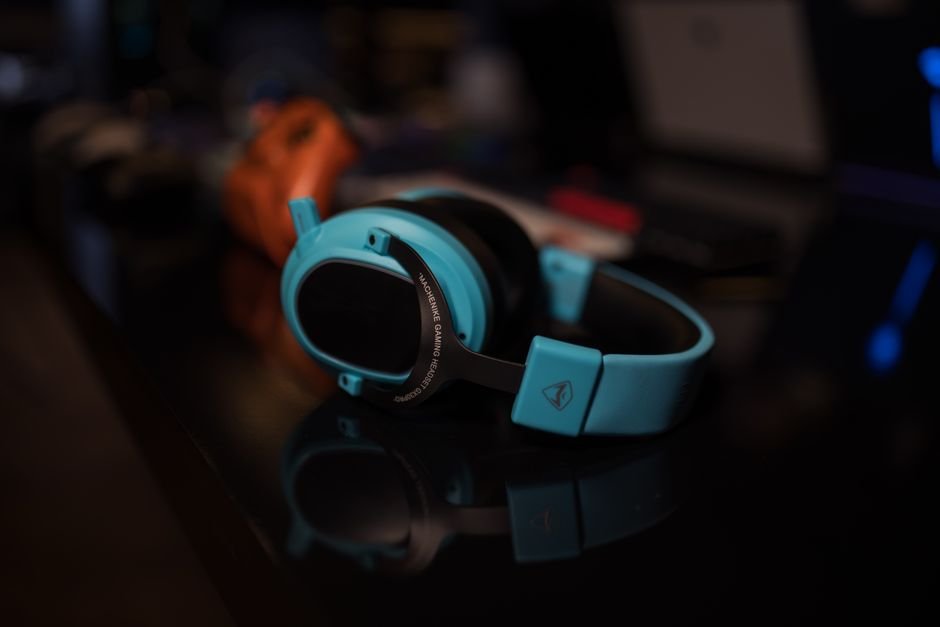
Even though we are focusing on ways to improve audio quality without new gear, it’s hard to overlook the advantages of a quality gaming headset. The immersive experience provided by a good headset can amplify your gaming prowess by allowing you to hear enemy movements and environmental cues with stunning clarity.
If you’ve been using basic headphones and find gaming sound quality lacking, it’s justifiable to consider a modest investment in an entry-level gaming headset. You don’t need the most expensive model; simply upgrading from standard headphones can make a noticeable difference in your auditory experience. In the long run, a better headset will pay off in both comfort and audio fidelity.
Keep Your Audio Environment in Check
Your surroundings also play a significant role in perceived audio quality. Hard surfaces reflect sound, leading to echoes, while rugs and soft furnishings can help absorb unwanted sounds. If you’re gaming in a room with lots of metal and glass surfaces, consider adding some fabric or carpets to help create a more acoustically friendly environment.
Moreover, be conscious of background noise. If you’re in a noisy environment, it can detract from your overall experience, regardless of the quality of your setup. Using a headset becomes even more beneficial in these scenarios, allowing you to immerse yourself completely in the game without distractions.
Consistency is Key
Ultimately, improving your audio quality requires persistence. Regularly revisit your sound settings, especially after updates to your games or system. As developers often optimize audio in updates, your previous settings may not work as well post-update. Keep experimentation as part of your habits, adjust, listen, and tune until you arrive at what sounds best for your environment and ears.
If you’re also managing different setups or contemplating setups for various gaming needs, check out my detailed guide on standing versus traditional desks or wired versus wireless setups.
Worth reading alongside this: desk vs traditional.
If that matters to you, our piece on premium gaming battlestation goes further.
Frequently Asked Questions
Why is my gaming audio not clear?
Gaming audio may not be clear due to issues such as poor-quality headphones, incorrect audio settings, or interference from other devices. Additionally, the game itself might have poorly mixed audio, leading to muddiness in sound.
What settings improve gaming sound quality?
To improve gaming sound quality, ensure that the audio output is set to the highest quality possible in your system settings. Adjusting options like sample rate, bit depth, and enabling enhancements such as 3D audio or equalization can also significantly enhance sound clarity.
Can a soundcard improve gaming audio?
Yes, a dedicated soundcard can improve gaming audio by providing better processing power and advanced audio features compared to integrated sound. These cards often support higher sample rates and offer superior support for surround sound setups, which can enhance the overall gaming experience.
How do I enhance sound for FPS games?
To enhance sound for FPS games, focus on audio settings that highlight footstep and ambient noises, such as enabling in-game audio presets tailored for competitive play. Using headphones designed for gaming can also improve directional sound, allowing you to detect enemies more accurately.
Is surround sound better for gaming?
Surround sound can provide a more immersive gaming experience by allowing players to perceive sound from all directions, which is particularly beneficial in open-world or multiplayer games. However, for some competitive games, stereo sound might be preferred for its clarity and precision in directional audio.