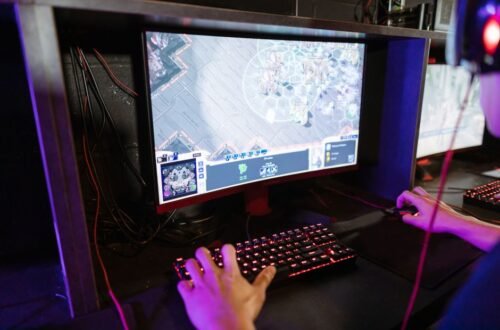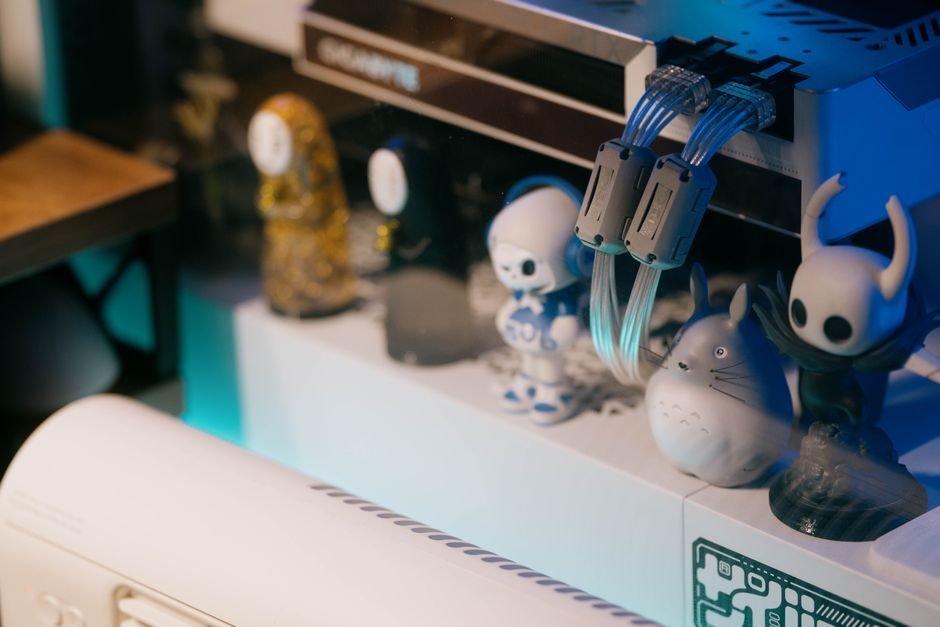
Over 70% of gamers experience frustration due to tangled cables disrupting their setups. Organizing your gaming cables is essential not just for aesthetics, but to prevent interruptions during crucial gameplay moments. Dedicating time to this task can significantly enhance your gaming environment.
To efficiently organize gaming cables, you’ll need to adopt a combination of practical techniques and specific cable management accessories. By streamlining your setup, you not only enhance your gaming enjoyment but also create a professional, clutter-free environment. Here’s how you can do that without hassle.
Why Cable Management Matters for Gamers
Think about how distractions affect your focus during a game. Surrounded by chaotic cables can divert attention, leading to subpar performance. It can also create a safety hazard if you find yourself getting tangled in cords while you move around. Taking control over your wires is essential.
Additionally, having organized cables makes it easier to swap out equipment. If you need to troubleshoot or upgrade your gear, you won’t waste precious minutes untangling, pulling, or searching for the right plug. An efficient setup saves time and keeps your mind sharp while gaming.
Essential Tools and Accessories
Before getting started, gather the necessary cable management accessories. At the very least, you should consider these few items:
- Cable sleeves: These protect and bundle your cables together, cutting down on the visual clutter.
- Velcro straps: Perfect for keeping your cables tied neatly without damaging them.
- Under-desk cable trays: Mounting trays under your desk can hide excess cables away from sight.
- Label makers: Use these to clearly label your cables for easy identification, preventing confusion later on.
With the right tools in hand, you’ll be ready to tackle your gaming desk setup and make the most of the space. Consider also how you can enhance your overall layout. For instance, if you are deciding between a standing or traditional deskI have a detailed guide on that here: Standing Desk vs Traditional Desk For Gaming Setup.

Step-by-Step Guide to Organizing Your Gaming Cables
Now, let’s get into the process. Start by unplugging and removing all cables from your setup. Lay them out so you can assess which cables belong together. Group them by function, such as power cords, data cables, and peripheral connections.
Once they are organized, begin the re-cabling. Use cable sleeves to bundle each group together and Velcro straps to keep them from separating. Make sure to route cables along the back of your desk or use cable trays under the desk for that clean look.
Remember, too much tension on the cables can lead to fraying over time, so keep slack in mind as you manage their lengths.
The Hidden Costs of Poor Cable Management
You may not realize it, but neglecting cable organization can lead to hidden costs in terms of time and even equipment longevity. Tangled cables are more susceptible to damage, meaning you could have to replace them sooner than if they were adequately managed. Additionally, disorganized setups make it tedious to find and replace faulty cables.
This can affect your gaming experience, delaying your ability to get back into action when an issue arises.
Make it a Habit
One of the biggest pitfalls is falling back into the old messy habits. Once you’ve organized your gaming cables, make it a practice to put everything back in its place after use. Set aside a few minutes at the end of each gaming session to ensure cables stay neat.
You’ll find this not only enhances your space but also keeps your mind focused, ready for your next challenge.
Incorporating the right organization techniques creates a welcoming atmosphere and enables seamless gameplay. No one wants to navigate through chaos in the heat of battle. You might also find yourself considering a larger setup, if you think that’s in your future, I recommend checking out my article on Small Gaming Desk Setup vs Large Corner Gaming Setup for insights.
Your Workstation Deserves the Best
For the best results, consider using cable sleeves for a clean look or Velcro ties for flexibility. Cable sleeves suit those with multiple devices needing a streamlined appearance, while Velcro ties are ideal for gamers frequently rearranging their setups.
Frequently Asked Questions
How do I manage my gaming cables?
To manage your gaming cables, start by identifying and labeling each cable to understand their connections. Use cable ties, clips, or sleeves to group cables together and keep them organized along the edges of your gaming setup.
What are the best tools for cable organization?
The best tools for cable organization include Velcro cable ties, cable clips, and cable management sleeves. Additionally, cable boxes can conceal excess lengths, while under-desk cable trays help keep cables off the floor.
Can cable clutter affect gaming performance?
While cable clutter may not directly impact gaming performance, it can cause distractions and hinder airflow around your gaming setup. Excess cables can also lead to accidental unplugging or damage, which can affect your overall gaming experience.
Why is cable management important for gamers?
Cable management is crucial for gamers to maintain a tidy workspace, which helps improve focus and concentration during gameplay. Proper organization also protects equipment from damage and enhances aesthetics, making the gaming environment more enjoyable.
What are easy ways to hide gaming cables?
Easy ways to hide gaming cables include using cable sleeves to encase multiple cables into one neat bundle, and running cables along walls or under furniture. You can also use decorative cable boxes or wall-mounted raceways to completely conceal the cables from view.