Approximately 70% of horror gaming experiences hinge on audio quality. A subpar setup can leave players missing key sound cues and ruin the intended tension. Here's how to enhance your audio configuration for horror games and sidestep pitfalls that disrupt immersion.
Your audio setup for horror games is not just about volume; it’s about clarity, surround sound, and the ability to tune into subtle sound effects that signal danger. Whether you’re using a gaming headset or a full-on surround sound systemevery choice you make can drastically impact your gaming experience.
Invest in Quality Gear
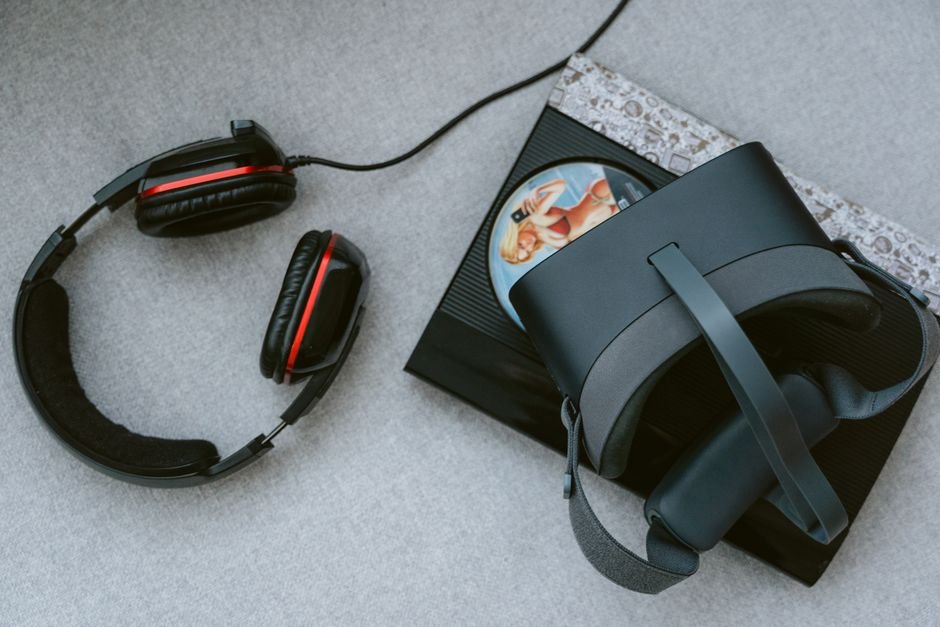
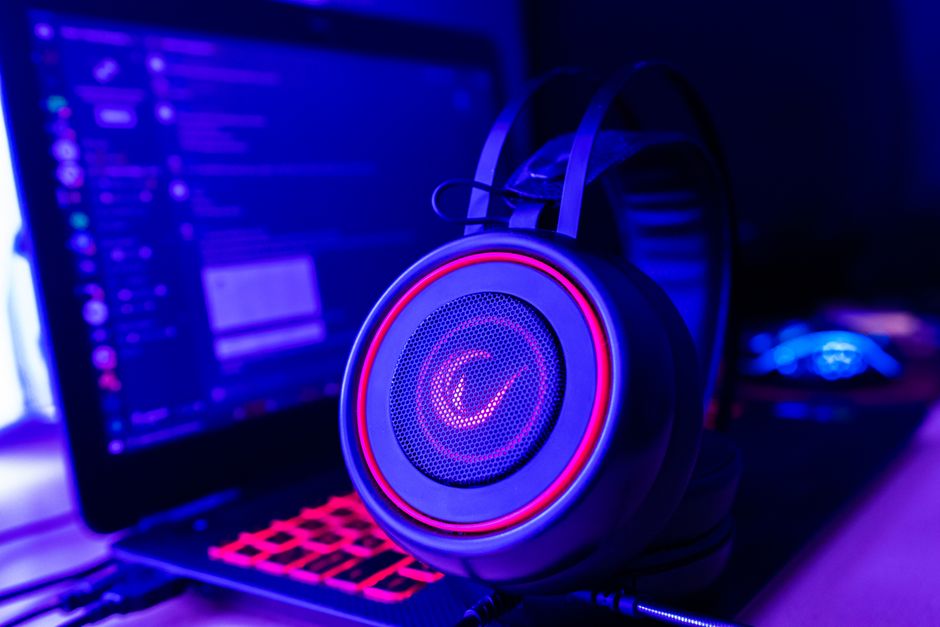
The right equipment is non-negotiable when gearing up for a horror game. You’ll want a gaming headset that supports immersive sound effects, emphasizing directional audio. Not all headsets deliver this; some favor bass over clarity. I recommend opting for models with surround sound capabilities.
They can range from 7.1 to virtual surround sound options, allowing you to hear the careful clicks of footsteps creeping up behind you.
If you’re looking at speakers instead of headsets, consider a dedicated surround sound system that can deliver crisp audio across multiple channels. These systems often capture the subtleties of environmental sounds, wind howling, doors creaking, crucial for creating fear and suspense. Brands like Logitech and Razer offer solid options that many gamers find reliable.
Audio Calibration Is Crucial
You might assume your audio is already perfect right out of the box, but that’s typically far from the truth. Calibration can make a world of difference. With audio tuning software, adjust settings like equalization to flatten or boost certain frequencies.
For horror games, focusing on the mid-range frequencies can enhance vocal clarity, making whispers eerie and dialogues highlighted, while still preserving deep sounds like growls and roars.
Moreover, ensuring that your game’s audio settings complement your hardware can significantly impact your experience. Many players overlook the in-game audio settings. Adjusting sliders for ambient sound and effects can enrich your experience. Don’t just rely on default settings, take the time to customize them!
Positioning Your Sound Setup
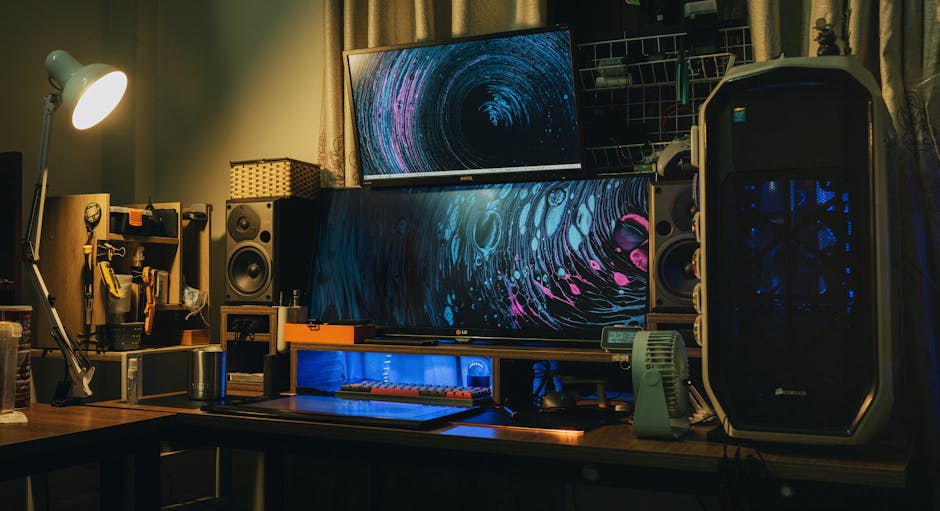
Another frequently ignored aspect is the physical setup of your audio gear. If you opt for a surround sound system, speaker placement is vital. The front speakers should be at ear level, while the rear speakers can be elevated to give you the ethereal sense of a presence behind you.
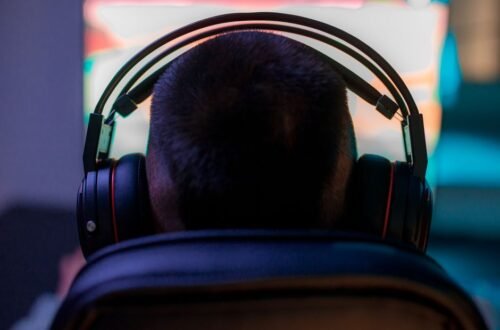
For headsets, it’s all about fit; a poorly fitting headset not only reduces sound quality but also can be uncomfortable during long gaming sessions.
The environment where you play can also affect how sound travels. Playing in a room with too many soft furnishings can absorb sound and dull the experience. Aim for a balance, some hard surfaces that reflect sound and some softer materials to absorb it can help maintain a well-rounded audio landscape.
The Role of Sound Effects in Horror Gaming
Many horror games employ strategic sound design to build tension. Knowing how to utilize this can dramatically enhance your gameplay. For instance, sounds that change dynamically based on your character’s actions or the surrounding environment can ramp up your anxiety. Pay attention to these cues. If you hear distant thunder or a whisper, often, that’s a signal you need to prepare for an impending scare.
Be mindful of dynamic audio shifts. Many players miss the subtle nuances in soundscapes because their setups don’t let them tune in effectively. The sounds of creaking floorboards or muffled screams can be easy to overlook, but they can play a crucial part in immersing you in the horror narrative.
Final Recommendations for Enhancing Your Horror Game Experience
For an immersive experience, consider investing in a high-quality headset like the SteelSeries Arctis Pro for solo players, or a surround sound system such as the Logitech Z906 for those who enjoy multiplayer. Both options provide rich soundscapes that can heighten the feeling of dread, allowing players to fully engage with the eerie atmosphere that defines horror gaming. Additionally, understanding the audio setup for horror games can significantly improve your engagement with the narrative and gameplay.
There is more on black gaming setup elsewhere on the site.
Frequently Asked Questions
How can I enhance horror game audio?
You can enhance horror game audio by using high-quality speakers or headphones that provide clear sound detail. Additionally, adjusting the game's audio settings, such as increasing ambient sounds and reducing background music, can create a more immersive and suspenseful experience.
Why does audio matter in horror games?
Audio is critical in horror games because it builds atmosphere and tension, drawing players into the game world. Sound cues, such as whispers or creaking doors, can trigger instinctive fear responses and significantly impact the player's emotional experience.
Can a headset improve horror gaming experience?
Yes, a good headset can vastly improve the horror gaming experience by allowing players to hear subtle sound details that contribute to the overall ambiance. Closed-back headsets can also help isolate the player from outside noise, making the game's audio more immersive.
What audio setup do pros use for horror games?
Professionals often utilize high-fidelity headsets or surround sound speaker systems that accurately reproduce in-game soundscapes. Many also use external sound cards or amplifiers to achieve precise audio control, enhancing their ability to detect directionality and cues in horror games.
Is surround sound necessary for horror games?
While surround sound is not strictly necessary for horror games, it can greatly enhance the experience by providing spatial awareness of sounds. This ability to hear noises coming from various directions adds to the tension and realism, making it easier for players to react to threats.