
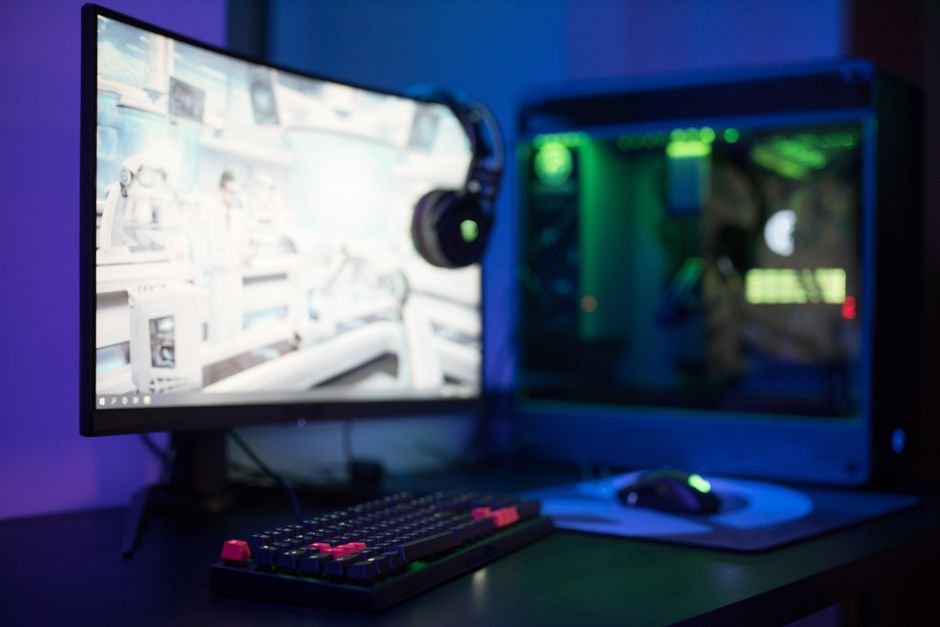
A high refresh rate monitor can cost between $200 and $500, but investing in the right one can fundamentally change your gaming experience. Choosing a gaming monitor is not just about aesthetics; it directly affects your performance and enjoyment. Understanding key specifications will help you make an informed decision that enhances your gameplay.
When considering a monitor, don’t just focus on flashy marketing claims. Diving into specifics like refresh rates, resolutions, response times, and adaptive sync technologies will help you make an informed decision, reflecting both your gaming style and hardware capabilities.
Pick the Right Resolution
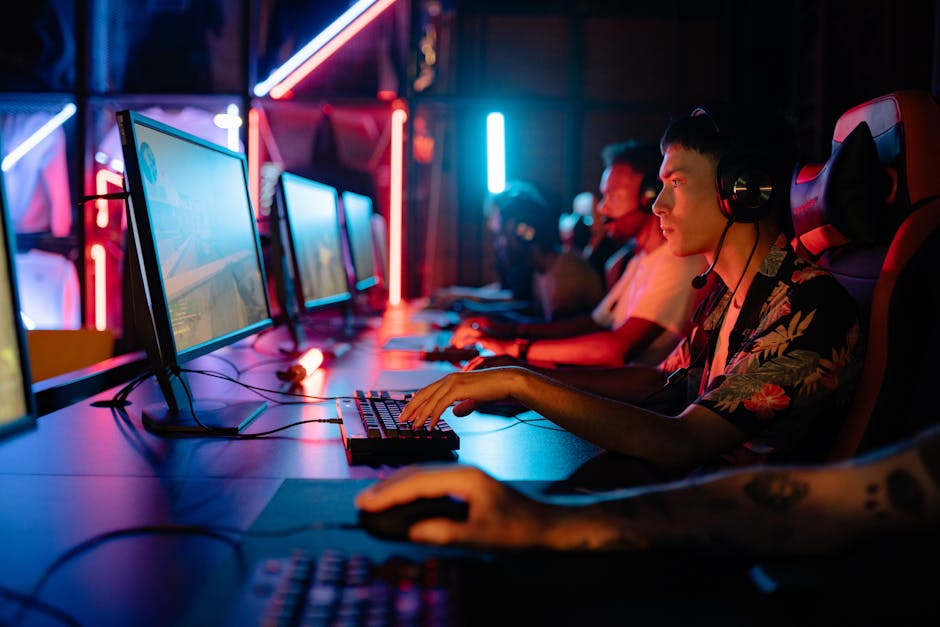
The resolution of a gaming monitor determines how clear and detailed the images will be. The most common options you’ll encounter are 1920×1080 (Full HD), 2560×1440 (Quad HD), and 3840×2160 (4K). While many casual gamers might find Full HD sufficient, I can assure you that Quad HD brings noticeable benefits, especially in larger screen sizes, like 27 inches and above.
If you’re leaning towards competitive gaming, consider that most esports enthusiasts prefer 1080p, as it allows higher frame rates. For those who enjoy more visually-rich single-player experiences, 4K offers stunning clarity but requires a more powerful GPU. Balancing your budget with your gaming needs will lead you to the right resolution choice.
Understand Refresh Rates and Response Times
Refresh rate is another vital aspect when you learn how to choose the right gaming monitor. This number, measured in hertz (Hz), tells you how many times per second the monitor refreshes the image. A 60Hz refresh rate is standard and adequate for most casual gaming. However, if you’re into fast-paced games, aim for at least 144Hz or even 240Hz for peak performance.
It makes a massive difference in smoothness and responsiveness, reducing motion blur noticeably.
Response time is equally essential as it represents how quickly a pixel can change from one color to another. Monitors with a response time of 5ms or lower are generally acceptable, but 1ms is ideal if you want to minimize ghosting and achieve sharp visuals. When considering these elements together, a 144Hz monitor with a low response time will improve your gaming experience significantly.
Select Adaptive Sync Technology
One of the common pitfalls I see gamers facing is neglecting adaptive sync technologies. Nvidia’s G-Sync and AMD’s FreeSync help eliminate screen tearing, providing smoother gameplay. G-Sync usually comes with a price premium, as compatible monitors are often more expensive. However, if you’re gaming with an Nvidia graphics card, it’s worth considering for the enhanced experience it offers.
FreeSync, on the other hand, is generally more budget-friendly and works well with AMD graphics cards. Increasingly, more monitors are becoming compatible with both technologies or offer some form of compatibility, which is fantastic for those who might switch brands down the line. It can be a game-saver when aiming for competitive victories, as tearing can ruin your chances in tight situations.
Ergonomics and Size Matter
Make sure to consider ergonomics and size when choosing the right gaming monitor. The monitor size should complement your gaming desk setup and your sitting distance from the screen. A good rule of thumb is that a 27-inch monitor works well for most setups if you’re seated at around 3 feet away.
Larger screens may offer immersive experiences, but they can strain your neck if not positioned correctly.
Look for monitors with adjustable stands that allow you to customize the height and tilt. A comfortable viewing angle can drastically improve your gaming sessions, especially if you play for extended periods. Some monitors even offer VESA mounts if you decide to mount your monitor on the wall or an adjustable arm.
Budget Wisely
While it’s tempting to spend big on every gaming component, you don’t need to break the bank. Set a budget that matches your priorities. You can find excellent monitors under $300 that offer good performance. However, if you don’t mind spending a little more, investing in a quality panel that checks all the boxes will pay off over time.
Always keep in mind the hidden costs that come into play; if you’re using an aging PC or a lower-end graphics card, consider whether it can handle a high-resolution monitor. To avoid buyer’s remorse, ensure that both your monitor and PC are compatible in terms of performance capabilities. Balancing your spending across a complete setup can lead to effective savings.
Final Verdict
For competitive gamers, a 144Hz monitor with a 1ms response time is the best choice, ensuring smooth gameplay and quick reactions. Casual gamers may prefer a 60Hz or 75Hz monitor which still provides a solid experience without the higher cost. Balancing your monitor’s specs with your gaming rig is crucial for an optimized setup.
Frequently Asked Questions
What specs are important in a gaming monitor?
Key specs to consider in a gaming monitor include resolution (at least 1080p), refresh rate (ideally 144Hz or higher for smoother gameplay), response time (preferably 1ms to reduce motion blur), and panel type (IPS for better colors and viewing angles or TN for faster response times). Additionally, adaptive sync technology like G-Sync or FreeSync can enhance performance by eliminating screen tearing.
How does refresh rate affect gaming performance?
Refresh rate, measured in Hertz (Hz), indicates how many frames per second the monitor can display. A higher refresh rate provides smoother motion and a more responsive gaming experience, especially in fast-paced games where every millisecond counts.
Is a curved monitor better for gaming?
Curved monitors can enhance immersion by providing a more expansive field of view and reducing glare from ambient light. However, whether they are better depends on personal preference; some gamers prefer the flat screens for their ease of use with multiple monitors.
What size monitor is best for gaming?
The best monitor size generally ranges from 24 to 32 inches, depending on your desk space and viewing distance. Larger sizes can provide a more immersive experience, but ensure that the resolution is high enough to maintain image clarity.
Can you use a TV as a gaming monitor?
Yes, you can use a TV as a gaming monitor, especially if it has low input lag and supports high resolutions and refresh rates. However, keep in mind that most gaming monitors are designed for quicker response times and can offer a better experience for competitive gaming. Additionally, you can find more information on how to choose the right gaming monitor to better inform your decisions.




