
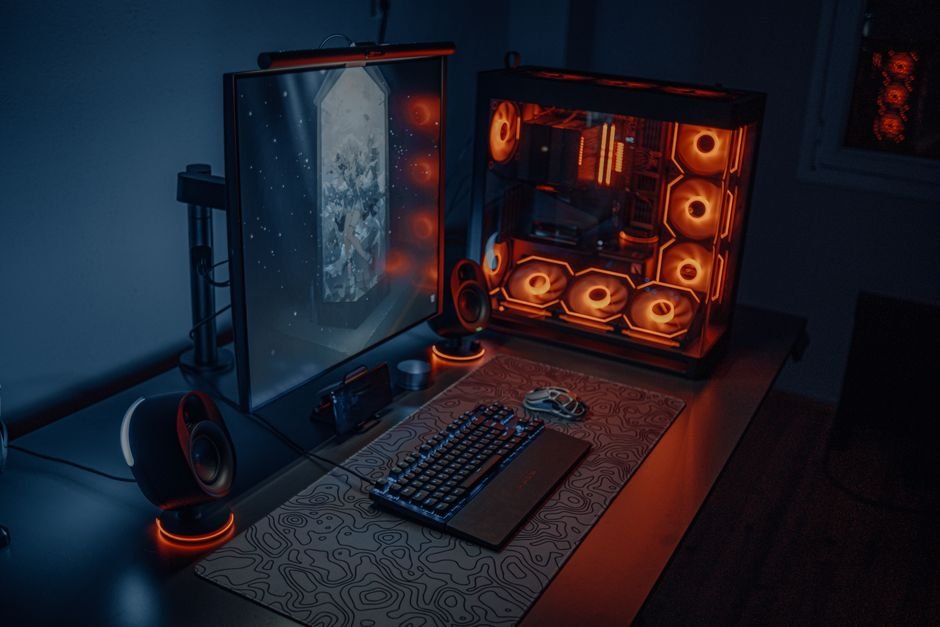
A disorganized gaming desk can lead to a drop in focus that might cost you the match. If your gaming setup is cluttered and ineffective, it’s crucial to address the issue. From my experience, specific strategies can significantly enhance your gaming environment and overall performance.
When it comes to improving your gaming setupthe right gaming accessories, desk arrangement, and cable management are crucial. Let’s break down these areas to maximize your performance and enjoyment.

Choosing the Right Equipment
One of the biggest mistakes people make is underestimating the impact of their hardware. Quality matters. A gaming mouse or keyboard that feels cheap can affect your in-game performance and lead to discomfort over long sessions. For example, investing in a mechanical keyboard not only improves tactile feedback but can also enhance your reaction time in competitive play.
I recommend looking for keyboards that offer customizable switches or macro options to match your gameplay style.
Monitor selection is equally important, a 144Hz refresh rate monitor with low response time can make a significant difference in visual performance. Paired with a good graphics card, it creates smoother gameplay and reduces screen tearing, keeping you immersed in the action.
Some prioritize two or even three screens for multitasking, such as chatting or streaming while gaming; if you’re considering this, plan your desk space accordingly.
Effective Desk Organization
Clutter is the enemy of focus. A common mistake is cramming too many items onto your desk, which can lead to distractions. You should aim for a clean and efficient layout. Move unnecessary items off the desk to avoid visual noise.
I found that using a desk mat not only keeps my mouse from slipping but also creates a unified look that enhances the overall appearance of my workspace.
Also, position your monitor at eye level, which helps avoid strain during long gaming sessions. If you have a lot of devices, consider a multi-tiered stand to elevate your monitor or gaming consoles, freeing up space underneath for other items. This setup promotes better posture and reduces fatigue over time.
Cable Management Matters
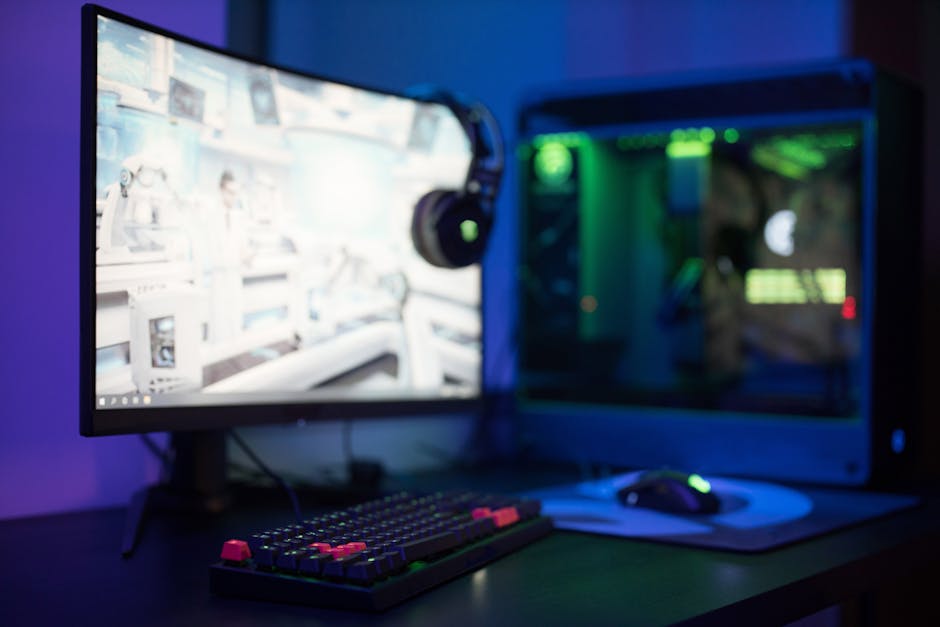
Cable management is often an afterthought, yet it can drastically affect your setup’s appearance and functionality. A tangled mess of cables can lead to frustration, especially when you’re trying to rearrange equipment or troubleshoot a connection issue. Investing in cable ties or sleeves can help keep your cords organized and out of sight.
Look for desk designs with built-in cable management features. Some desks come with grommets or attached cable trays, allowing you to route cables cleanly. If you’re using wall-mounted or floating shelves for consoles, consider running cables through the walls for a sleek look. This simple step not only enhances aesthetics but also improves accessibility.
Ergonomics and Comfort
Many gamers overlook the chair’s role in their setup. A good ergonomic chair is crucial, as it supports your posture during extended play. If you find yourself slouching or adjusting constantly, it’s time to invest in an adjustable chair that offers lumbar support. Look for materials that promote breathability to keep you comfortable during long gaming sessions.
An adjustable height allows you to align your chair with your desk, promoting better alignment with your monitor. This minimizes strain on your neck and back. Remember, a subpar chair can lead to discomfort, which might distract from gaming and reduce your overall performance.
Maximizing Your Setup’s Visual Appeal
The aesthetics of your gaming setup can enhance your mood and enjoyment. It’s not just about performance; a well-decorated space can be a source of pride. I’d recommend personalizing your setup with themed posters, LED lights, or even collectibles from your favorite games. However, be careful not to overdo it, too much decoration can create clutter.
Consider RGB lighting for a modern touch. They can be adjusted to fit the mood of the game you’re playing. Keeping the lighting warm or neutral can be easier on your eyes, especially late at night.
Conclusion: Build the Setup You Want
For maximum impact, invest in a quality gaming chair and a multi-monitor setup if you're serious about competitive gaming. Casual gamers might find an adjustable desk and a good headset sufficient to improve their experience. Each choice should align with your gaming style and budget for the best results. Moreover, exploring strategies on how to improve gaming setup can significantly enhance your overall performance.
Frequently Asked Questions
What are the essential components of a gaming setup?
The essential components of a gaming setup include a high-performance gaming PC or console, a good monitor with a high refresh rate, a responsive gaming mouse, and a comfortable keyboard. Additionally, having quality audio equipment like headphones or speakers enhances the overall experience.
How can I improve my gaming desk organization?
To improve gaming desk organization, start by decluttering and organizing your equipment logically. Use cable organizers, drawer dividers, and other storage solutions to keep everything neat, and place frequently used items within easy reach to maximize efficiency.
Can lighting affect gaming performance?
Yes, lighting can affect gaming performance by influencing your focus and mood. Adjustable ambient lighting can reduce eye strain during long sessions and enhance concentration, while LED strips can add an immersive feel to your gaming environment.
Why is cable management important for gamers?
Cable management is important for gamers as it helps to eliminate clutter, making the setup look cleaner and more professional. Additionally, well-managed cables reduce the risk of tangling or tripping hazards, and can improve airflow around components for better cooling.
How do gaming chairs improve comfort?
Gaming chairs are designed to support prolonged periods of sitting, with ergonomic features such as adjustable lumbar support, headrests, and armrests. This helps to maintain good posture, reduce discomfort, and enhance overall gaming stamina during long sessions.




