
Sound cards can drastically improve your gaming audio, and simply relying on built-in options often leads to a subpar experience. Investing around $100 to $200 in a dedicated sound card can give you enhanced sound quality, surround sound, and better headphone support, making it a worthwhile upgrade. This article delves into essential details about sound cards and highlights the best choice for gamers.
When gaming, you want to immerse yourself in the audio landscape of the game. Subtle sounds like footsteps, whispers, and environmental noises contribute to your overall enjoyment and can even affect gameplay. Many gamers underestimate how much of a difference high-quality audio can make, settling for what’s integrated into their motherboards.
This might save you money now, but investing in a good sound card can dramatically enhance your overall auditory experience.

Why Sound Cards Matter for Gamers
The primary reason to invest in a dedicated sound card is audio quality. Many onboard audio solutions fall short when it comes to handling high-definition audio. A good sound card can decode audio more effectively. For instance, it can have a signal-to-noise ratio (SNR) of 110 dB or higher, which translates to clearer sound, less distortion, and an enriched gaming soundscape.
This clarity can help you identify the direction of sounds, crucial in competitive gaming scenarios.
Another factor is the ability to produce surround sound. With a sound card, you can enjoy 5.1 or even 7.1 surround sound setups. This adds a massive level of immersion to your gaming experience, allowing you to hear sounds coming from behind or above you. Without this technology, such levels of spatial awareness are simply not possible.
Top Features to Look for in Gaming Sound Cards
When looking for the best sound card for gaming, several features jump out as essential. First, consider the audio codec. Popular choices like the DTS:X or Dolby Atmos allow for richer sound experiences by simulating a multi-directional audio environment. These codecs provide depth to soundscapes, making it easier to get lost in your game.
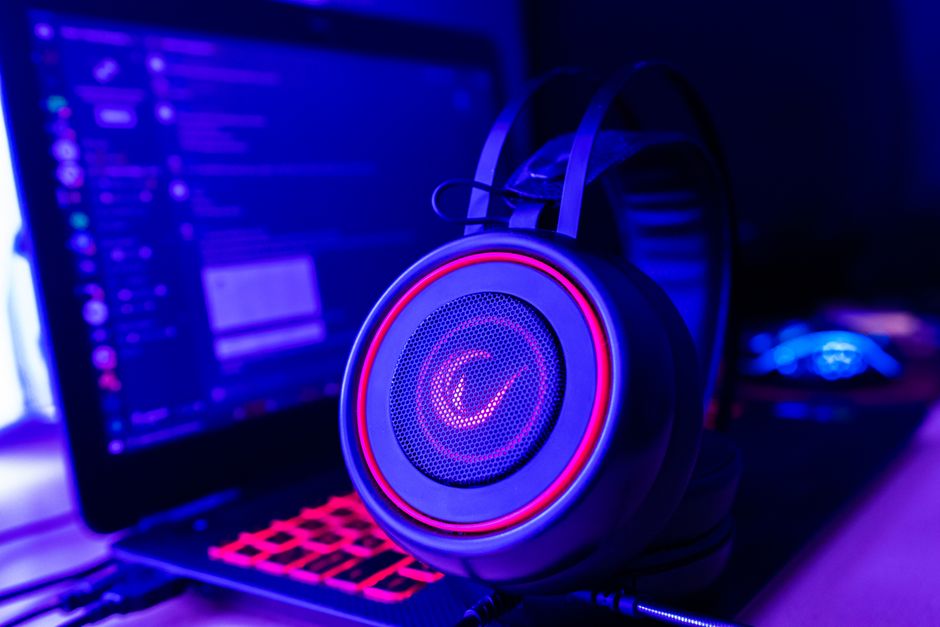
Next, headphone amplification is vital, especially for gamers who prefer high-impedance headphones. A dedicated audio card often incorporates built-in amplification systems that can drive these headphones to their full potential. This means you’ll experience clearer highs and deep bass, making in-game sounds more impactful.
What to Avoid When Choosing a Sound Card
Some gamers make the mistake of going for budget-friendly options without considering long-term benefits. Often, cheaper sound cards lack the audio fidelity and features necessary for an immersive audio experience. Additionally, avoid sound cards that don’t offer driver updates or support for new audio technologies, as this will likely limit your system’s performance in the future.
Another pitfall is assuming that more features always mean better performance. For example, a sound card with fancy lighting or extensive software features may not actually improve audio quality. Prioritize the essential functions like audio clarity, surround sound capability, and compatibility with your existing audio setup. Focus on the audio experience rather than the additional frills.
Which Sound Card Should You Choose?
For most gamers, the Creative Sound BlasterX AE-5 is hard to beat. This internal sound card features a high SNR of 122 dB, offering immaculate audio quality across games. It supports 7.1 surround sound and includes a customizable RGB lighting system, which is a nice touch for many performance setups.
The built-in headphone amp is powerful enough to drive high-end headphones, giving you a clear edge in gameplay through enhanced audio cues.
If you’re on a tighter budget but still want solid performance, the ASUS Xonar SE is a great alternative. It offers decent SNR and surround sound output for a fraction of the price, making it a solid entry-level option. While it may lack some of the features of the higher-end options, it provides substantial sound improvement over typical onboard solutions.
Final Verdict: Investing Wisely in Your Gaming Experience
The Creative Sound BlasterX AE-5 is the best overall option due to its rich audio features, great for serious gamers wanting high fidelity. On the other hand, the ASUS Xonar SE is an excellent choice for those seeking an entry-level sound card that still significantly outshines regular built-in audio. If you’re wondering what is the best sound card for gaming, these options certainly lead the way.
Frequently Asked Questions
What makes a sound card good for gaming?
A good sound card for gaming provides high-quality audio output, support for advanced surround sound technologies, and low latency. Features like customizable audio settings and enhanced positional audio can also significantly enhance the gaming experience.
How do sound cards improve gaming audio?
Sound cards improve gaming audio by delivering clearer and more detailed sound, with better separation of audio channels. They process audio signals more efficiently than standard integrated sound, often resulting in richer soundscapes and improved immersion.
Is a sound card necessary for gaming?
While not strictly necessary, a dedicated sound card can greatly enhance audio quality and provide features that integrated sound may lack. Many gamers opt for sound cards to take advantage of superior audio fidelity and surround sound capabilities.
Can a sound card reduce gaming audio lag?
A sound card can contribute to reducing audio lag by processing sound more efficiently than built-in audio solutions. However, the extent of lag reduction may also depend on other factors like system performance and audio settings.
Why choose an external sound card for gaming?
Choosing an external sound card can offer better portability and flexibility, allowing users to easily switch between devices. External sound cards often have superior audio processing capabilities and can include features like headphone amplifiers and customizable EQ settings.