
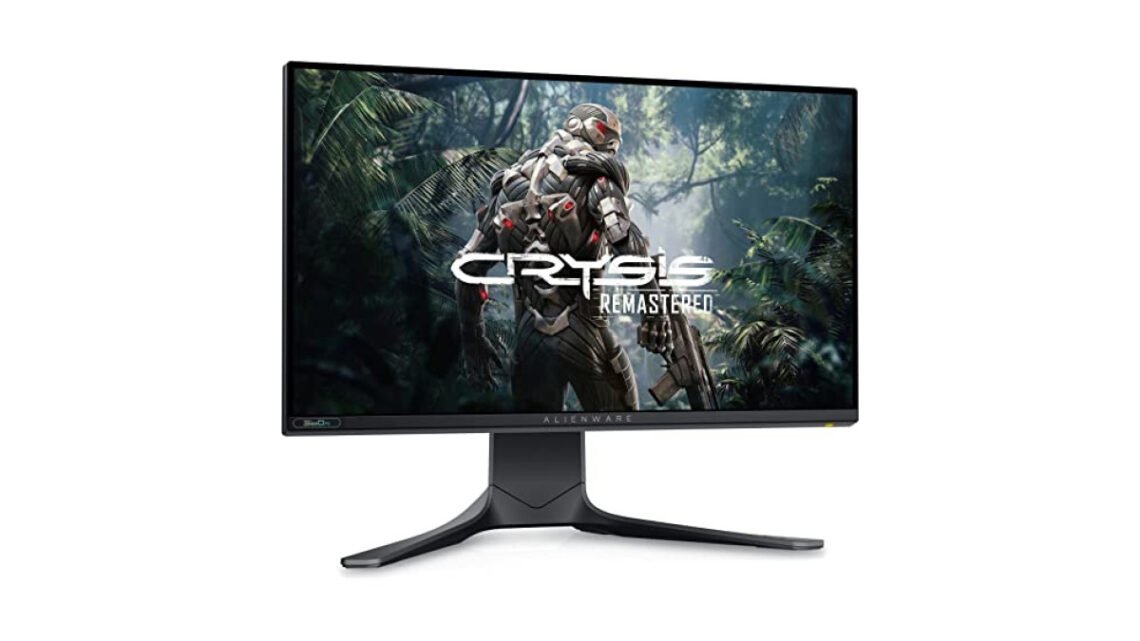
The Dell Alienware AW2521H comes with a staggering 360 Hz refresh rate, making it a prime choice for gamers who crave speed and precision. This 25-inch display leverages NVIDIA G-Sync technology to ensure a flawless gaming experience, eliminating screen tearing. For those who prioritize both performance and visual fidelity, the Alienware AW2521H is worth considering.
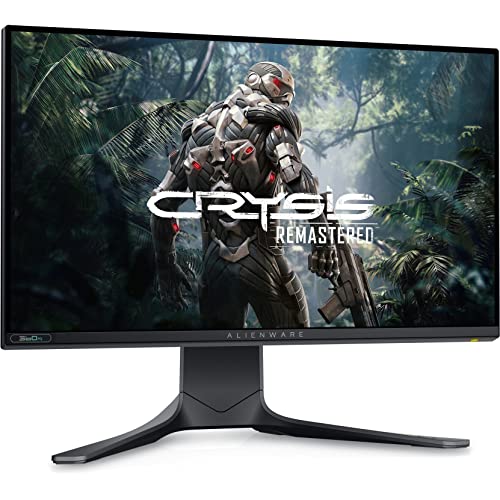
Alienware AW2521H 25" Full HD
Best for: Gamers needing vibrant visuals and speed
- Stunning image clarity and color
- Fast refresh rate for smooth gameplay
- Wide viewing angles enhance experience
- Brightness could be better outdoors
- Limited ergonomic adjustments available
What stands out to me about this monitor is its fast refresh rate paired with an IPS panel that delivers vivid colors and wide viewing angles. This combination enhances the overall gaming experience and is crucial for keeping up in fast-paced titles. However, gamers on a budget may find the price point slightly high for their needs.
For those who prioritize performance over cost, the AW2521H could be the perfect investment.
| Best for | Gamers needing vibrant visuals and speed |
| Not ideal for | Budget-conscious buyers |
| Standout feature | 360 Hz refresh rate |
| Value | Premium |
| Bottom line | An excellent choice for competitive gamers seeking top-notch performance. |
Things I like
- Ultra-fast 360 Hz refresh rate enhances gameplay fluidity.
- Vibrant color reproduction due to the IPS panel.
- Wide viewing angles allow for better viewing in multi-player settings.
- NVIDIA G-Sync ensures a smooth gaming experience.
- Ergonomic design with adjustable stand for comfortable extended use.
Things I’d improve
- Price could be a barrier for casual gamers.
- Limited connectivity options compared to some competitors.
- Some users report slight ghosting in very high-motion scenarios.
- Stand height adjustment could be a bit more robust.
- Requires ample desk space given its size.
Overview
| Brand | Dell |
| Type | Gaming Monitor |
| Finish/Color | Black with RGB accents |
| Material | Plastic casing with metal stand |
| Warranty | 1 Year Limited Warranty |
| Mounting/Format | VESA compatible, adjustable stand |
The Alienware AW2521H competes in the high-end gaming monitor segment, primarily aimed at competitive gamers who require fast response times and excellent visual fidelity. Its design and engineering reflect a focus on gaming performance, which is crucial for immersive experiences and tactical advantages in competitive play.
Design & Build
| Finish | Black with customizable RGB lighting |
| Screen size | 25 inches |
| Aspect ratio | 16:9 |
| Resolution | 1920 x 1080 (Full HD) |
| Panel type | IPS |
The overall aesthetic of the Dell Alienware AW2521H is sleek and modern, with a futuristic design that will attract gamers. The casing is sturdy, yet lightweight, making the monitor easy to adjust.
The RGB lighting accents add a personal touch and can be customized to fit your setup, making it not only a functional item but also a visually appealing part of your gaming station. Its adjustable stand is convenient, allowing for height, tilt, and swivel adjustments; however, I found that it wobbles slightly when adjusted to maximum height, which might be an issue for some users.
Performance
In terms of performance, the Alienware AW2521H excels due to its remarkable refresh rate. The 360 Hz refresh rate combined with a 1 ms response time means that fast-paced games look fluid and responsive with minimal input lag. The integration of NVIDIA G-Sync eliminates tearing and stutter, making transitions smooth, which is critical during high-stakes gameplay.
The vibrant colors and sharp clarity provided by the IPS panel further enhance the experience, rendering details that enhance immersion. The brightness reaches around 400 nits, making it suitable for various lighting conditions.
How It Handles Everyday Situations
- For competitive FPS gaming, the 360 Hz refresh rate keeps visuals sharp even during rapid movements.
- In multiplayer settings, the wide viewing angles ensure everyone has a clear view of the screen without color distortion.
- For casual gaming, the vibrant colors make titles like platformers and RPGs visually stunning.
- In a dimly lit room, the brightness level provides comfort, ensuring prolonged gaming sessions are not straining on the eyes.
Ease of Use & Installation
Setting up the Alienware AW2521H is fairly straightforward; the packaging includes a user manual with clear instructions. The monitor itself is lightweight, making it easy to install on a desk or mount on a wall. In daily operation, the customizable settings let you adapt the display characteristics to your preference, such as adjusting the brightness, contrast, and color calibration for a more personalized experience.
However, be prepared to spend some time getting the settings just right, as initial configurations can be overwhelming.
How It Compares
| Option | Best for | Key difference |
| Asus ROG Swift PG259QN | Extreme competitive gamers | Similar specs, larger screen size |
| Acer Predator XN250Q | Mid-tier gamers | Lower refresh rate, budget-friendly |
| Samsung Odyssey G7 | Immersive curved display experience | Curved design, less portability |
The Alienware AW2521H tends to win in terms of refresh rate and color accuracy, appealing especially to gamers who play fast-paced titles and require the best visuals to gain an edge. Competing models offer different benefits that might suit specific preferences, but the specifications of the AW2521H hold strong against most alternatives.
Who Should Buy This
Great fit
- Competitive gamers needing rapid refresh rates for fast reactions.
- Those who value vibrant colors and clear visuals.
- Gamers with ample desk space willing to invest in a high-end monitor.
Look elsewhere if
- You are on a tight budget and need a basic monitor for casual gaming.
- Desk space is limited, as the monitor requires a substantial setup.
- You prioritize features over performance and are willing to compromise on speed.
Final Verdict
For gamers who demand high-speed performance and accuracy, the Dell Alienware AW2521H stands out as the best choice. Casual gamers might find alternatives like the ASUS VG259QM, which offers lower rates at a more accessible price point. Serious players, however, will appreciate the unmatched experience and immersion the AW2521H delivers.
Alienware AW2521H 25" Full HD
Best for: Gamers needing vibrant visuals and speed
- Stunning image clarity and color
- Fast refresh rate for smooth gameplay
- Wide viewing angles enhance experience
- Brightness could be better outdoors
- Limited ergonomic adjustments available
If that matters to you, our piece on desk vs traditional desk goes further.
Frequently Asked Questions
What are the key features of the Dell Alienware AW2521H monitor?
The Dell Alienware AW2521H features a 25-inch Full HD display with a fast 360Hz refresh rate and NVIDIA G-Sync technology, providing smooth visuals and reducing screen tearing. It also boasts a 1ms response time, making it ideal for fast-paced gaming.
How does the Dell Alienware AW2521H compare to other gaming monitors?
The Dell Alienware AW2521H stands out among gaming monitors with its ultra-fast refresh rate and quick response time, which enhance the gaming experience. While many monitors offer similar resolutions, the AW2521H's performance in competitive scenarios is particularly noteworthy.
Is the Dell Alienware AW2521H good for competitive gaming?
Yes, the Dell Alienware AW2521H is excellent for competitive gaming due to its high refresh rate of 360Hz and low 1ms response time. These features help deliver a smooth and responsive gaming experience, giving players a competitive edge.
What are common issues with the Alienware AW2521H?
Some common issues reported with the Alienware AW2521H include minor backlight bleeding and potential concerns regarding color accuracy out of the box. Users may also find that the monitor's stand takes up more desk space than anticipated.
Can the Dell Alienware AW2521H be used for console gaming?
While the Dell Alienware AW2521H is primarily designed for PC gaming, it can also be used for console gaming, particularly if the console supports the monitor's high refresh rates. However, gamers should check for compatibility with their specific gaming console.




