Around 30% of gamers experience audio issues with their home theater setups while playing. When your sound isn't working, it typically points to configuration errors or connectivity problems with your console. Troubleshooting these issues can help you reclaim the immersive sound experience that enhances gameplay.
First, let’s look at what might be causing your audio problems. Sound configurations differ between gaming consoles, receivers, and speakers, and if they aren’t aligned, you’ll end up with silence during gameplay. Moreover, many gamers overlook the simple aspect of checking physical connections, which can be a quick fix.
This article will cover common audio issues you might face and how to troubleshoot them effectively without tearing your hair out.
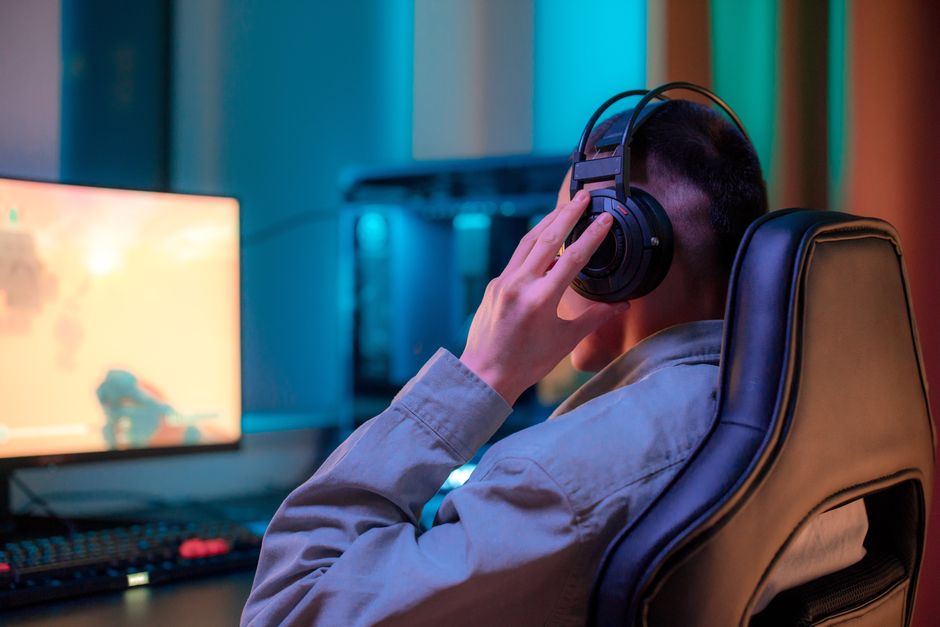
Common Causes of Audio Issues
The first thing you should check is your audio settings. It’s surprisingly easy to overlook the fact that not all gaming systems automatically detect your audio setup. For instance, if you’re using an HDMI connection but your console is set to output audio through optical out, you will experience no sound.
Always go into your audio settings and ensure the output source matches the connection type you are using.
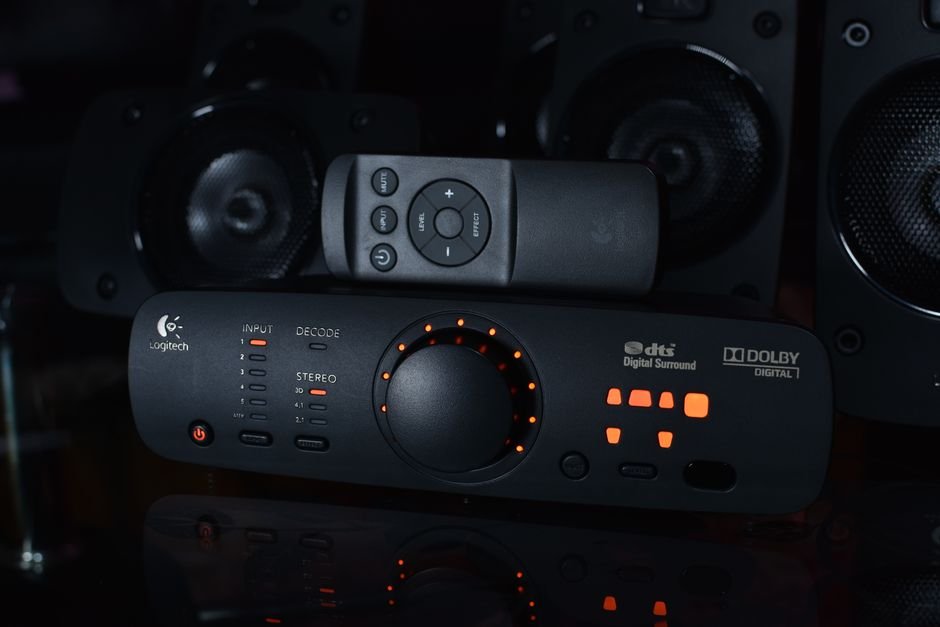
Another frequent culprit is the audio format your game is set to. Many consoles support various audio formats (like Dolby Digital, DTS, etc.), and if your receiver doesn’t support the format you’ve chosen, sound will drop out. Check if your console’s format settings can be adjusted or if your receiver can handle multi-channel audio formats.
Misalignment here can lead to silence during those epic boss battles!
Troubleshooting Home Theater Sound for Gaming
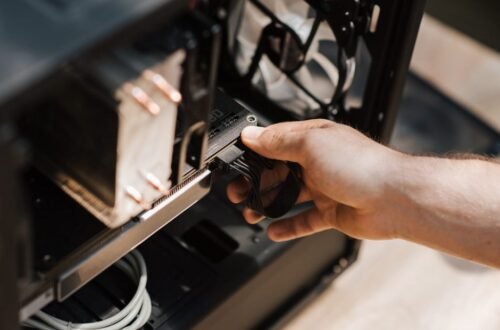
If audio settings seem correct but you’re still facing issues, it’s time to dig deeper. One of the first steps I recommend is to check your physical connections. Loose or damaged cables can cause disruptions in audio output; even a slightly loose HDMI connection can result in dropping sound. Disconnect and reconnect all your cables to ensure they’re snug.
If possible, test with a different cable to rule out the possibility of cable failure.
On top of that, consider performing a factory reset on your receiver. Many home theater systems come with complex configurations filled with various settings that might inadvertently cause conflict. Resetting your receiver can help restore it to factory defaults, resolving any weird configuration issues that could be causing the audio drop. Just remember, this means you’ll have to reconfigure your preferred settings afterward.
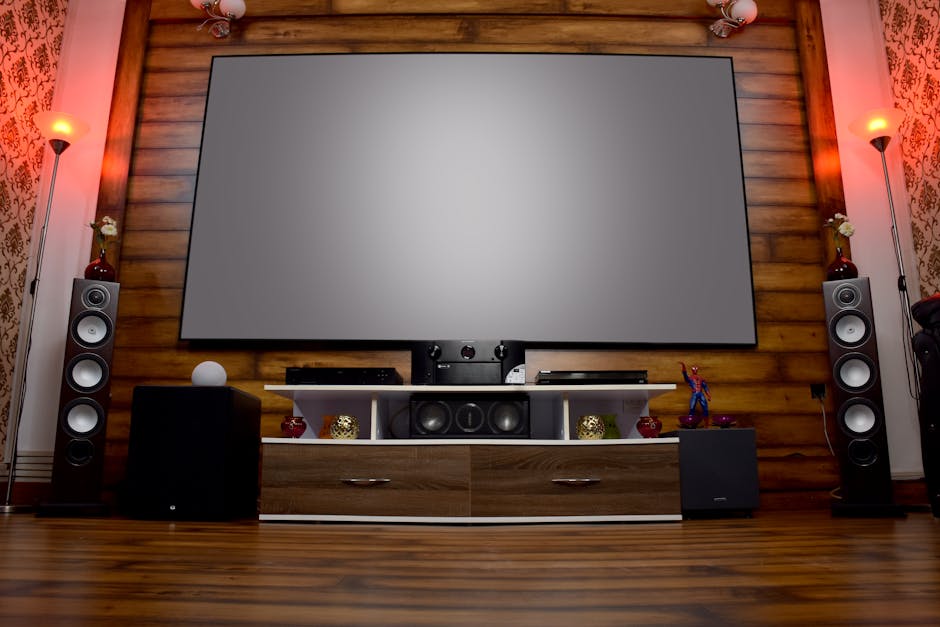
Wireless Connections: A Hidden Foe
In recent years, many gamers have switched to wireless audio options for the sake of convenience. However, using wireless connections can sometimes create lag or interference, particularly in densely populated areas where Wi-Fi signals compete for bandwidth. If you notice audio delays or interruptions during gaming, switching back to a wired connection may help eliminate the issue.
While it may take a bit more effort to set up, the trade-off in sound quality is often worth it.
Additionally, if your home theater system is part of a larger smart setup, it’s essential to ensure all devices are updated to their latest firmware. Many devices connected to a smart network can have compatibility issues or suffer performance problems if they aren’t regularly maintained.
A quick visit to the manufacturer’s website can show you available updates that may enhance compatibility with gaming devices.
When to Consult a Professional
If you’ve gone through troubleshooting and adjustments but still can’t get audio to work during gaming, it may be time to seek help. There could be an inherent issue with the hardware itself, whether that involves the gaming console or the audio system.
Checking online for support chat or contacting customer service for your devices can provide clarity, especially if you find that a specific configuration issue keeps arising.
Remember, tackling home theater audio issues can often feel like piecing together a puzzle. If you are still grappling with why your audio isn’t working, consulting someone who specializes in home theater setups can be a worthwhile investment. The peace of mind and knowledge gained may save you hours of frustration.
Recommended Next Steps
To enhance your gaming audio experience, ensure your equipment is compatible with the settings you use. A good idea is investing time in understanding the configurations of both your gaming consoles and your home theater system. Sometimes, it’s the simplest adjustments that can turn it all around.
For those serious about enhancing their audio setup while gaming, I recommend appropriately designing your home theater around your gaming needs. If you’re considering a new system entirely, I have a detailed guide on the best surround sound systems for gaming that you might find very helpful: 5 Best Surround Sound System for Gaming.
Frequently Asked Questions
Why does my home theater have no sound during gaming?
There could be several reasons for no sound during gaming, such as incorrect audio source settings or issues with the HDMI connection. Make sure your home theater is set to the right input source and that your gaming console or PC is properly connected.
How do I fix audio delay in my home theater system?
To fix audio delay, check your home theater system's audio syncing settings and adjust the delay settings if available. You can also try using a dedicated audio/video receiver that has options for correcting audio delay.
Can HDMI cause sound issues in gaming setups?
Yes, HDMI can cause sound issues in gaming setups due to factors like cable quality, compatibility, or incorrect settings. Ensure that you are using a high-quality HDMI cable and that your audio settings on both the gaming console and receiver are correctly configured.
What are the best sound settings for gaming?
The best sound settings for gaming typically involve using surround sound formats like Dolby Digital or DTS for immersive audio. Additionally, ensure that game mode is enabled on your home theater system and adjust the bass and treble levels according to your personal preference.
Is surround sound good for gaming?
Yes, surround sound is excellent for gaming as it enhances the immersive experience by providing directional audio cues, making it easier to locate sounds within the game environment. This can improve gameplay and situational awareness.